Graphy vs Microsoft Designer
When comparing Graphy vs Microsoft Designer, which AI Design tool shines brighter? We look at pricing, alternatives, upvotes, features, reviews, and more.
In a comparison between Graphy and Microsoft Designer, which one comes out on top?
When we put Graphy and Microsoft Designer side by side, both being AI-powered design tools, The upvote count favors Microsoft Designer, making it the clear winner. Microsoft Designer has garnered 10 upvotes, and Graphy has garnered 6 upvotes.
Think we got it wrong? Cast your vote and show us who's boss!
Graphy
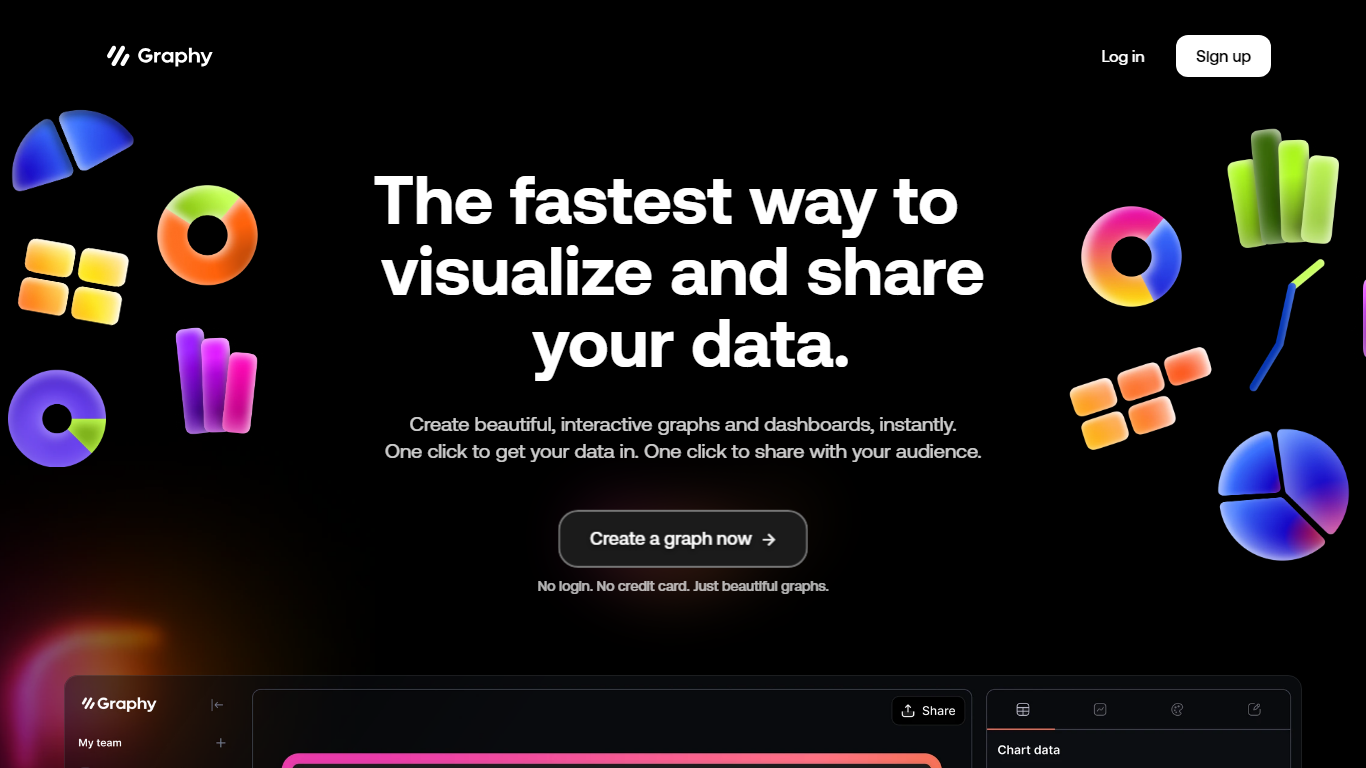

What is Graphy?
Discover the power of simplicity and efficiency with Graphy, the ultimate destination for quick data visualization and sharing. Whether you're working with graphs or dashboards, Graphy offers a seamless experience, enabling you to create stunning, interactive visuals in an instant. One-click integration streamlines your workflow, allowing you to import data easily and share your insights without any hassle. Trusted by over 20,000 users, this platform transforms the daunting task of data analysis into a straightforward and enjoyable process. Ideal for team collaboration, regular updates, ad-hoc questions, external reporting, and boosting audience engagement through compelling visual narratives. With no login or credit card requirements, Graphy stands out as the go-to tool for effortless and effective data storytelling.
Microsoft Designer
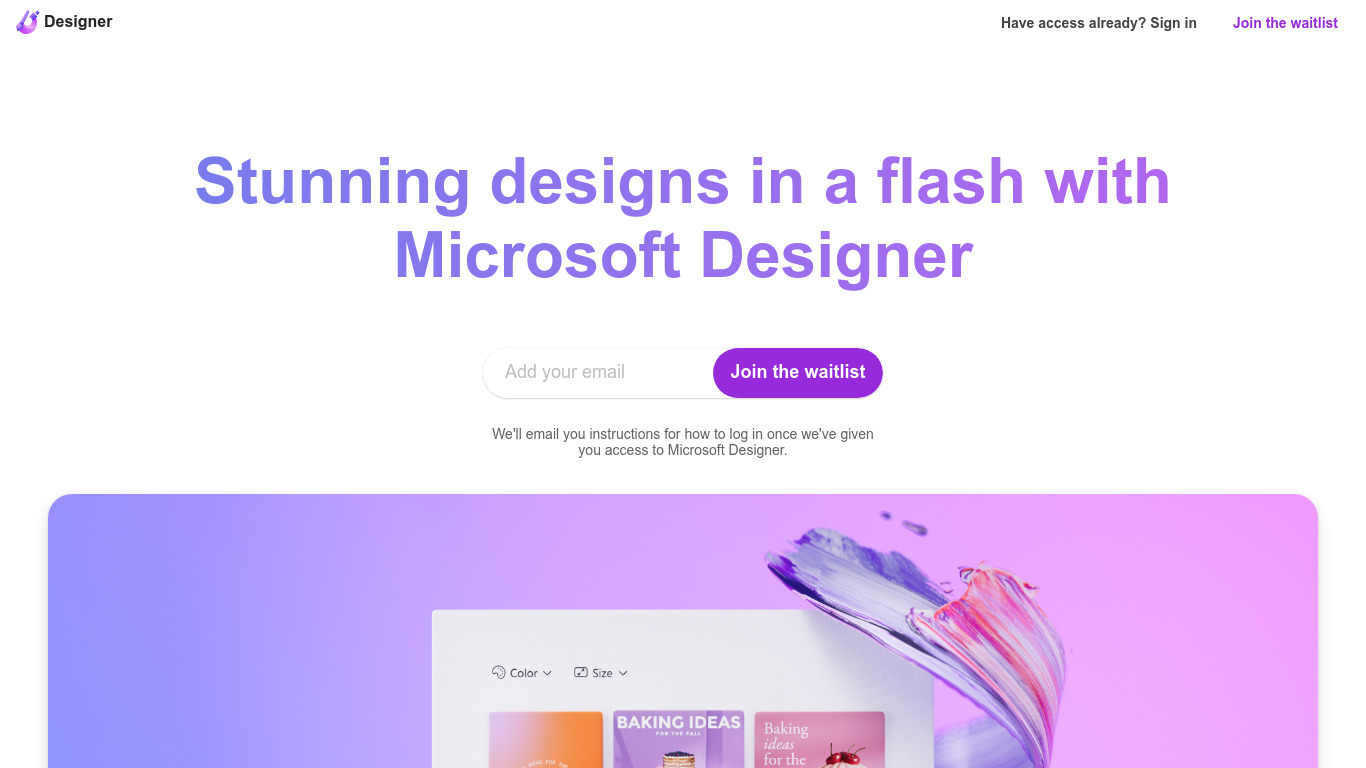
What is Microsoft Designer?
Unlock the power of professional graphic design with Microsoft Designer, an intuitive app perfect for anyone looking to elevate their visual content. In moments, transform your creative ideas into eye-catching social media posts, personalized invitations, engaging digital postcards, and striking graphics. Microsoft Designer simplifies the process, enabling you to produce unique and attention-grabbing designs that stand out. Built for ease-of-use, it caters to both novice and experienced designers, ensuring each project looks polished and professional. With Microsoft Designer, exceptional design is just a click away, allowing you to engage audiences effectively and quickly across various digital platforms.social media posts, invitations, digital postcards, graphics, and more.
Graphy Upvotes
Microsoft Designer Upvotes
Graphy Top Features
Instant Visualization: Create beautiful interactive graphs and dashboards instantly.
One-Click Data Integration: Import your data seamlessly with just one click.
Easy Sharing: Effortlessly share your insights with your audience at the click of a button.
No Login or Credit Card Required: Start creating beautiful graphs without any signup barriers.
Trusted by Thousands: Join a wide base of 20000+ users who trust Graphy for their data-driven needs.
Microsoft Designer Top Features
Ease of Use: User-friendly interface that simplifies the design process.
Professional Designs: Enables the creation of high-quality designs suitable for various digital platforms.
Social Media Integration: Perfect for crafting posts tailored to social media.
Customization Tools: Offers tools to personalize invitations and postcards for all occasions.
Speed and Efficiency: Designed to provide stunning designs swiftly
making the most of your time.
Graphy Category
- Design
Microsoft Designer Category
- Design
Graphy Pricing Type
- Freemium
Microsoft Designer Pricing Type
- Freemium