GRID vs Excelly-AI
In the contest of GRID vs Excelly-AI, which AI Excel tool is the champion? We evaluate pricing, alternatives, upvotes, features, reviews, and more.
If you had to choose between GRID and Excelly-AI, which one would you go for?
When we examine GRID and Excelly-AI, both of which are AI-enabled excel tools, what unique characteristics do we discover? The upvote count reveals a draw, with both tools earning the same number of upvotes. Your vote matters! Help us decide the winner among aitools.fyi users by casting your vote.
Feeling rebellious? Cast your vote and shake things up!
GRID

What is GRID?
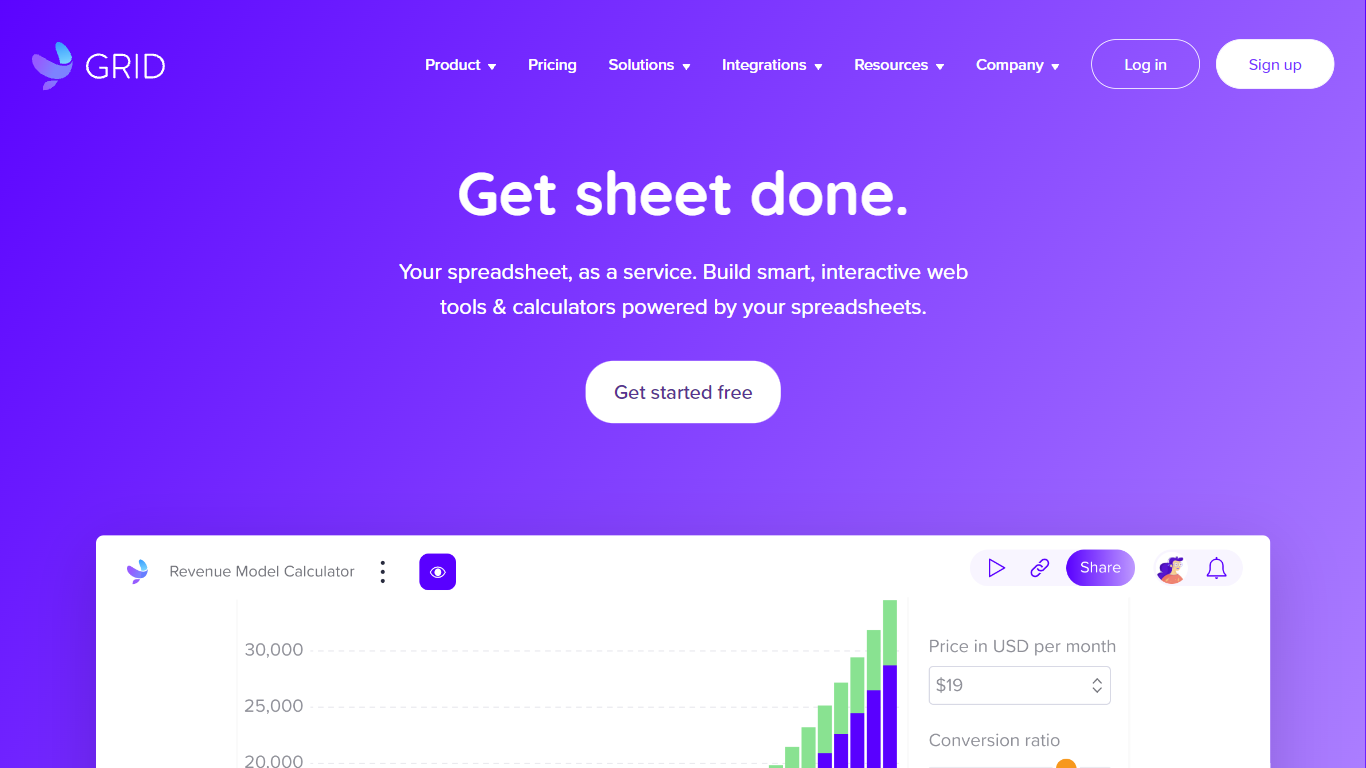
GRID is a spreadsheet engine built for agentic products. Developers install @grid-is/spreadsheet-engine from npm and embed Excel-compatible calculations directly in browsers, Node.js servers, or on-premise infrastructure. Agents call structured spreadsheet operations instead of generating code, which cuts token use and keeps recalculation deterministic.
The platform ships as a family of npm packages: a headless engine for logic, a themeable Spreadsheet Viewer for read-only display, a Spreadsheet Editor for in-product editing, and an Excel add-in for domain-specific skills inside Excel. GRID also publishes agent skills (npx skills add GRID-is/skills) so coding agents like Cursor and Claude Code can scaffold spreadsheet editors quickly.
GRID targets software teams that need spreadsheet reliability inside their own products. The engine runs nearly 200,000 automated unit tests and supports real-world Excel and Google Sheets compatibility. Major investment banks and a leading LLM provider use GRID as core spreadsheet infrastructure.
Founded in 2018 in Reykjavik, Iceland, GRID also offers Calculator Studio for interactive calculators built on spreadsheet models. Evaluation licenses are free for development and testing; commercial licenses are required when shipping to customers.
Excelly-AI

What is Excelly-AI?
Excelly-AI is the premier tool for transforming plain text into powerful Excel and Google Sheets formulas right within your browser or via Slack. Our cutting-edge technology allows users to generate or explain complex formulas effortlessly, catering both to Excel and VBA as well as Google Sheets users. With the unique *.xlsx file upload feature, Excelly-AI elevates your productivity by allowing you to craft customized prompts based on your spreadsheet's column schema, providing precise and context-aware formula generation. Excel enthusiasts can also convert formulas between Excel and Google Sheets instantly. Additionally, Excelly-AI integrates seamlessly with Slack, empowering teams of any size to streamline their spreadsheet-related tasks company-wide. Whether a beginner or a power user, start with 5 free formulas per month and witness the transformation of text to formulas without endlessly Googling.
GRID Upvotes
Excelly-AI Upvotes
GRID Top Features
Headless TypeScript engine (
@grid-is/spreadsheet-engine) runs in browser, Node.js, or your own serversAgents read, write, and recalculate spreadsheets through structured calls instead of generated code
Spreadsheet Viewer and Editor npm packages render themeable UI inside your product without a backend
Excel add-in runs domain skills with the engine so models never corrupt the underlying workbook
Nearly 200,000 automated unit tests back Excel and Google Sheets compatibility
Excelly-AI Top Features
Generate Formulas: Support for both Excel and Google Sheets with explanations for every generated formula.
Upload .xlsx Files: Generate formulas based on your own spreadsheets with meaningful prompts.
Explain Formulas: Excelly-AI can simplify and explain complex formulas for easy understanding.
Generate VBA: Instantly create any VBA formula you need.
Transform Formulas: Easily convert formulas between Excel and Google Sheets formats.
GRID Category
- Excel
Excelly-AI Category
- Excel
GRID Pricing Type
- Freemium
Excelly-AI Pricing Type
- Freemium