GRID vs Formula Bot
In the contest of GRID vs Formula Bot, which AI Excel tool is the champion? We evaluate pricing, alternatives, upvotes, features, reviews, and more.
If you had to choose between GRID and Formula Bot, which one would you go for?
When we examine GRID and Formula Bot, both of which are AI-enabled excel tools, what unique characteristics do we discover? With more upvotes, Formula Bot is the preferred choice. Formula Bot has 9 upvotes, and GRID has 6 upvotes.
Does the result make you go "hmm"? Cast your vote and turn that frown upside down!
GRID
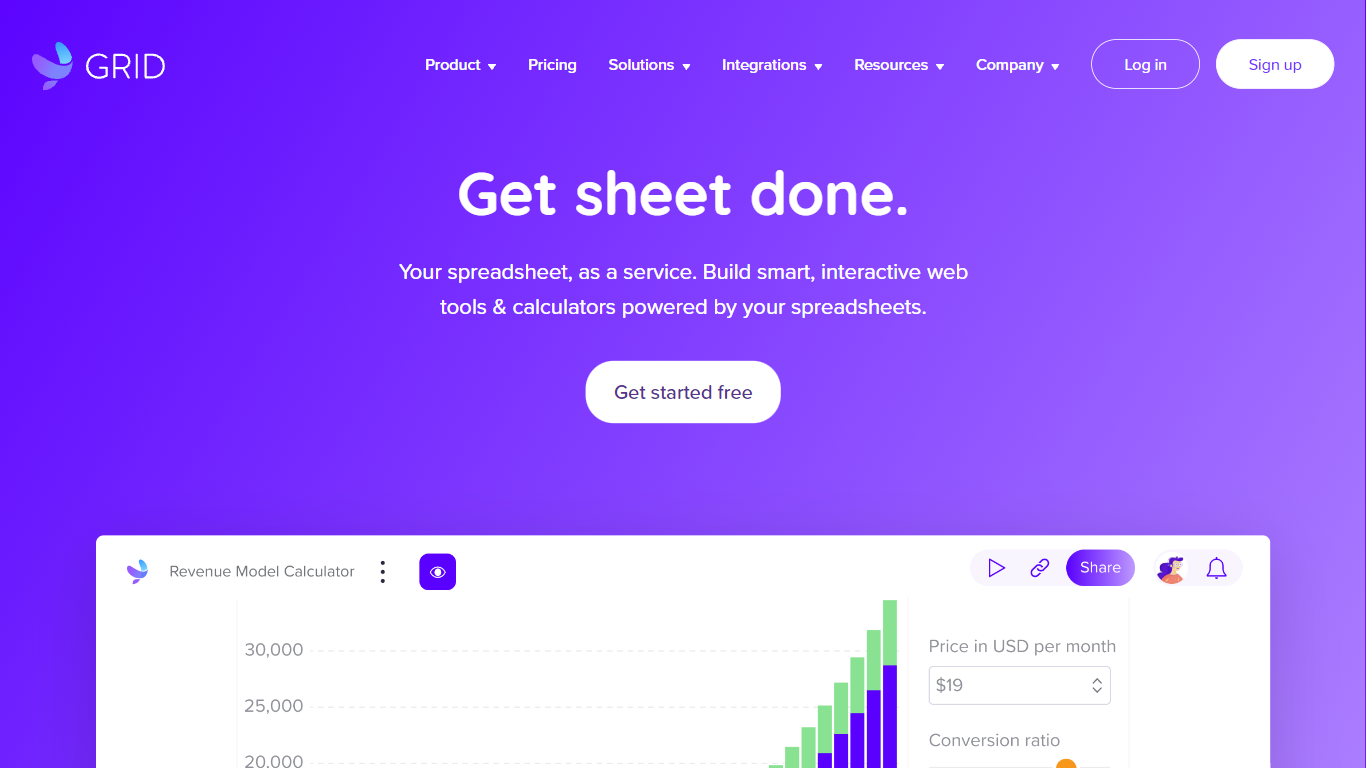

What is GRID?
GRID is a spreadsheet engine for developers embedding Excel-grade calculations and sheet UI inside their own products. Install @grid-is/spreadsheet-engine from npm and run recalculation in the browser, on Node.js, on-device, or on your own infrastructure. The companion @grid-is/agent-tools package exposes 27 MCP-ready tools so agents load .xlsx files, trace precedents, edit cells, and goal-seek without writing Python each time.
Generic spreadsheet libraries leave you wiring cell reads by hand, and agents that generate openpyxl scripts burn tokens while guessing at formula dependencies. GRID pairs a deterministic recalculation core with structured tool calls, which is why its agent setup scored 91.25% on SpreadsheetBench's expert-verified 400 tasks while a code-generation approach on the same goal-seek demo needed 3,240 tokens versus 86.
Software teams building SaaS dashboards, Excel add-ins, or LLM products use GRID's headless engine plus optional Spreadsheet Viewer and Editor React components when humans need a familiar sheet surface. Customers cited on grid.is include major investment banks and a leading LLM provider. Every npm package ships with a free evaluation license; commercial licenses apply when you ship to customers.
Formula Bot
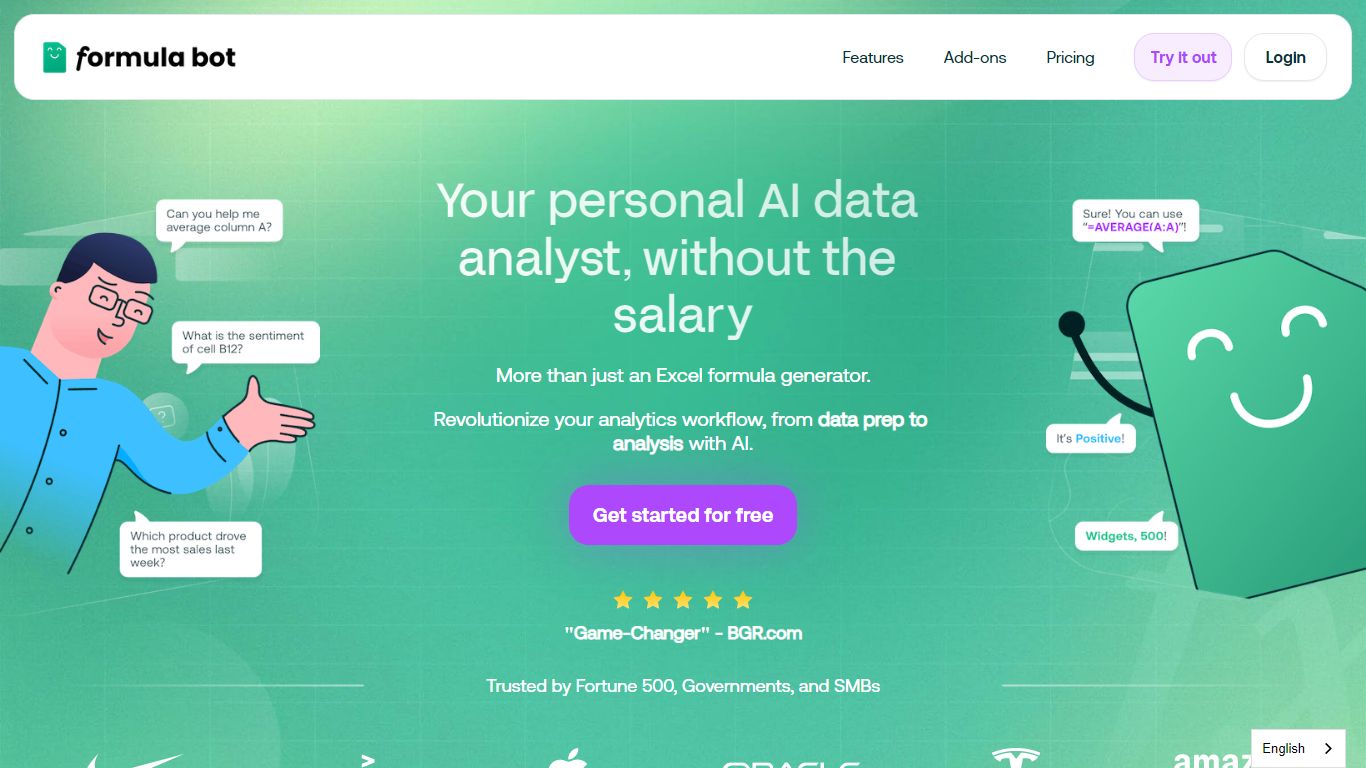
What is Formula Bot?
Formula Bot is an Excel and data analytics workspace where you upload spreadsheets or connect databases, then ask questions in plain English to get formulas, charts, cleaned tables, and written insights back in one chat. It handles .xlsx, .csv, and connected sources without requiring Excel plugins or VBA macros.
Most Excel AI helpers stop at formula syntax. Formula Bot also reshapes messy datasets, runs sentiment analysis on text columns, generates dashboards from templates, and shows the Python, SQL, or R code behind each answer so you can verify or export it. That mix targets analysts who want speed without hiding the logic.
Operations teams, BI analysts, and spreadsheet-heavy small businesses are the audience named in site testimonials. The free tier lets you try real questions with no credit card, while paid plans add premium models, scheduled reports, and shared workspaces.
GRID Upvotes
Formula Bot Upvotes
GRID Top Features
@grid-is/agent-toolsships 27 tools for load, audit, edit, goal-seek, and MCP stdio servingHomepage benchmark demo reports 1.5s and 86 tokens with GRID versus 11.0s and 3,240 tokens without on the same goal-seek task
Scored 91.25% on SpreadsheetBench expert-verified 400 with Claude Sonnet and GRID agent tools
Headless TypeScript engine runs in browser, Node.js, on-device, or private cloud with no Excel install
Nearly 200,000 automated unit tests back Excel and Google Sheets formula compatibility
npm packages cover spreadsheet-engine, spreadsheet-viewer, spreadsheet-editor, and agent-tools
Formula Bot Top Features
Excel AI page generates formulas from plain-English prompts and explains existing formulas in your sheet
Upload .xlsx, .xls, or .csv files or paste data from Excel and Google Sheets with no plugin install
Starter plan at $18 per month includes 250 chat messages and 2,500 AI Actions per month
MAX plan at $29 per month adds unlimited chat messages and 5,000 AI Actions per user
AI dashboard generator builds interactive dashboards from templates with scheduled data refreshes
Shows generated Python, SQL, and R code for every analysis request for verification and export
Connects databases, warehouses, and cloud files with row-level security on Enterprise plans
GRID Category
- Excel
Formula Bot Category
- Excel
GRID Pricing Type
- Freemium
Formula Bot Pricing Type
- Freemium