Guidemaker vs AudioNotes.ai
In the clash of Guidemaker vs AudioNotes.ai, which AI Productivity tool emerges victorious? We assess reviews, pricing, alternatives, features, upvotes, and more.
If you had to choose between Guidemaker and AudioNotes.ai, which one would you go for?
Let's take a closer look at Guidemaker and AudioNotes.ai, both of which are AI-driven productivity tools, and see what sets them apart. The upvote count shows a clear preference for AudioNotes.ai. AudioNotes.ai has garnered 9 upvotes, and Guidemaker has garnered 6 upvotes.
Not your cup of tea? Upvote your preferred tool and stir things up!
Guidemaker
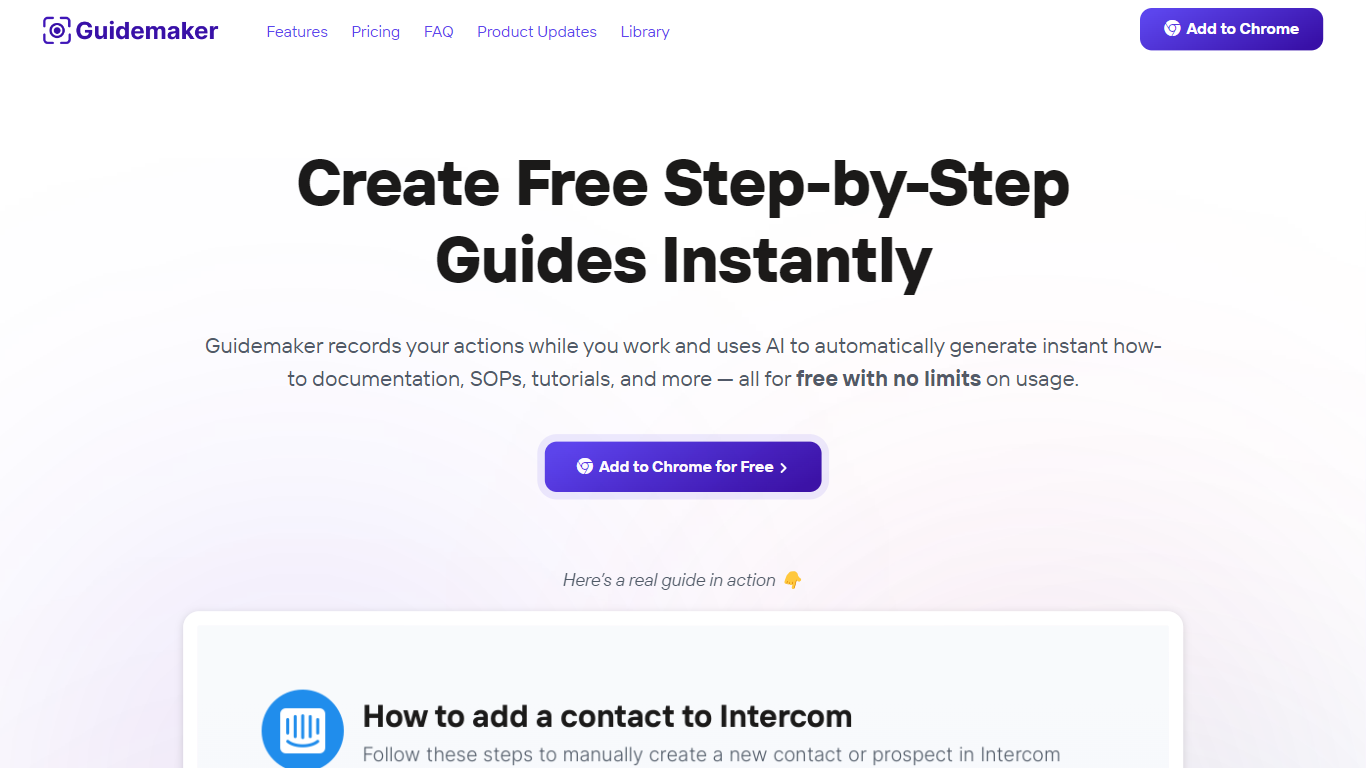

What is Guidemaker?
Guidemaker is a productivity Chrome extension that records your clicks while you work and turns the session into step-by-step how-to guides, SOPs, and tutorials. Its AI drafts the written steps and screenshots, then outputs web, video, and slide versions from the same capture.
Compared with manual screenshot tools, Guidemaker runs in the background so you do not stop to document each click. The homepage demo claims all three guide formats are generated in 25 seconds, and paid tiers add PDF, HTML, markdown, and video exports plus team workspaces.
Customer success teams, onboarding managers, and internal ops leads who need repeatable process docs are the core users. The free Basic plan caps you at 10 guides, while Plus and Team seats unlock unlimited guides, branding controls, and shared workspaces.
AudioNotes.ai
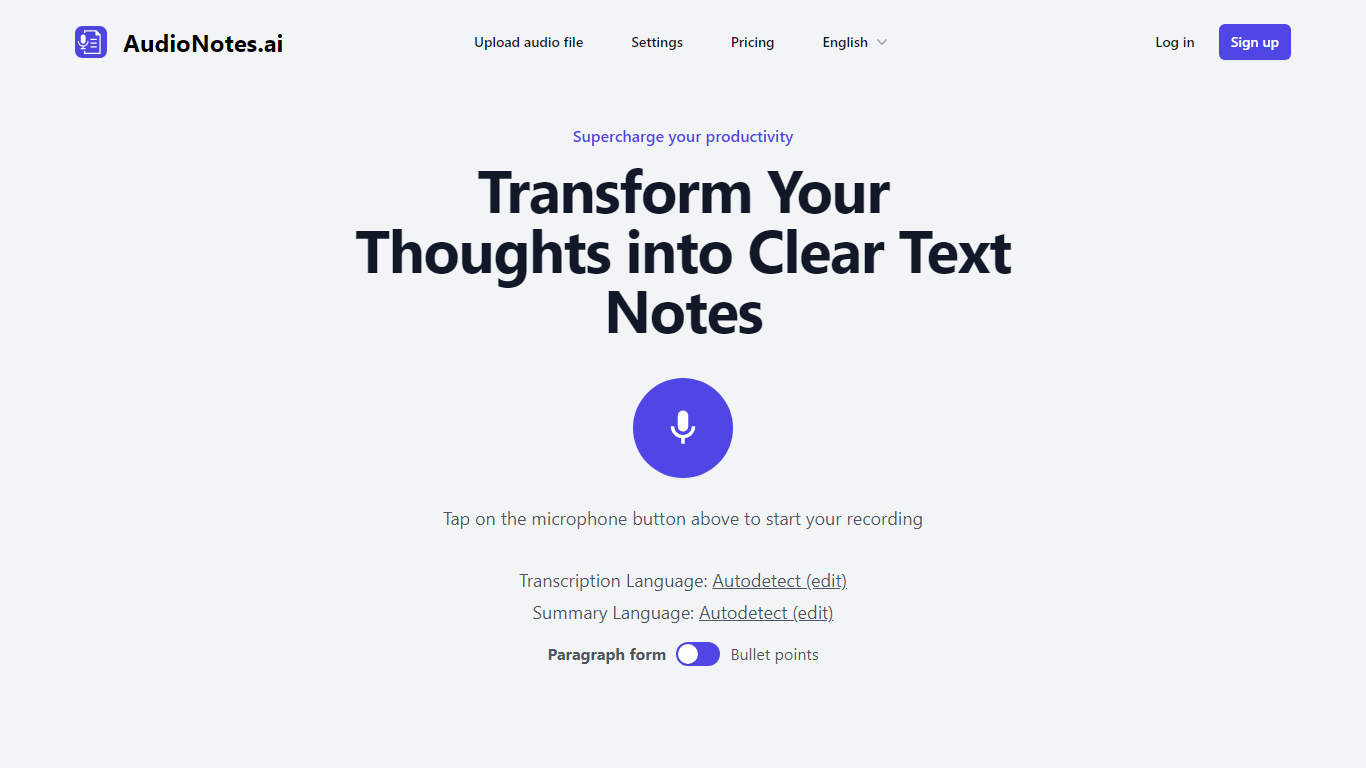
What is AudioNotes.ai?
AudioNotes.ai turns spoken audio into clean, organized text. Tap record, upload an audio file, or type a note, and it hands back a transcript plus a structured summary you can actually use. It handles more than 40 languages and can autodetect the one you are speaking. The tool is built for people who think out loud and want the result in writing without transcribing by hand.
What separates it from a plain dictation app is the output. Instead of dumping raw transcription, AudioNotes.ai summarizes and restructures what you said, and it can return that summary in a different language from the recording. So you can ramble in Spanish and get tidy English notes, or the reverse, across a long list of supported languages.
It fits students capturing lectures, professionals turning meeting audio into minutes, and creators drafting by voice. There is an Android app on Google Play for recording on the move, and it otherwise runs in the browser. The promise is simple: talk instead of type and get organized notes back, which is where the productivity gain comes from.
Guidemaker Upvotes
AudioNotes.ai Upvotes
Guidemaker Top Features
Chrome extension records browser workflows and drafts AI-written step lists
Generates web, video, and slideshow guide formats from one capture
Basic plan is free with a 10-guide limit and link sharing
Plus plan at $10 per seat per month adds PDF, HTML, markdown, and video export
Team plan includes 5 editor seats and 10 viewer seats on annual billing
4.7-star rating listed on the Guidemaker Chrome Web Store page
Embeds into knowledge bases such as Tettra through share links
AudioNotes.ai Top Features
3 ways to start a note: record live audio, upload an audio file, or type text
Turns a long recording into a clean transcript and a structured summary
Generates summaries in more than 40 languages with automatic language detection
Choose the output language, so you can speak one language and read notes in another
Android app on Google Play for capturing notes away from your desk
Guidemaker Category
- Productivity
AudioNotes.ai Category
- Productivity
Guidemaker Pricing Type
- Freemium
AudioNotes.ai Pricing Type
- Freemium