FlowSavvy vs AudioNotes.ai
In the clash of FlowSavvy vs AudioNotes.ai, which AI Productivity tool emerges victorious? We assess reviews, pricing, alternatives, features, upvotes, and more.
When we put FlowSavvy and AudioNotes.ai head to head, which one emerges as the victor?
Let's take a closer look at FlowSavvy and AudioNotes.ai, both of which are AI-driven productivity tools, and see what sets them apart. With more upvotes, AudioNotes.ai is the preferred choice. AudioNotes.ai has been upvoted 9 times by aitools.fyi users, and FlowSavvy has been upvoted 6 times.
You don't agree with the result? Cast your vote to help us decide!
FlowSavvy
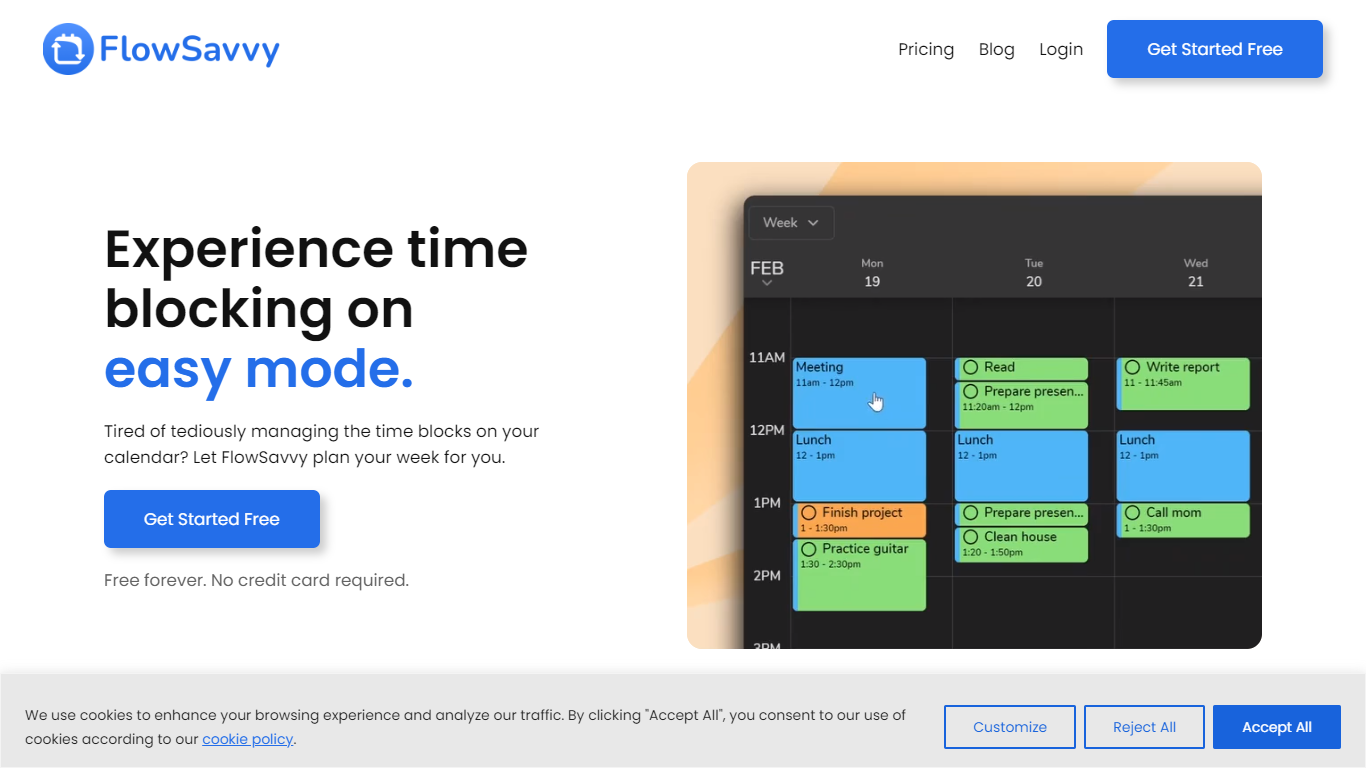

What is FlowSavvy ?
FlowSavvy offers a fresh take on time management by automating time blocking and task scheduling to reduce stress and manual effort. It acts like a digital assistant that creates weekly plans and adjusts them automatically when your schedule changes, so you don’t have to constantly rearrange tasks yourself. The platform supports habit building by letting you set recurring tasks that fit your lifestyle and work hours, helping you maintain a healthy work-life balance. It integrates smoothly with popular calendars like Google, iCloud, and Outlook, keeping all your appointments and tasks in one place. The interface is clean and easy to use, with color-coded tasks that give you a quick view of your workload. FlowSavvy is accessible on all devices and lets you start for free without needing a credit card. This makes it a practical tool for anyone looking to organize their time more effectively without the hassle of manual scheduling. Whether you’re a busy professional, a student, or managing a household, FlowSavvy adapts to your needs and helps you stay on track effortlessly.
AudioNotes.ai
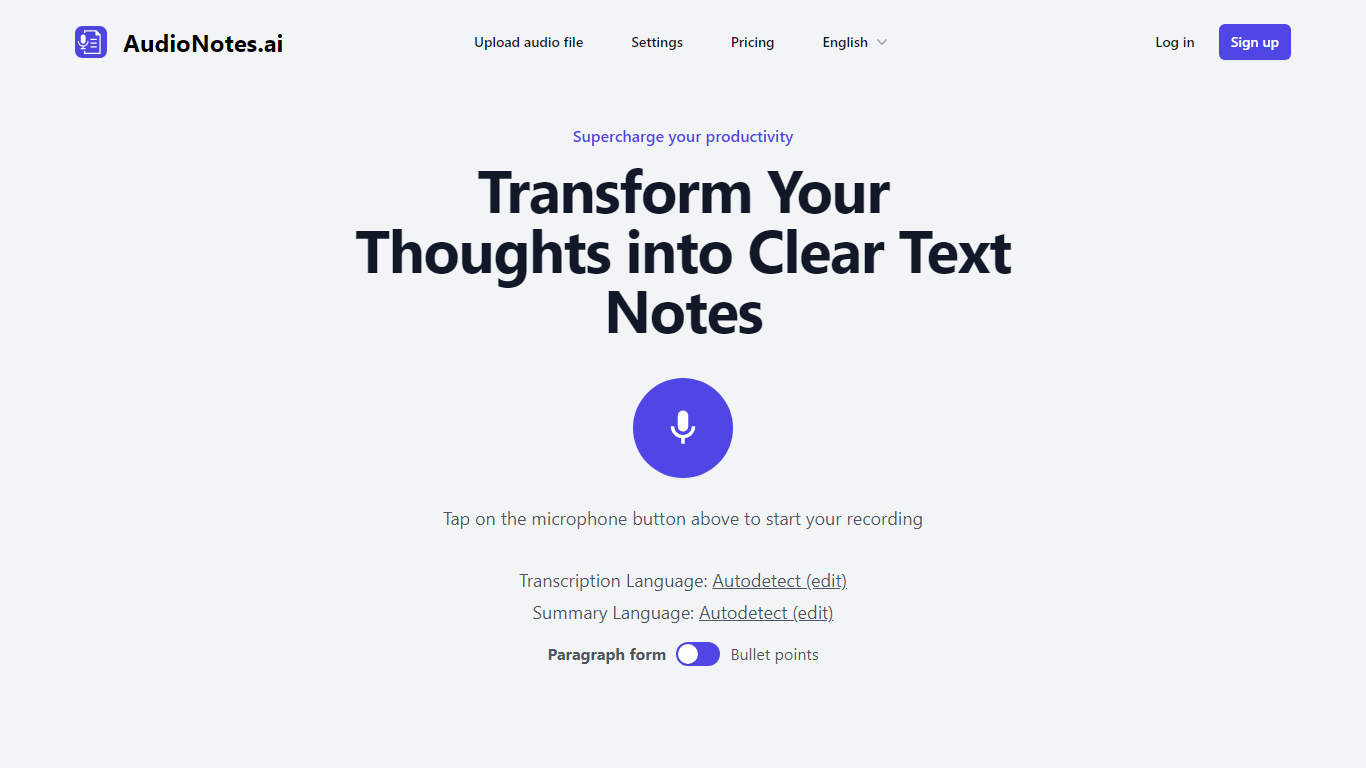
What is AudioNotes.ai?
AudioNotes.ai turns spoken audio into clean, organized text. Tap record, upload an audio file, or type a note, and it hands back a transcript plus a structured summary you can actually use. It handles more than 40 languages and can autodetect the one you are speaking. The tool is built for people who think out loud and want the result in writing without transcribing by hand.
What separates it from a plain dictation app is the output. Instead of dumping raw transcription, AudioNotes.ai summarizes and restructures what you said, and it can return that summary in a different language from the recording. So you can ramble in Spanish and get tidy English notes, or the reverse, across a long list of supported languages.
It fits students capturing lectures, professionals turning meeting audio into minutes, and creators drafting by voice. There is an Android app on Google Play for recording on the move, and it otherwise runs in the browser. The promise is simple: talk instead of type and get organized notes back, which is where the productivity gain comes from.
FlowSavvy Upvotes
AudioNotes.ai Upvotes
FlowSavvy Top Features
🗓️ Automatic weekly planning that adjusts as your schedule changes
🔄 Smart recurring tasks to build and maintain good habits
📅 Syncs with Google, iCloud, and Outlook calendars for unified scheduling
🎨 Color-coded tasks for quick workload visualization
📱 Available on all devices with no credit card required to start
AudioNotes.ai Top Features
3 ways to start a note: record live audio, upload an audio file, or type text
Turns a long recording into a clean transcript and a structured summary
Generates summaries in more than 40 languages with automatic language detection
Choose the output language, so you can speak one language and read notes in another
Android app on Google Play for capturing notes away from your desk
FlowSavvy Category
- Productivity
AudioNotes.ai Category
- Productivity
FlowSavvy Pricing Type
- Freemium
AudioNotes.ai Pricing Type
- Freemium