Hyper Notepad vs AudioNotes.ai
Dive into the comparison of Hyper Notepad vs AudioNotes.ai and discover which AI Productivity tool stands out. We examine alternatives, upvotes, features, reviews, pricing, and beyond.
When comparing Hyper Notepad and AudioNotes.ai, which one rises above the other?
When we compare Hyper Notepad and AudioNotes.ai, two exceptional productivity tools powered by artificial intelligence, and place them side by side, several key similarities and differences come to light. The upvote count favors AudioNotes.ai, making it the clear winner. AudioNotes.ai has been upvoted 9 times by aitools.fyi users, and Hyper Notepad has been upvoted 6 times.
Does the result make you go "hmm"? Cast your vote and turn that frown upside down!
Hyper Notepad


What is Hyper Notepad?
Hyper Notepad is a browser-based productivity notepad for writing, saving, and sharing notes without installing software. You open the page, start typing, and get a unique link to share the note with anyone. Notes are encrypted at rest, autosave as you type, and work on desktop or mobile browsers.
Unlike Google Docs or Notion, Hyper Notepad stays intentionally lightweight. There are no workspaces, databases, or collaboration threads. You trade team features for zero-friction sharing, optional password locks, and auto-expiring notes that delete themselves after a set time.
It suits students, freelancers, and teams who need a quick scratchpad or a shareable doc without accounts. Writers who want rich text, code blocks, and optional Premium extras like tables, image embeds, and custom themes can upgrade when the free tier is not enough.
AudioNotes.ai
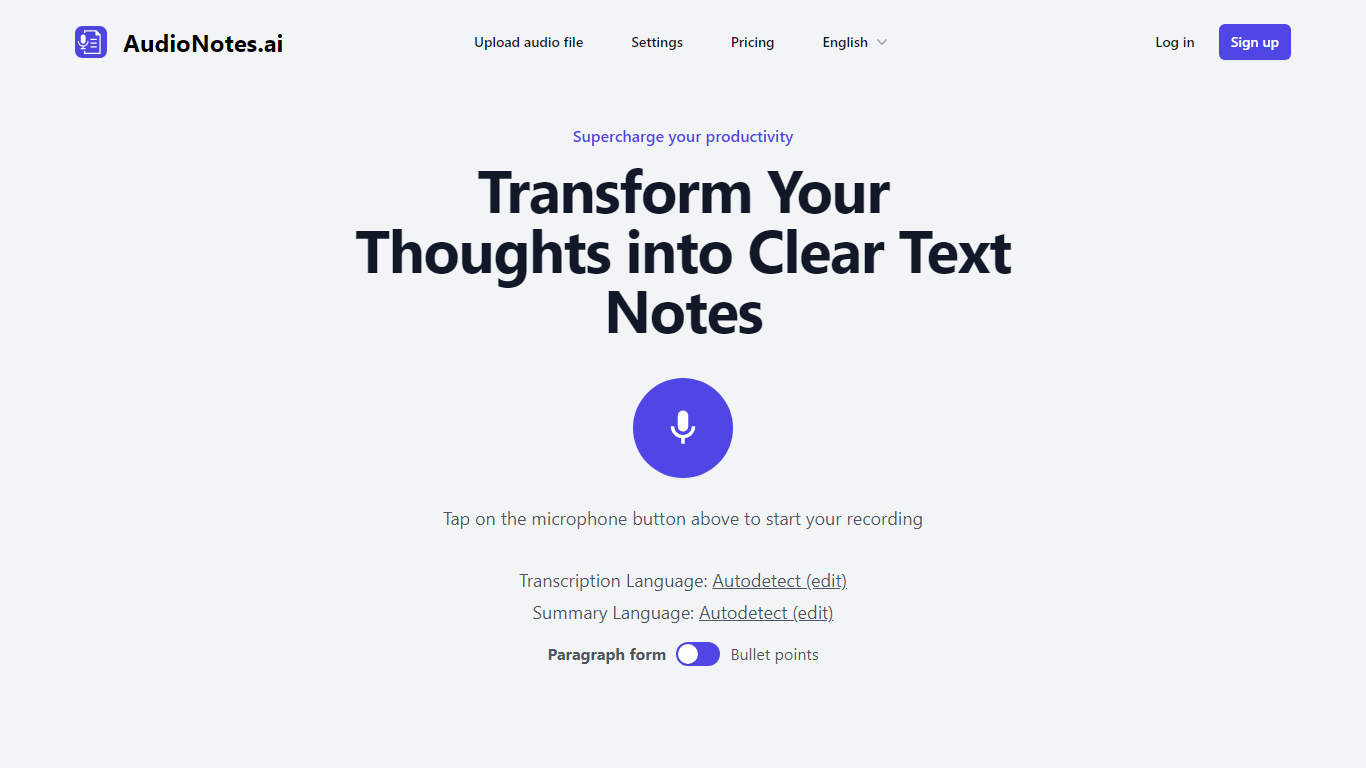
What is AudioNotes.ai?
AudioNotes.ai turns spoken audio into clean, organized text. Tap record, upload an audio file, or type a note, and it hands back a transcript plus a structured summary you can actually use. It handles more than 40 languages and can autodetect the one you are speaking. The tool is built for people who think out loud and want the result in writing without transcribing by hand.
What separates it from a plain dictation app is the output. Instead of dumping raw transcription, AudioNotes.ai summarizes and restructures what you said, and it can return that summary in a different language from the recording. So you can ramble in Spanish and get tidy English notes, or the reverse, across a long list of supported languages.
It fits students capturing lectures, professionals turning meeting audio into minutes, and creators drafting by voice. There is an Android app on Google Play for recording on the move, and it otherwise runs in the browser. The promise is simple: talk instead of type and get organized notes back, which is where the productivity gain comes from.
Hyper Notepad Upvotes
AudioNotes.ai Upvotes
Hyper Notepad Top Features
Create and share unlimited notes with unique links, no account required
Notes encrypt at rest with optional password protection and auto-expiry timers
Premium adds image uploads, tables, live inline math, and custom themes from $3.99 per month
Rich text editor with code blocks, autosave, and download or print support
Light and dark mode with cross-device access when you sign in
AudioNotes.ai Top Features
3 ways to start a note: record live audio, upload an audio file, or type text
Turns a long recording into a clean transcript and a structured summary
Generates summaries in more than 40 languages with automatic language detection
Choose the output language, so you can speak one language and read notes in another
Android app on Google Play for capturing notes away from your desk
Hyper Notepad Category
- Productivity
AudioNotes.ai Category
- Productivity
Hyper Notepad Pricing Type
- Freemium
AudioNotes.ai Pricing Type
- Freemium