HelpMoji vs Booom AI
In the contest of HelpMoji vs Booom AI , which AI Gaming tool is the champion? We evaluate pricing, alternatives, upvotes, features, reviews, and more.
If you had to choose between HelpMoji and Booom AI , which one would you go for?
When we examine HelpMoji and Booom AI , both of which are AI-enabled gaming tools, what unique characteristics do we discover? The upvote count reveals a draw, with both tools earning the same number of upvotes. The power is in your hands! Cast your vote and have a say in deciding the winner.
Don't agree with the result? Cast your vote and be a part of the decision-making process!
HelpMoji
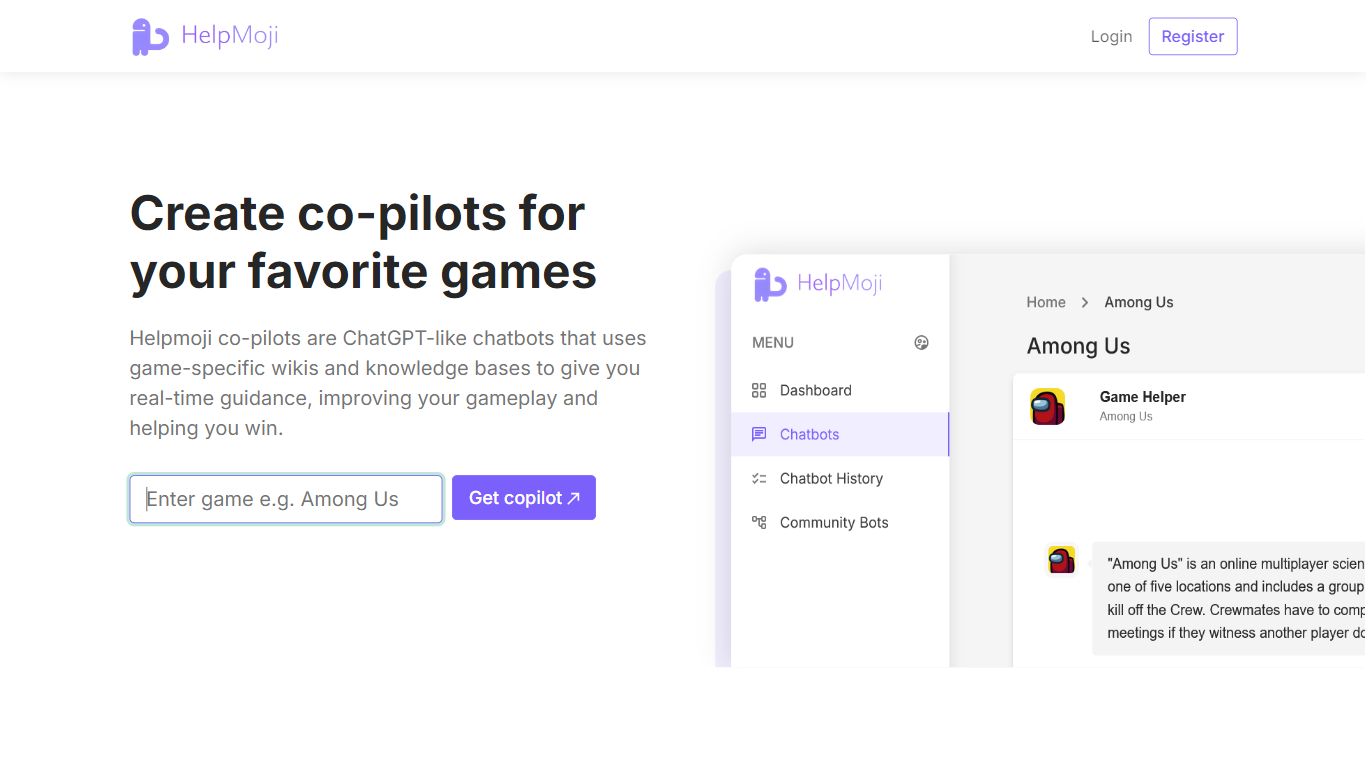

What is HelpMoji?
HelpMoji walks you through fixing glitchy mobile and web apps when error messages or frozen screens block your day. Search for the app that misbehaves, run HelpMoji diagnostics, and follow plain step-by-step instructions instead of digging through forums. The site covers Android, iPhone, and web software with quick example resolutions such as Netflix in 8 seconds or X in 18 seconds on the homepage.
The workflow stays simple on purpose. Step one identifies which app is failing and runs search plus diagnostic tooling to pinpoint the error. Step two delivers immediate instructions written for non-technical users, and step three gets you back into the app without reinstall loops or guesswork.
HelpMoji claims more than 192 million software errors resolved across its catalog. Categories split by platform with dedicated Android, iPhone, and web sections plus recently checked apps in the navigation. Popular lookups include Roblox, YouTube, Facebook, Gmail, and Netflix from the homepage quick picks.
Everyday phone and computer users who hit random app crashes fit the audience, along with support teams that route tricky software questions to a searchable fix database. A contact form on helpmoji.com handles feedback when a listed solution does not clear the issue.
Booom AI
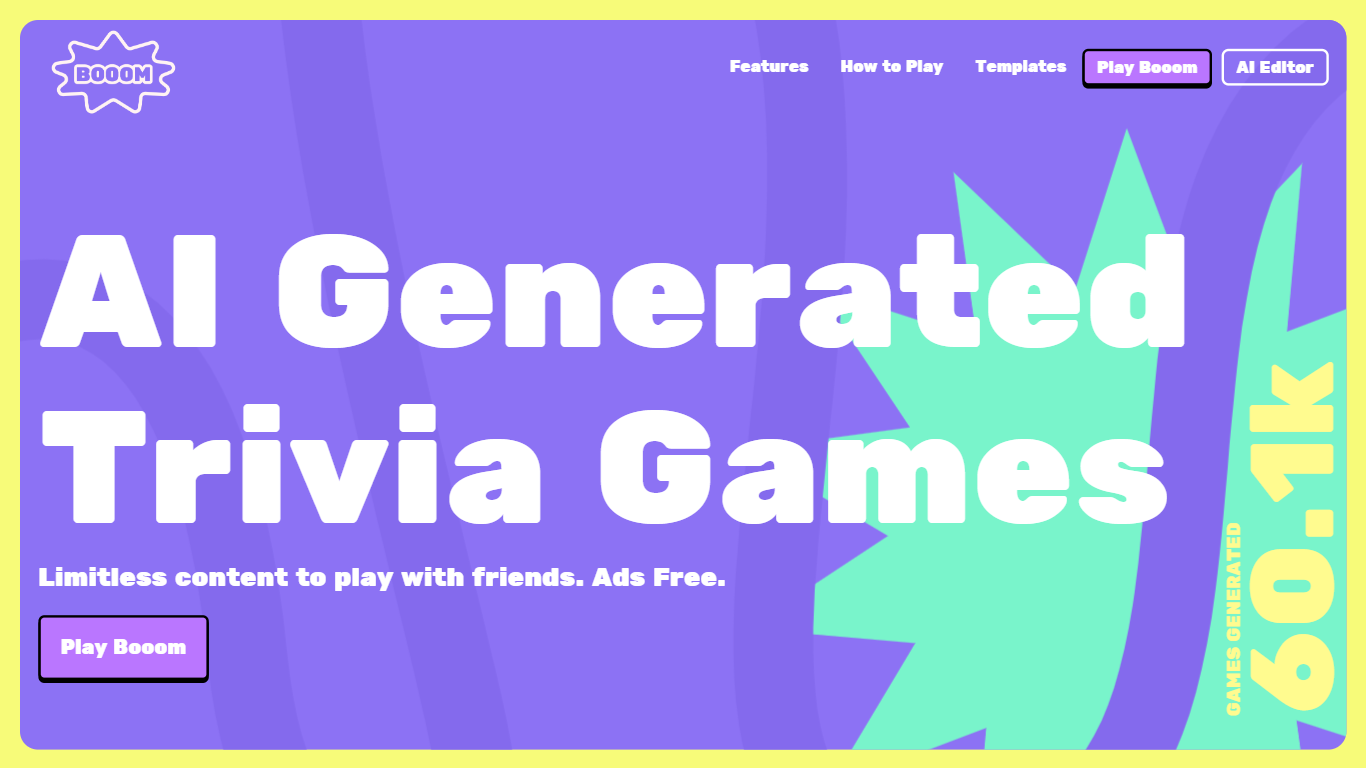
What is Booom AI ?
Booom is an interactive platform that turns the classic trivia game experience into something truly dynamic with the help of AI. Engage in battle with your friends, colleagues, and family to see who possesses the most knowledge. One of the key highlights of Booom is the AI Generated Trivia Games feature, which offers limitless content, allowing you to play an array of trivia games completely ad-free. The convenience of multiplayer capacity lets you invite up to 8 friends to join the fun by simply sharing a QR code.
Additionally, the platform includes a Beta AI Editor, enabling you to generate and customize your own trivia games using AI assistance. Get creative by uploading animated stickers with GIF support or set the tone by including a 5-second video as your game background, enhancing the visual appeal. The platform ensures competitiveness with a built-in leaderboard and amplifies the fun by allowing you to stream the game screen for collective play.
Booom also offers tutorials to assist new players in understanding how to play the games, ensuring that everyone can jump in without confusion. To further inspire creativity, Booom provides templates such as Anime Trivia, Creator Challenge, Guess the Count, and Truth And Lie, which can be remixed to create new gaming experiences. The platform leverages the robust Playroom suite for creation and fosters a community through creator partnerships, maintaining a presence on social networks like Discord and Twitter.
HelpMoji Upvotes
Booom AI Upvotes
HelpMoji Top Features
Search and diagnose errors for Android, iPhone, and web apps
Step-by-step fix instructions aimed at non-technical users
192 million plus software errors resolved per HelpMoji stats
Example fixes listed at 8 seconds for Netflix and 18 seconds for X
Platform categories for Android, iPhone, and web troubleshooting
Quick picks for popular apps including Roblox, YouTube, and Gmail
Booom AI Top Features
AI Generated Trivia Games: Enjoy limitless trivia content with friends completely ad-free.
Multiplayer: Invite up to 8 friends to play together by sharing a QR code.
AI Editor: Use the Beta AI Editor to generate and customize your own trivia games.
Interactive Elements: Enhance your games with GIFs and video backgrounds and utilize the built-in leaderboard to keep things competitive.
Social Play: Stream your game screen to enable collective gameplay and use the various templates to inspire new trivia challenges.
HelpMoji Category
- Gaming
Booom AI Category
- Gaming
HelpMoji Pricing Type
- Free
Booom AI Pricing Type
- Freemium