Hex vs CalcGen AI
When comparing Hex vs CalcGen AI, which AI Analytics tool shines brighter? We look at pricing, alternatives, upvotes, features, reviews, and more.
In a comparison between Hex and CalcGen AI, which one comes out on top?
When we put Hex and CalcGen AI side by side, both being AI-powered analytics tools, The upvote count is neck and neck for both Hex and CalcGen AI. The power is in your hands! Cast your vote and have a say in deciding the winner.
Feeling rebellious? Cast your vote and shake things up!
Hex

What is Hex?
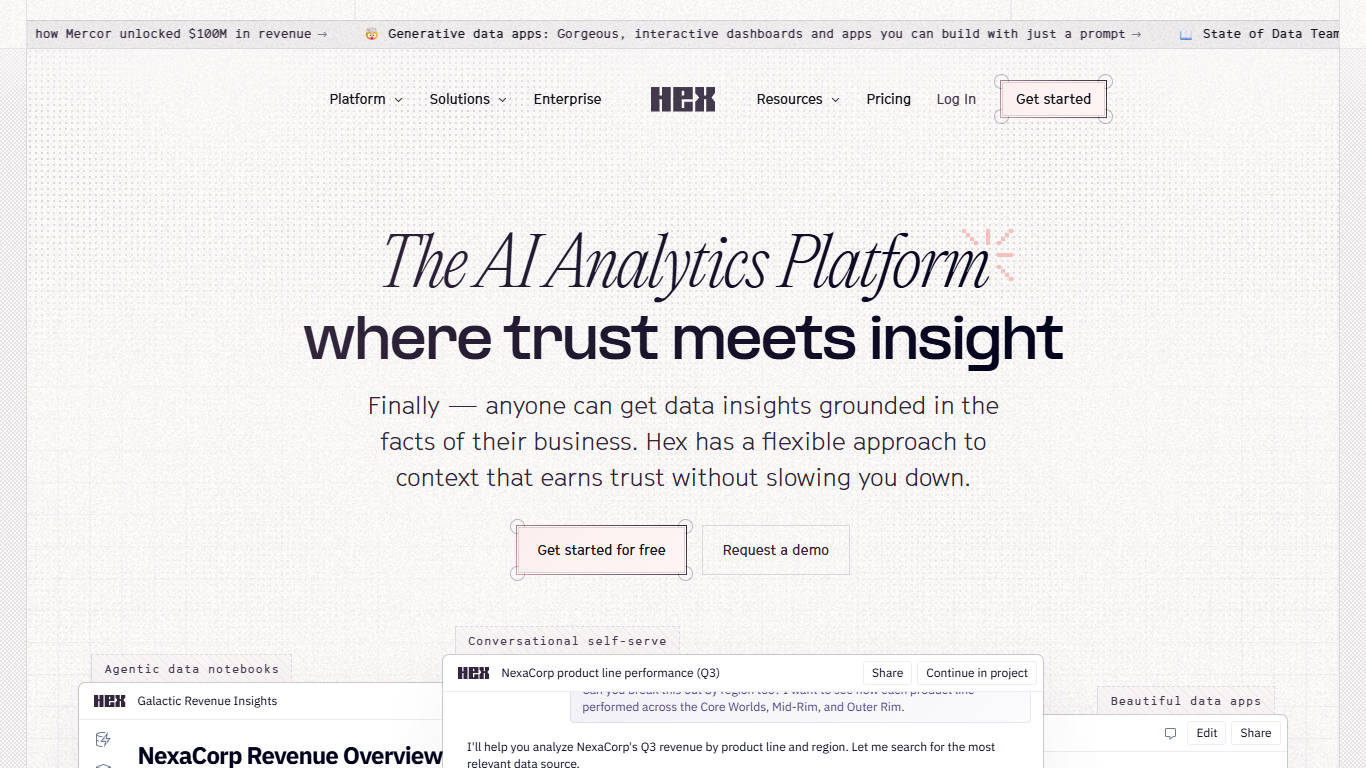
Hex is an analytics workspace that combines agentic notebooks, conversational self-serve, and publishable data apps. Data practitioners write SQL and Python in notebooks with an AI agent that builds queries and charts, while business users ask plain-language questions through Threads in Hex, Slack, or MCP. Every answer draws from the same shared context layer of semantic models, business rules, and endorsed tables.
Traditional BI tools split deep analysis from reporting, which means separate notebooks, dashboards, and Slack threads with no shared logic. Hex keeps code-based notebooks, conversational Threads, and interactive data apps on one context engine, so a model built by a data scientist can become a self-serve app without redefining metrics. Context Studio adds observability into agent conversations, warnings, and topic trends across Hex, Slack, MCP, and CLI.
Data teams at companies like Notion, Figma, Ramp, and Anthropic use Hex to replace a stack of notebooks, BI tools, and ad-hoc requests. Analysts run complex workflows in notebooks, publish governed apps for stakeholders, and let business users self-serve through Slack without filing tickets.
CalcGen AI
What is CalcGen AI?
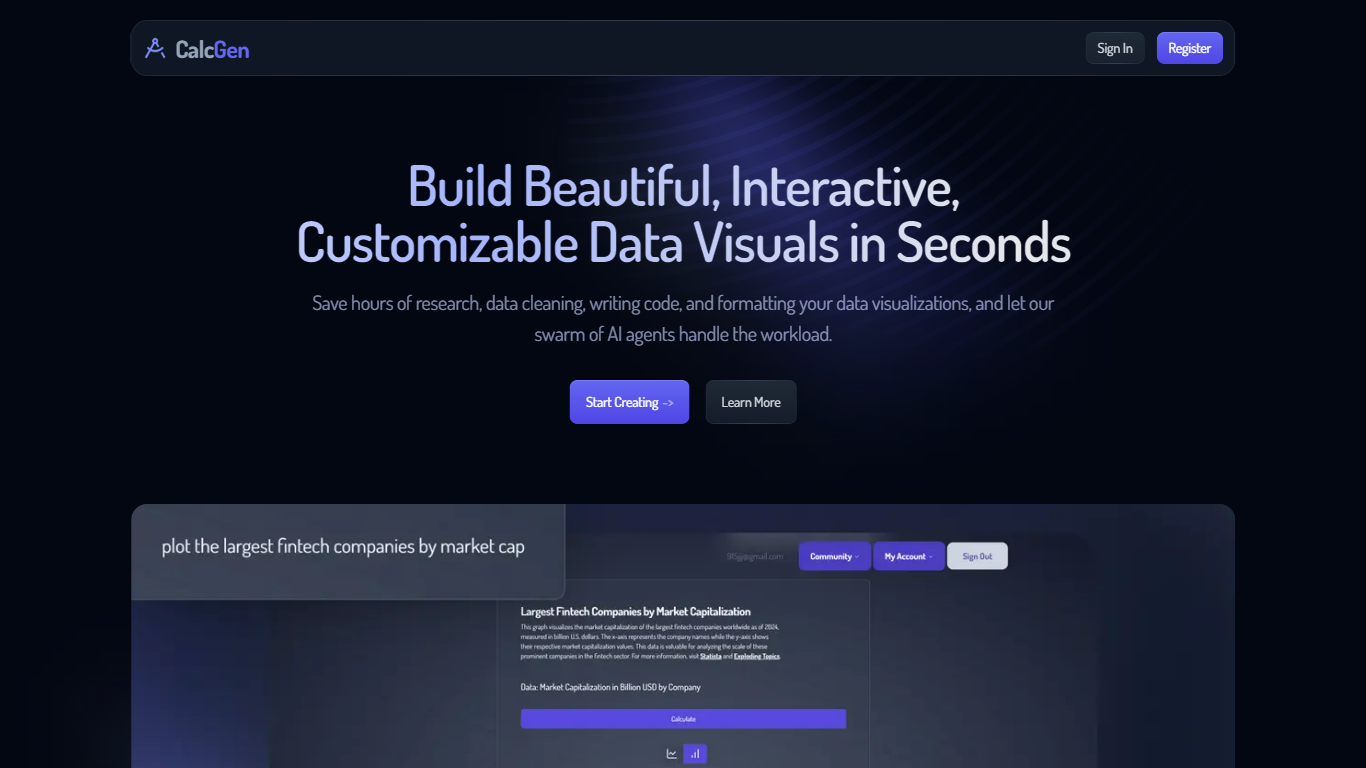
CalcGen AI turns a plain-language question into an interactive chart, graph, or calculator without you writing code or hunting down datasets. Type a prompt like smoking rates in the USA, and a swarm of search, analysis, and visualization agents finds credible sources, writes a summary, and renders a shareable visual you can embed in Notion, PowerPoint, or WordPress.
ChatGPT can sketch a chart from data you paste in. CalcGen goes further by sending a search agent to pull numbers from the web, linking every source, and letting you customize themes, filters, and chart types in a visual editor. The trade-off is beta maturity: the tutorial recommends datasets under 150 points for best results.
Analysts, educators, and marketers use it when they need a polished visualization fast but lack time for spreadsheet cleanup and formatting. CalcGen was featured on Product Hunt as a top 8 launch and in Rundown AI's trending products list in October 2024.
Hex Upvotes
CalcGen AI Upvotes
Hex Top Features
Notebook Agent writes SQL queries, builds charts, and chains analyses in a single workspace
Threads let business users ask plain-language questions in Hex, Slack, or via MCP without writing code
Context Studio tracks agent conversations, warnings, and topics across Hex, Slack, MCP, and CLI
Publish notebooks as interactive data apps with filters, drill-down, and embedded Threads
Semantic model workbench connects to dbt metadata, warehouse tables, and business rules
Team plan at $75 per Editor per month includes Threads agent, semantic model agent, and scheduled runs
CalcGen AI Top Features
Search Agent finds data online and links credible sources to every visualization
Analysis Agent writes chart titles and detailed data summaries automatically
Visualization Agent builds interactive charts with custom filters and sorting from prompts
Embeds into Notion, PowerPoint, WordPress, Wix, and Miro
Theme library lets you match charts to your brand design language
Custom graph calculators plot equations dynamically from user inputs
Paid plans start at $9.99 per month according to the welcome page
Hex Category
- Analytics
CalcGen AI Category
- Analytics
Hex Pricing Type
- Freemium
CalcGen AI Pricing Type
- Freemium