HitPaw Video Enhancer vs ClipMaker
In the contest of HitPaw Video Enhancer vs ClipMaker, which AI Video Editing tool is the champion? We evaluate pricing, alternatives, upvotes, features, reviews, and more.
If you had to choose between HitPaw Video Enhancer and ClipMaker, which one would you go for?
When we examine HitPaw Video Enhancer and ClipMaker, both of which are AI-enabled video editing tools, what unique characteristics do we discover? The community has spoken, HitPaw Video Enhancer leads with more upvotes. HitPaw Video Enhancer has received 7 upvotes from aitools.fyi users, while ClipMaker has received 6 upvotes.
Disagree with the result? Upvote your favorite tool and help it win!
HitPaw Video Enhancer
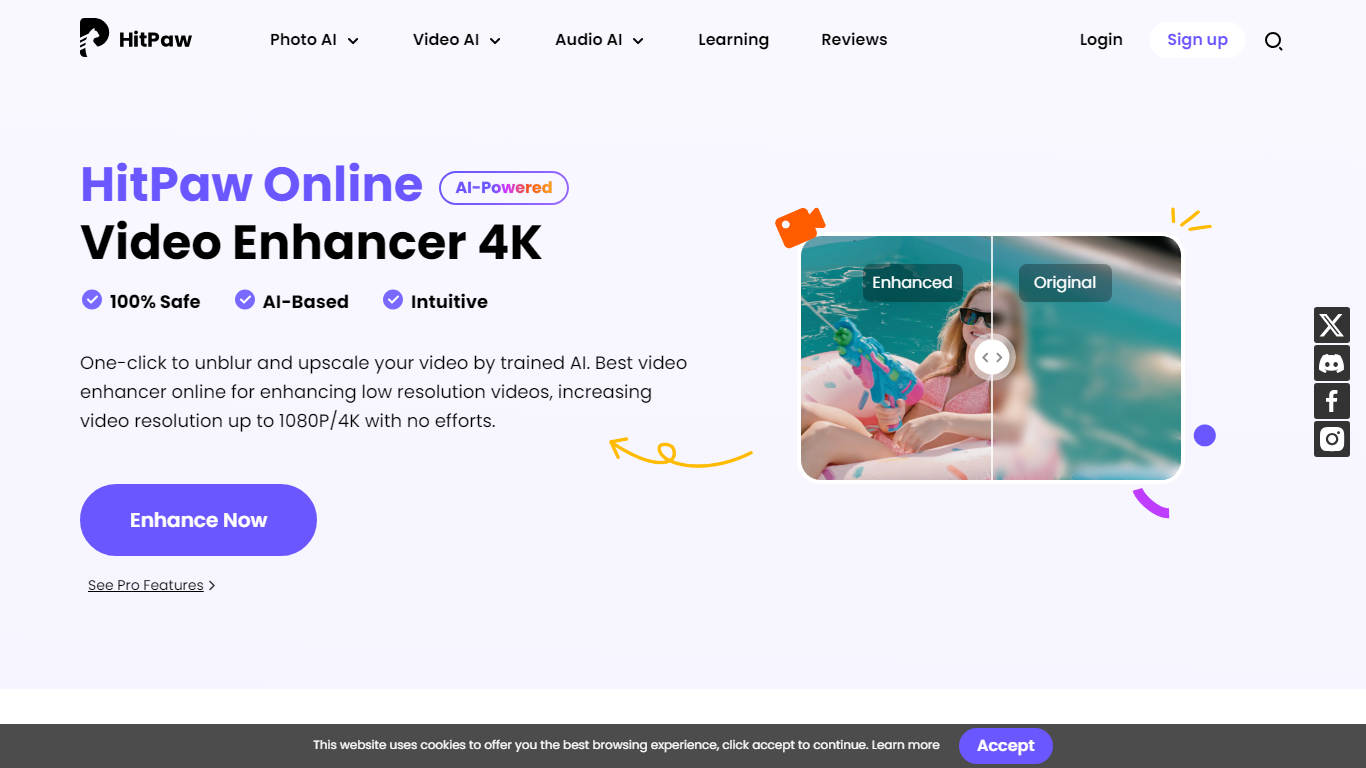

What is HitPaw Video Enhancer?
Elevate your video quality effortlessly with HitPaw Online AI 4K Video Enhancer, designed to be your go-to solution for AI-enhanced video upscaling. Experience the power of advanced technology to transform your videos to stunning 4K resolution in a flash.
Our easy-to-use platform offers a seamless process to enhance and upscale your videos up to 1080P/4K, elevating the viewing experience with crisp, clear visuals. Backed by a 100% safety guarantee, HitPaw ensures a secure enhancement process, so you can focus on the quality without worrying about the security of your content.
The HitPaw Online Toolbox provides a range of features for a comprehensive video enhancement journey. Whether for personal use or professional projects, HitPaw stands as your first and best choice in the realm of AI-powered video quality enhancement. Try it now for free and witness the remarkable difference!
ClipMaker
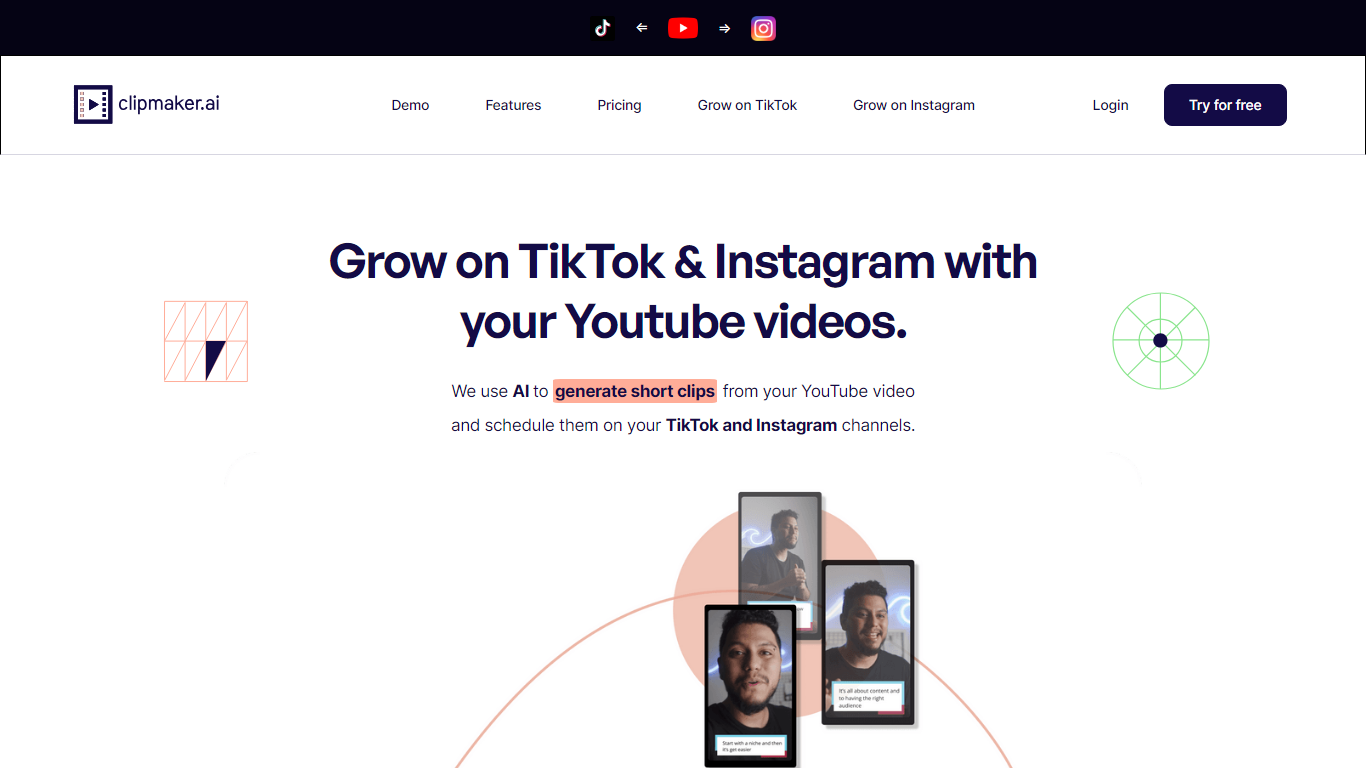
What is ClipMaker?
ClipMaker turns long YouTube uploads into short clips sized for TikTok and Instagram. Paste a YouTube URL, and the tool analyzes the video, generates multiple clips with auto captions, applies your template, and can auto-schedule posts when you connect your channels.
Repurposing tools like Opus Clip focus on finding viral moments. ClipMaker also wires in scheduling and channel growth positioning: it monitors new YouTube publishes, creates clips for each upload, and posts to TikTok and Instagram so you are not manually re-editing the same long video every week.
YouTube creators who want short-form reach without a separate editor are the target audience. The free Starter plan includes 20 minutes of video credit per month; Pro is $35 with 150 minutes and Premium is $95 with 600 minutes plus auto scheduling. The site also offers done-for-you service tiers starting at $399 per month for human-assisted production.
HitPaw Video Enhancer Upvotes
ClipMaker Upvotes
HitPaw Video Enhancer Top Features
AI Upscaling: Instantly upscale videos to 1080P/4K resolutions using AI technology.
User-Friendly Interface: Effortlessly enhance videos with an intuitive drag-and-drop system.
Secure Enhancement Process: Guaranteed safety with a platform that prioritizes the security of your content.
Comprehensive Toolbox: Access a variety of AI tools for enhancing video and image quality.
Free Trial: Experience the exceptional quality for yourself with a risk-free trial.
ClipMaker Top Features
Generates short clips from YouTube videos with AI chapter detection and up to 10 clips per video
Auto captions on every clip with templates for consistent branding across posts
Auto-schedule feature posts new clips to TikTok and Instagram when you publish on YouTube
Free Starter plan with 20 minutes of video credit per month and 10-minute max uploads
Pro at $35/month includes 150 video minutes; Premium at $95 adds 600 minutes and auto scheduler
Exports clips formatted for TikTok, Instagram, LinkedIn, Facebook, and YouTube Shorts
HitPaw Video Enhancer Category
- Video Editing
ClipMaker Category
- Video Editing
HitPaw Video Enhancer Pricing Type
- Paid
ClipMaker Pricing Type
- Freemium