HitPaw Video Enhancer vs Klap
In the face-off between HitPaw Video Enhancer vs Klap, which AI Video Editing tool takes the crown? We scrutinize features, alternatives, upvotes, reviews, pricing, and more.
When we put HitPaw Video Enhancer and Klap head to head, which one emerges as the victor?
If we were to analyze HitPaw Video Enhancer and Klap, both of which are AI-powered video editing tools, what would we find? The upvote count shows a clear preference for Klap. Klap has attracted 8 upvotes from aitools.fyi users, and HitPaw Video Enhancer has attracted 7 upvotes.
You don't agree with the result? Cast your vote to help us decide!
HitPaw Video Enhancer
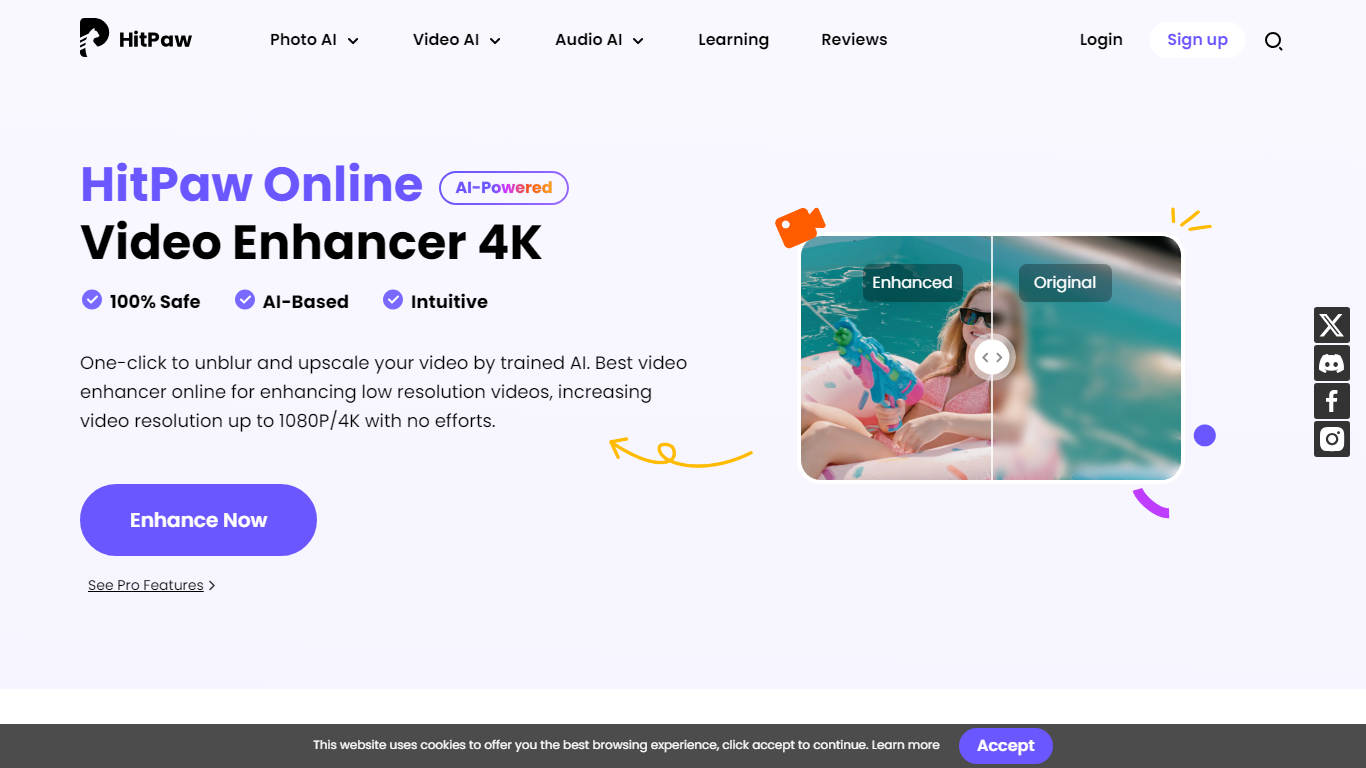

What is HitPaw Video Enhancer?
Elevate your video quality effortlessly with HitPaw Online AI 4K Video Enhancer, designed to be your go-to solution for AI-enhanced video upscaling. Experience the power of advanced technology to transform your videos to stunning 4K resolution in a flash.
Our easy-to-use platform offers a seamless process to enhance and upscale your videos up to 1080P/4K, elevating the viewing experience with crisp, clear visuals. Backed by a 100% safety guarantee, HitPaw ensures a secure enhancement process, so you can focus on the quality without worrying about the security of your content.
The HitPaw Online Toolbox provides a range of features for a comprehensive video enhancement journey. Whether for personal use or professional projects, HitPaw stands as your first and best choice in the realm of AI-powered video quality enhancement. Try it now for free and witness the remarkable difference!
Klap
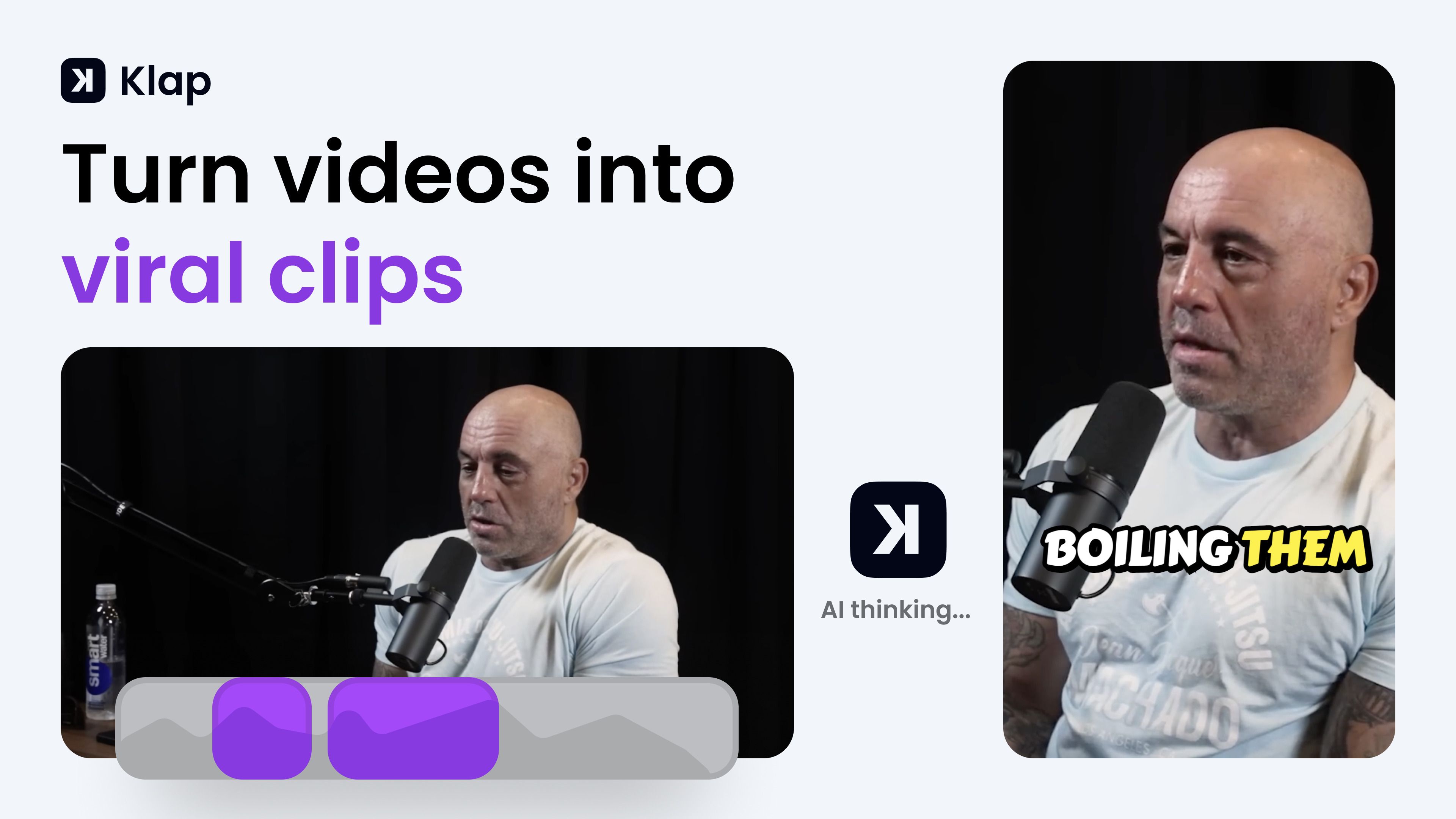
What is Klap?
Klap turns long-form videos into short vertical clips for TikTok, Instagram Reels, and YouTube Shorts. You paste a YouTube link or upload a file, and its AI finds the strongest spoken segments, reframes them to 9:16, adds captions, and exports clips ready to post. The tool fits creators, podcasters, and marketing teams who want to repurpose one long recording into several social posts without manual editing.
Most clip generators just chop timestamps. Klap scores each clip for viral potential, applies AI Reframe 2 layouts for gaming or screencast footage, and lets you publish or schedule directly to TikTok, YouTube, Instagram, and LinkedIn from one dashboard. That end-to-end posting workflow is what separates it from simple trim-and-export tools.
YouTubers, podcast editors, and social media managers use Klap when they need daily short-form output from interviews, tutorials, or webinars. It works best on speech-heavy content and supports transcription in 52 languages.
HitPaw Video Enhancer Upvotes
Klap Upvotes
HitPaw Video Enhancer Top Features
AI Upscaling: Instantly upscale videos to 1080P/4K resolutions using AI technology.
User-Friendly Interface: Effortlessly enhance videos with an intuitive drag-and-drop system.
Secure Enhancement Process: Guaranteed safety with a platform that prioritizes the security of your content.
Comprehensive Toolbox: Access a variety of AI tools for enhancing video and image quality.
Free Trial: Experience the exceptional quality for yourself with a risk-free trial.
Klap Top Features
Paste a YouTube link or upload a file to generate multiple vertical clips in minutes
AI Reframe 2 resizes footage with split screen, gaming, and screencast layouts
Scores each clip for viral potential before you export
Adds styled subtitles and recommended post captions automatically
Publish and schedule clips to TikTok, YouTube, Instagram, and LinkedIn
Transcribes and edits videos in 52 languages
Basic plan includes 100 clips per month at $14 per month billed yearly
HitPaw Video Enhancer Category
- Video Editing
Klap Category
- Video Editing
HitPaw Video Enhancer Pricing Type
- Paid
Klap Pricing Type
- Freemium