Humanize Text vs Revrite.ai
In the battle of Humanize Text vs Revrite.ai, which AI Paraphraser tool comes out on top? We compare reviews, pricing, alternatives, upvotes, features, and more.
Between Humanize Text and Revrite.ai, which one is superior?
Upon comparing Humanize Text with Revrite.ai, which are both AI-powered paraphraser tools, The upvote count shows a clear preference for Humanize Text. Humanize Text has attracted 8 upvotes from aitools.fyi users, and Revrite.ai has attracted 6 upvotes.
Don't agree with the result? Cast your vote and be a part of the decision-making process!
Humanize Text
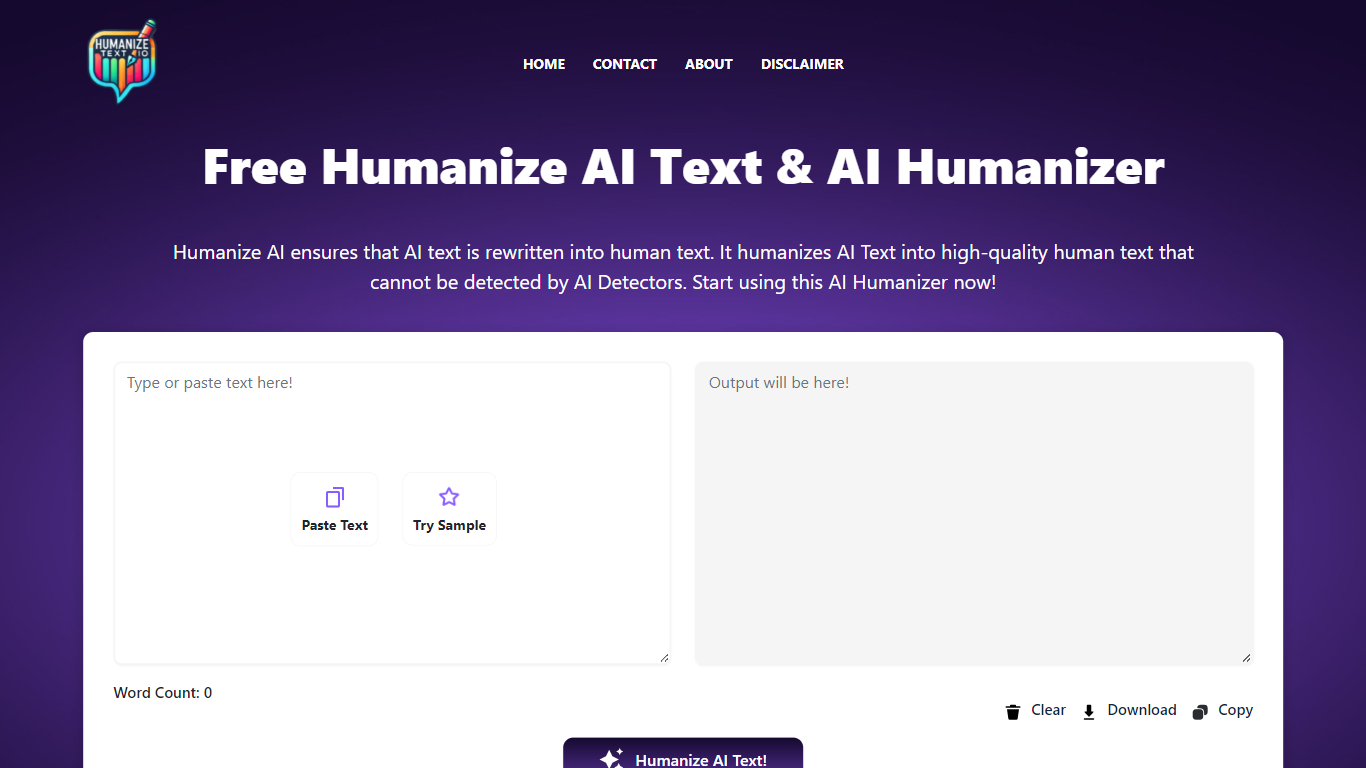

What is Humanize Text?
Humanize Text rewrites AI-generated copy so it reads like a person wrote it. Paste up to 5,000 words into the editor, pick Basic (General) or Enhanced (Academic/Pro), and the model returns a version tuned to pass detectors like Turnitin, ZeroGPT, and Copyleaks. English, Spanish, and French are supported, and the tool runs free in the browser with no account required.
Paraphrasers usually spin synonyms. Humanize Text targets the predictable patterns LLMs leave behind: it highlights word-level changes, offers click-to-replace sentence alternatives, and preserves headings and paragraphs when you paste results into Word or Google Docs. That editing layer matters when you need to spot-check a draft before submitting it.
Students use it to polish essay drafts flagged by Turnitin. SEO writers and marketers run blog posts through it to avoid robotic tone. Professionals rewrite emails and reports so customer-facing copy sounds personal rather than machine-made.
Revrite.ai
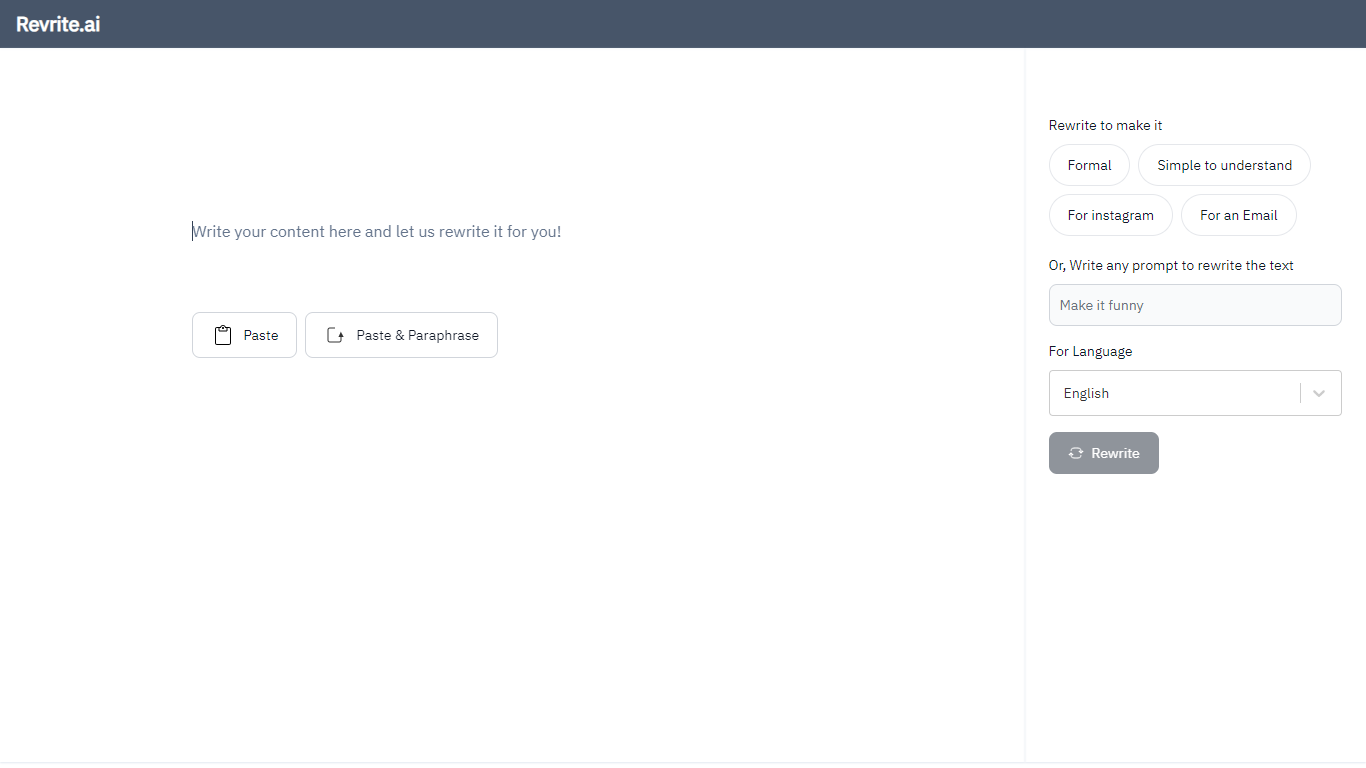
What is Revrite.ai?
Paste an email, WhatsApp message, Instagram post, or research paragraph into Revrite.ai and get a clearer rewrite without losing paragraph context. The editor accepts rich text, lets you pick a style like Formal, Fix Grammar, Simplify, or Short, and uses OpenAI ChatGPT to rephrase whole blocks instead of swapping isolated words.
Most paraphrasers work sentence by sentence, which can flatten tone across a paragraph. Revrite.ai targets paragraph-level rewrites and keeps rich text formatting when you paste full documents, which matters for emails and social posts where layout still counts. The beta build caps input at 500 words per rewrite and runs in a mobile-friendly editor for quick edits on the go.
Students, researchers, and professionals who need clearer messages in 100+ languages (English, German, Spanish, Chinese, Russian, French, and more) are the core audience. The service is freemium with a free tier for basic paraphrasing, and contact is available at [email protected] for support questions.
Humanize Text Upvotes
Revrite.ai Upvotes
Humanize Text Top Features
Paste up to 5,000 words and humanize them in one click
Basic (General) and Enhanced (Academic/Pro) rewriting modes
Output tuned to pass Turnitin, ZeroGPT, and Copyleaks checks
Word-level change highlighting shows exactly what was rewritten
Click any sentence to generate an alternative phrasing
Preserves headings and paragraph structure for Word or Google Docs paste
Supports English, Spanish, and French input
Revrite.ai Top Features
Paraphrases entire paragraphs with context awareness, not just isolated sentences
Supports 100+ languages including English, German, Spanish, Chinese, Russian, and French
Rewrite presets include Formal, Fix Grammar, Simplify, Instagram, Email, and Short
Rich text editor accepts pasted documents with formatting preserved
Beta limit of 500 words per paraphrase request
Powered by OpenAI ChatGPT for rewritten output
Mobile-friendly editor for on-the-go rewrites
Humanize Text Category
- Paraphraser
Revrite.ai Category
- Paraphraser
Humanize Text Pricing Type
- Free
Revrite.ai Pricing Type
- Freemium