Hyper Notepad vs ChatDOC
Compare Hyper Notepad vs ChatDOC and see which AI Productivity tool is better when we compare features, reviews, pricing, alternatives, upvotes, etc.
Which one is better? Hyper Notepad or ChatDOC?
When we compare Hyper Notepad with ChatDOC, which are both AI-powered productivity tools, The upvote count shows a clear preference for ChatDOC. ChatDOC has received 7 upvotes from aitools.fyi users, while Hyper Notepad has received 6 upvotes.
Feeling rebellious? Cast your vote and shake things up!
Hyper Notepad


What is Hyper Notepad?
Hyper Notepad is a browser-based productivity notepad for writing, saving, and sharing notes without installing software. You open the page, start typing, and get a unique link to share the note with anyone. Notes are encrypted at rest, autosave as you type, and work on desktop or mobile browsers.
Unlike Google Docs or Notion, Hyper Notepad stays intentionally lightweight. There are no workspaces, databases, or collaboration threads. You trade team features for zero-friction sharing, optional password locks, and auto-expiring notes that delete themselves after a set time.
It suits students, freelancers, and teams who need a quick scratchpad or a shareable doc without accounts. Writers who want rich text, code blocks, and optional Premium extras like tables, image embeds, and custom themes can upgrade when the free tier is not enough.
ChatDOC
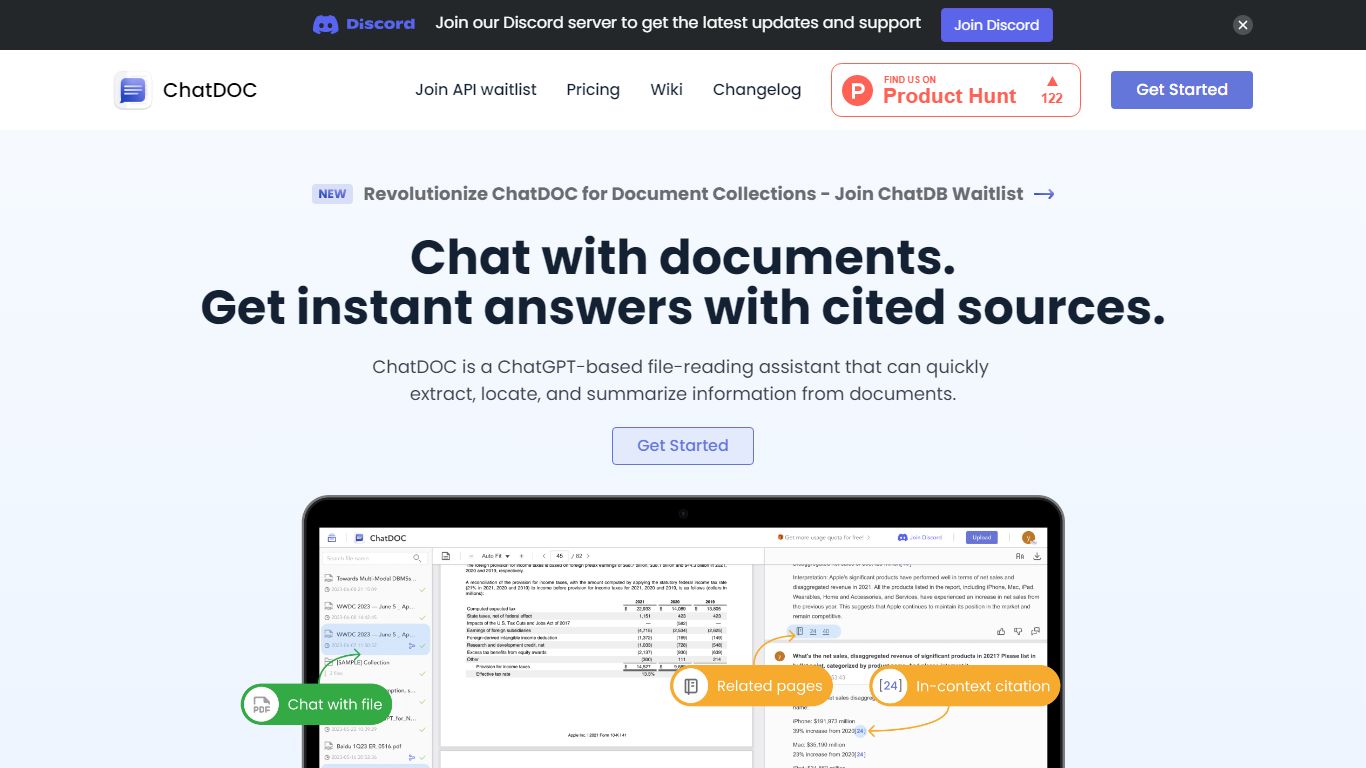
What is ChatDOC?
ChatDOC lets you upload documents and ask questions in plain language, then jump to the exact passage that supports each answer. Its TapSource citations link responses back to page numbers, highlighted quotes, and table cells so you can verify claims before sharing. The site reports more than 1,000,000 users worldwide.
Most PDF chat tools summarize without traceable sources. ChatDOC runs a Parse, Chat, and Verify workflow and lets you query across folders of files, highlight a paragraph for targeted follow-ups, and switch between models like GPT-4 and Claude from the guide docs.
Researchers, lawyers, business analysts, and students use ChatDOC to summarize long reports, extract table data, and chat with websites or scanned files. Free accounts start with 100 questions and PDF uploads capped at 3 pages per file; Pro unlocks unlimited pages and formats including DOC, scans, EPUB, and Markdown.
Hyper Notepad Upvotes
ChatDOC Upvotes
Hyper Notepad Top Features
Create and share unlimited notes with unique links, no account required
Notes encrypt at rest with optional password protection and auto-expiry timers
Premium adds image uploads, tables, live inline math, and custom themes from $3.99 per month
Rich text editor with code blocks, autosave, and download or print support
Light and dark mode with cross-device access when you sign in
ChatDOC Top Features
TapSource citations jump to page numbers, quotes, and table values in the source file
Supports PDF, DOC, DOCX, scans, websites, EPUB, Markdown, and TXT uploads
Free tier includes 100 document questions with PDF files capped at 3 pages each
Pro unlocks unlimited pages per file and unlimited files per collection
Query folders of documents in one chat thread across multiple files
Chrome and Edge browser extensions for in-page document analysis
Hyper Notepad Category
- Productivity
ChatDOC Category
- Productivity
Hyper Notepad Pricing Type
- Freemium
ChatDOC Pricing Type
- Freemium