FlowSavvy vs ChatDOC
In the clash of FlowSavvy vs ChatDOC, which AI Productivity tool emerges victorious? We assess reviews, pricing, alternatives, features, upvotes, and more.
When we put FlowSavvy and ChatDOC head to head, which one emerges as the victor?
Let's take a closer look at FlowSavvy and ChatDOC, both of which are AI-driven productivity tools, and see what sets them apart. ChatDOC is the clear winner in terms of upvotes. The number of upvotes for ChatDOC stands at 7, and for FlowSavvy it's 6.
You don't agree with the result? Cast your vote to help us decide!
FlowSavvy
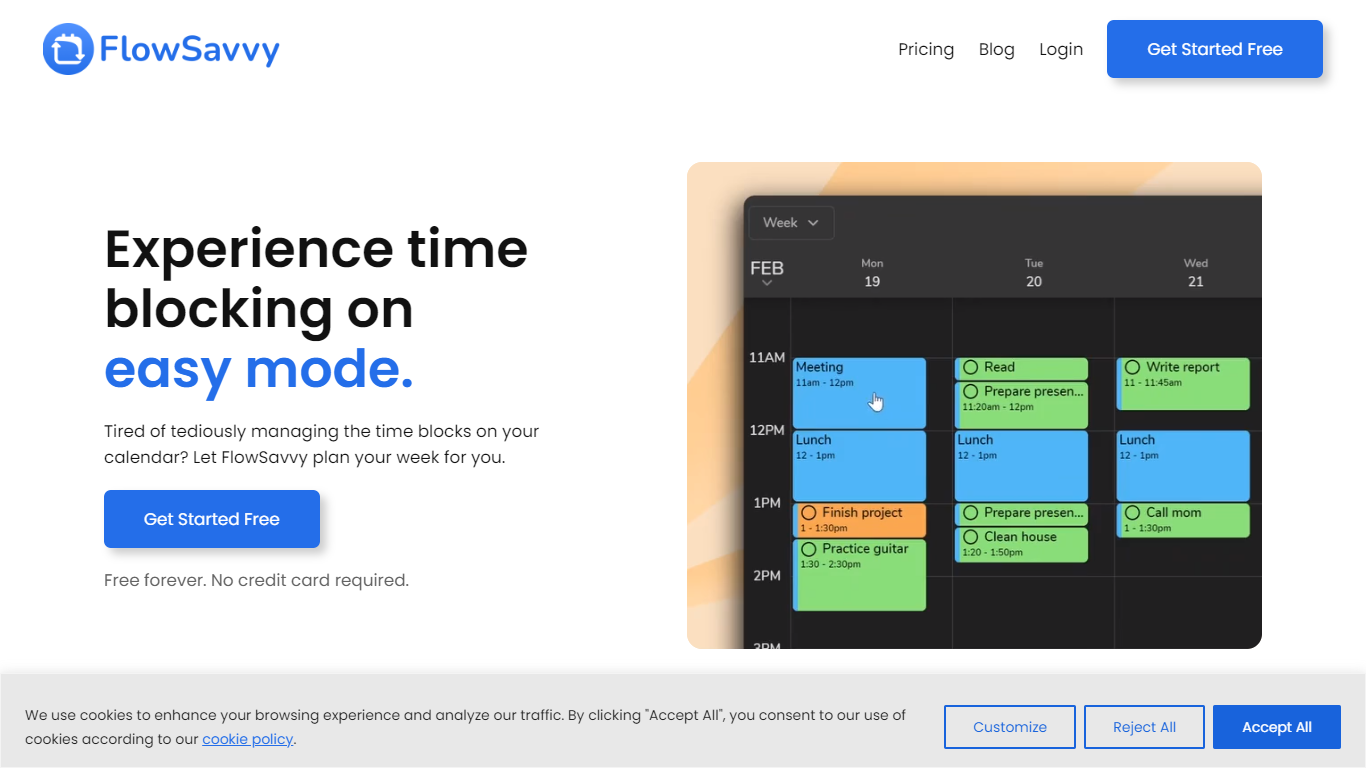

What is FlowSavvy ?
FlowSavvy offers a fresh take on time management by automating time blocking and task scheduling to reduce stress and manual effort. It acts like a digital assistant that creates weekly plans and adjusts them automatically when your schedule changes, so you don’t have to constantly rearrange tasks yourself. The platform supports habit building by letting you set recurring tasks that fit your lifestyle and work hours, helping you maintain a healthy work-life balance. It integrates smoothly with popular calendars like Google, iCloud, and Outlook, keeping all your appointments and tasks in one place. The interface is clean and easy to use, with color-coded tasks that give you a quick view of your workload. FlowSavvy is accessible on all devices and lets you start for free without needing a credit card. This makes it a practical tool for anyone looking to organize their time more effectively without the hassle of manual scheduling. Whether you’re a busy professional, a student, or managing a household, FlowSavvy adapts to your needs and helps you stay on track effortlessly.
ChatDOC
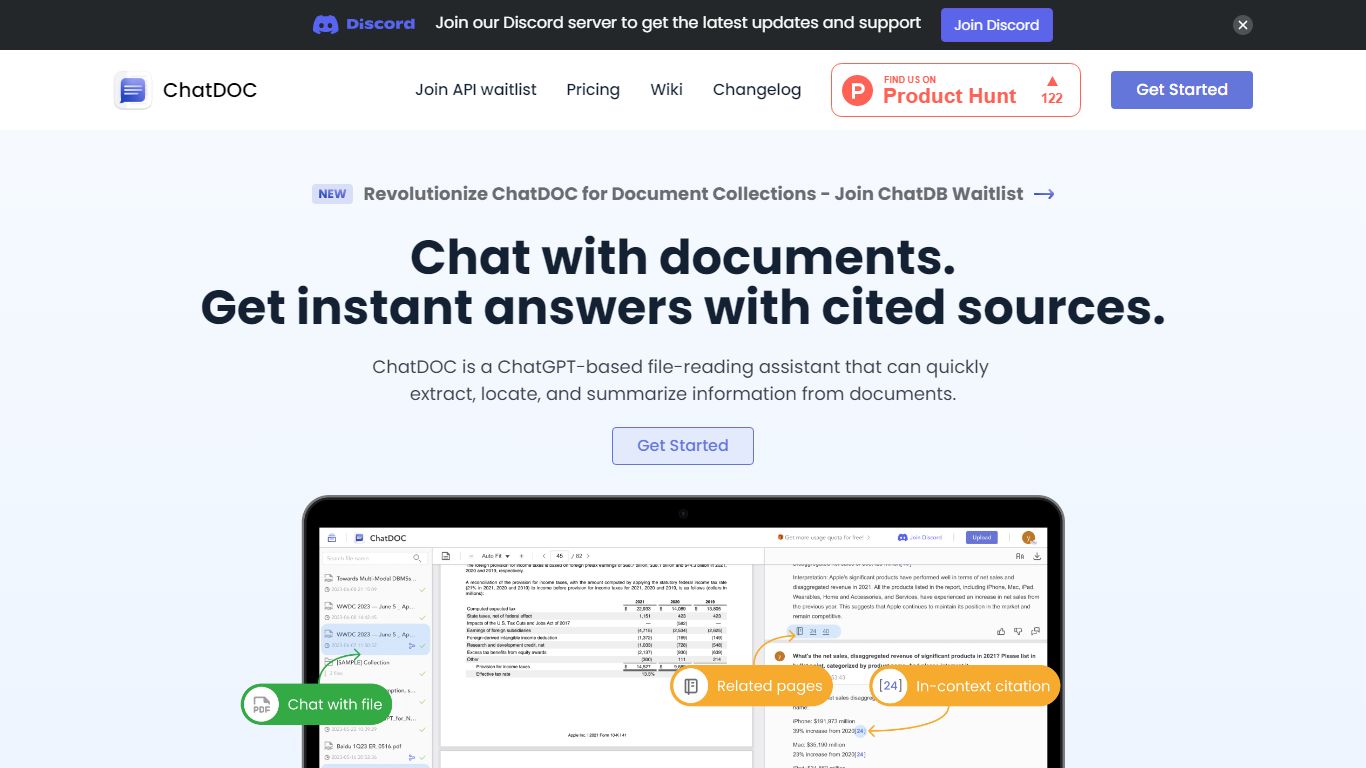
What is ChatDOC?
ChatDOC lets you upload documents and ask questions in plain language, then jump to the exact passage that supports each answer. Its TapSource citations link responses back to page numbers, highlighted quotes, and table cells so you can verify claims before sharing. The site reports more than 1,000,000 users worldwide.
Most PDF chat tools summarize without traceable sources. ChatDOC runs a Parse, Chat, and Verify workflow and lets you query across folders of files, highlight a paragraph for targeted follow-ups, and switch between models like GPT-4 and Claude from the guide docs.
Researchers, lawyers, business analysts, and students use ChatDOC to summarize long reports, extract table data, and chat with websites or scanned files. Free accounts start with 100 questions and PDF uploads capped at 3 pages per file; Pro unlocks unlimited pages and formats including DOC, scans, EPUB, and Markdown.
FlowSavvy Upvotes
ChatDOC Upvotes
FlowSavvy Top Features
🗓️ Automatic weekly planning that adjusts as your schedule changes
🔄 Smart recurring tasks to build and maintain good habits
📅 Syncs with Google, iCloud, and Outlook calendars for unified scheduling
🎨 Color-coded tasks for quick workload visualization
📱 Available on all devices with no credit card required to start
ChatDOC Top Features
TapSource citations jump to page numbers, quotes, and table values in the source file
Supports PDF, DOC, DOCX, scans, websites, EPUB, Markdown, and TXT uploads
Free tier includes 100 document questions with PDF files capped at 3 pages each
Pro unlocks unlimited pages per file and unlimited files per collection
Query folders of documents in one chat thread across multiple files
Chrome and Edge browser extensions for in-page document analysis
FlowSavvy Category
- Productivity
ChatDOC Category
- Productivity
FlowSavvy Pricing Type
- Freemium
ChatDOC Pricing Type
- Freemium