Hyper Notepad vs Motion
When comparing Hyper Notepad vs Motion, which AI Productivity tool shines brighter? We look at pricing, alternatives, upvotes, features, reviews, and more.
In a comparison between Hyper Notepad and Motion, which one comes out on top?
When we put Hyper Notepad and Motion side by side, both being AI-powered productivity tools, Both tools are equally favored, as indicated by the identical upvote count. Your vote matters! Help us decide the winner among aitools.fyi users by casting your vote.
You don't agree with the result? Cast your vote to help us decide!
Hyper Notepad


What is Hyper Notepad?
Hyper Notepad is a browser-based productivity notepad for writing, saving, and sharing notes without installing software. You open the page, start typing, and get a unique link to share the note with anyone. Notes are encrypted at rest, autosave as you type, and work on desktop or mobile browsers.
Unlike Google Docs or Notion, Hyper Notepad stays intentionally lightweight. There are no workspaces, databases, or collaboration threads. You trade team features for zero-friction sharing, optional password locks, and auto-expiring notes that delete themselves after a set time.
It suits students, freelancers, and teams who need a quick scratchpad or a shareable doc without accounts. Writers who want rich text, code blocks, and optional Premium extras like tables, image embeds, and custom themes can upgrade when the free tier is not enough.
Motion
What is Motion?
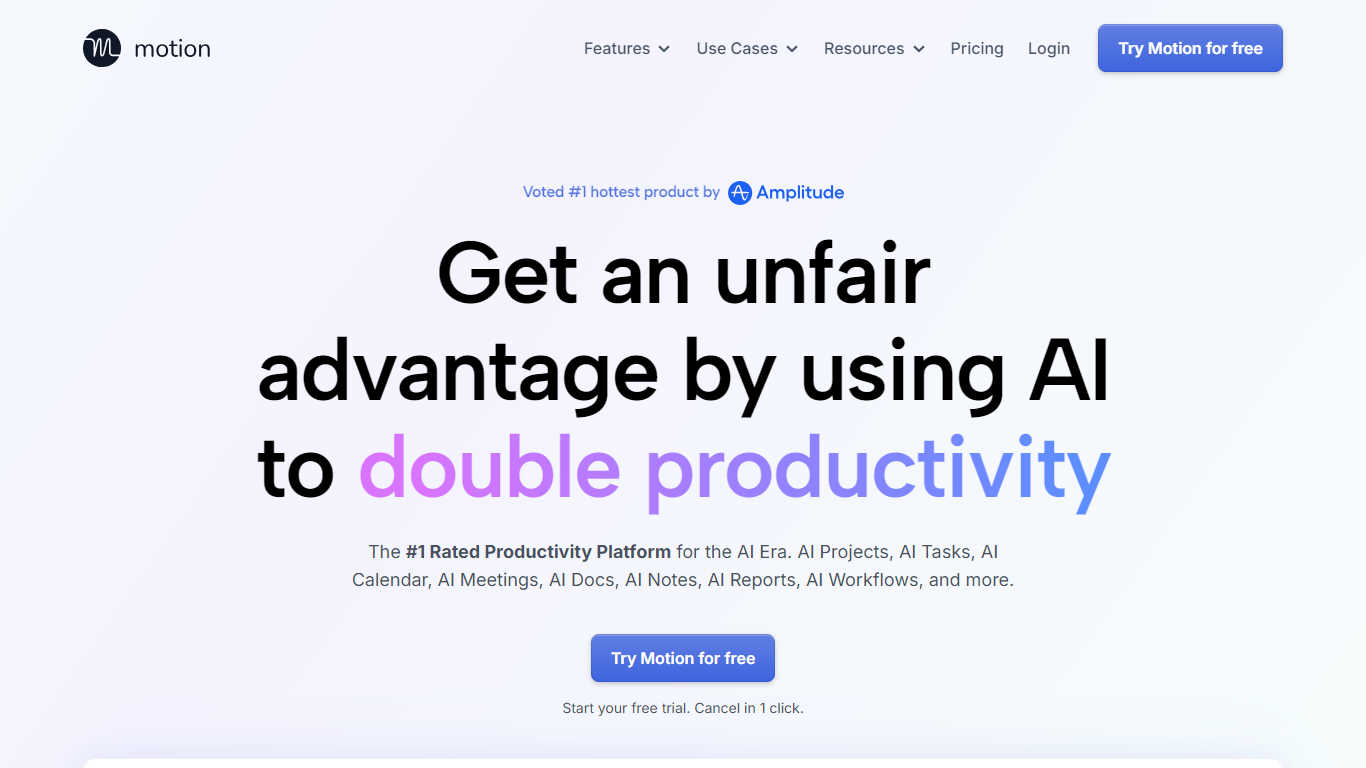
Motion combines tasks, projects, calendar, meetings, and docs, then auto-schedules your day around deadlines and focus time. It watches dependencies and available hours, builds a daily plan, and reshuffles blocks when priorities change. Over one million users and teams rely on it for productivity planning without juggling separate tools.
What sets Motion apart is how tightly the pieces connect. Meeting notes become tasks, docs turn into project plans, and calendar blocks shift automatically when priorities change. The system re-optimizes your schedule throughout the day instead of leaving you to manually reshuffle every time something slips.
Motion fits solo professionals, startups, and service businesses that need one place to run projects and protect focus time. It replaces stacks of apps like Asana, Calendly, Notion, and Otter by keeping context in one workspace.
Hyper Notepad Upvotes
Motion Upvotes
Hyper Notepad Top Features
Create and share unlimited notes with unique links, no account required
Notes encrypt at rest with optional password protection and auto-expiry timers
Premium adds image uploads, tables, live inline math, and custom themes from $3.99 per month
Rich text editor with code blocks, autosave, and download or print support
Light and dark mode with cross-device access when you sign in
Motion Top Features
Pro AI starts at $19 per seat per month with 7,500 AI credits monthly
Business AI adds Gantt charts and 15,000 credits per seat at $29 per month
Auto-schedules tasks onto your calendar and re-plans when deadlines shift
Captures meeting notes, summaries, and action items automatically
Syncs Google, Outlook, and iCloud calendars into one view
Connects with Slack, Zoom, Gmail, Zapier, HubSpot, and Salesforce
Native apps for iOS, Android, and desktop
Hyper Notepad Category
- Productivity
Motion Category
- Productivity
Hyper Notepad Pricing Type
- Freemium
Motion Pricing Type
- Paid