
Last updated 08-22-2026
Category:
Reviews:
Join thousands of AI enthusiasts in the World of AI!
Motion
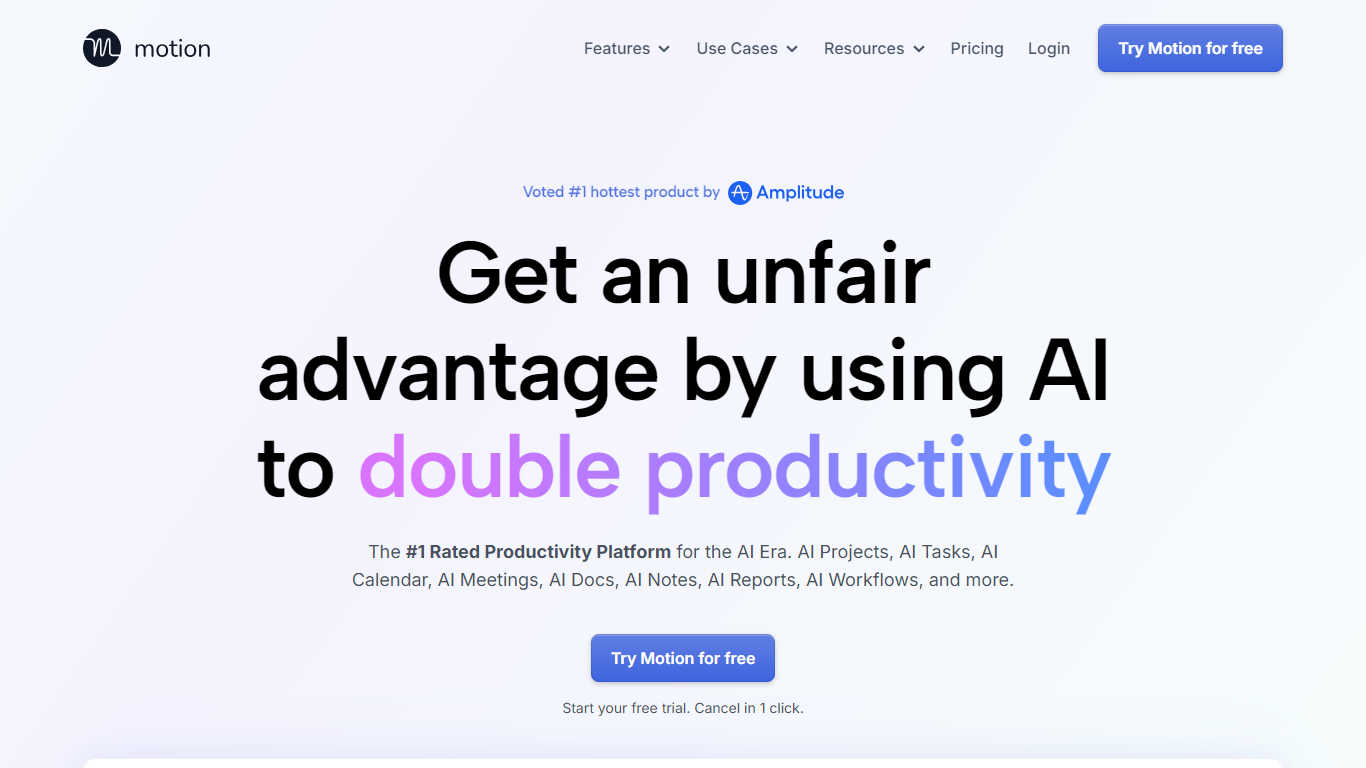
Motion combines tasks, projects, calendar, meetings, and docs, then auto-schedules your day around deadlines and focus time. It watches dependencies and available hours, builds a daily plan, and reshuffles blocks when priorities change. Over one million users and teams rely on it for productivity planning without juggling separate tools.
What sets Motion apart is how tightly the pieces connect. Meeting notes become tasks, docs turn into project plans, and calendar blocks shift automatically when priorities change. The system re-optimizes your schedule throughout the day instead of leaving you to manually reshuffle every time something slips.
Motion fits solo professionals, startups, and service businesses that need one place to run projects and protect focus time. It replaces stacks of apps like Asana, Calendly, Notion, and Otter by keeping context in one workspace.
Pro AI starts at $19 per seat per month with 7,500 AI credits monthly
Business AI adds Gantt charts and 15,000 credits per seat at $29 per month
Auto-schedules tasks onto your calendar and re-plans when deadlines shift
Captures meeting notes, summaries, and action items automatically
Syncs Google, Outlook, and iCloud calendars into one view
Connects with Slack, Zoom, Gmail, Zapier, HubSpot, and Salesforce
Native apps for iOS, Android, and desktop
Combines tasks, projects, calendar, meetings, and docs without switching apps.
Automatically reschedules your day when deadlines or priorities change.
Meeting notes flow directly into tasks and linked docs inside the same workspace.
Offers native iOS, Android, and desktop apps on paid plans.
SOC 2 Type II compliant with encryption in transit and at rest.
No permanent free tier; only a time-limited trial before paid plans start at $19 per seat.
Annual billing saves 33% but exact yearly prices are not shown on the public pricing page.
Replacing an existing tool stack may require migration effort for large teams.
Does Motion offer a free plan?
Motion does not list a permanent free tier. New users can start a free trial from the pricing page and cancel anytime. Paid plans begin at $19 per seat per month for Pro AI.
How much does Motion cost?
Motion's Pro AI plan costs $19 per seat per month and includes AI chat, projects, calendar, docs, and 7,500 credits per seat monthly. Business AI costs $29 per seat per month and adds capacity planning, Gantt charts, time tracking, and 15,000 credits per seat monthly.
What calendar apps does Motion integrate with?
Motion syncs with Google Calendar, Microsoft Outlook 365, and iCloud Calendar. You can combine work and personal calendars in one interface to avoid double bookings.
Does Motion have mobile apps?
Yes. Motion offers native apps for iOS, Android, and desktop. Both Pro AI and Business AI plans include access to these apps.
What tools does Motion replace?
Motion positions itself as a single workspace that can replace separate to-do lists, project managers like Asana or Monday, scheduling tools like Calendly, notetakers like Otter, and docs tools like Notion.
Is Motion secure for business use?
Motion states it is SOC 2 Type II compliant with data encrypted in transit and at rest. The company also displays GDPR compliance on its website.