Motion vs Scribe
In the battle of Motion vs Scribe, which AI Productivity tool comes out on top? We compare reviews, pricing, alternatives, upvotes, features, and more.
Between Motion and Scribe, which one is superior?
Upon comparing Motion with Scribe, which are both AI-powered productivity tools, The upvote count shows a clear preference for Scribe. Scribe has received 17 upvotes from aitools.fyi users, while Motion has received 6 upvotes.
You don't agree with the result? Cast your vote to help us decide!
Motion

What is Motion?
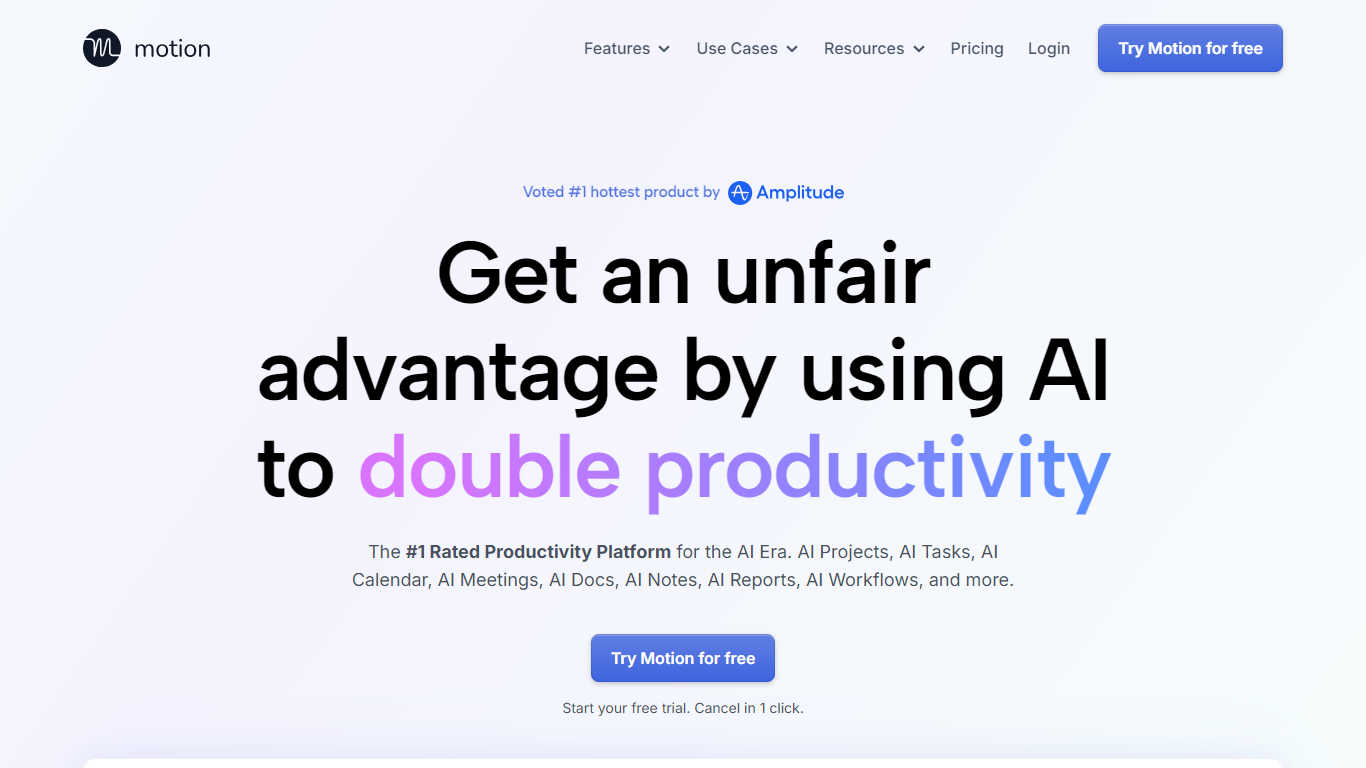
Motion combines tasks, projects, calendar, meetings, and docs, then auto-schedules your day around deadlines and focus time. It watches dependencies and available hours, builds a daily plan, and reshuffles blocks when priorities change. Over one million users and teams rely on it for productivity planning without juggling separate tools.
What sets Motion apart is how tightly the pieces connect. Meeting notes become tasks, docs turn into project plans, and calendar blocks shift automatically when priorities change. The system re-optimizes your schedule throughout the day instead of leaving you to manually reshuffle every time something slips.
Motion fits solo professionals, startups, and service businesses that need one place to run projects and protect focus time. It replaces stacks of apps like Asana, Calendly, Notion, and Otter by keeping context in one workspace.
Scribe
What is Scribe?
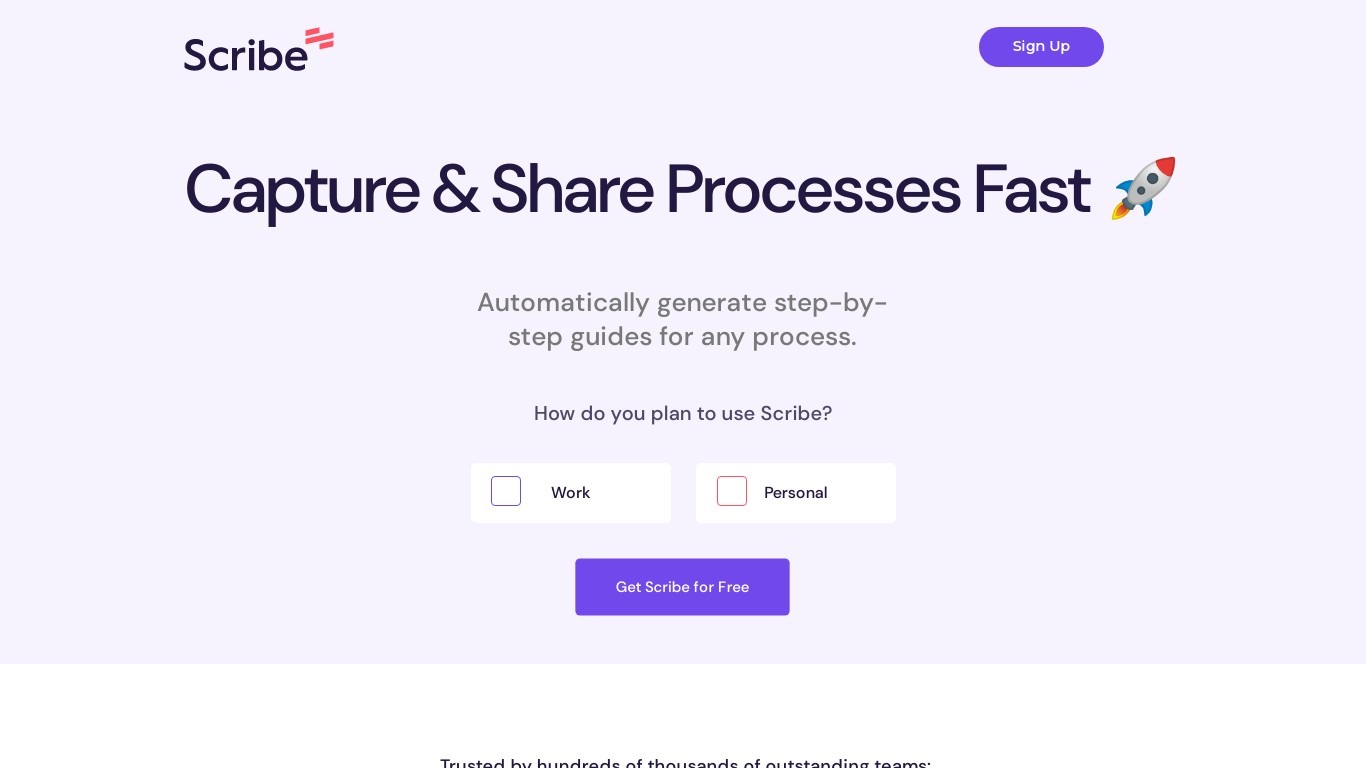
Scribe captures how work actually gets done and turns it into step-by-step guides your team and AI agents can follow. It records workflows as people perform them in the browser, desktop, or mobile apps, then generates documentation without manual screenshots or write-ups. Teams use it for SOPs, training, onboarding, and feeding workflow context to AI tools.
Where most documentation tools expect you to write guides from memory or schedule walkthroughs, Scribe watches real workflows and documents them automatically. Capture surfaces the processes teams run most often and turns them into shareable guides, while Optimize maps inefficiencies across approved apps and recommends where to automate or invest in AI.
Operations, IT, HR, and enablement teams rely on Scribe to share tribal knowledge before someone goes on PTO. Companies rolling out new software or building AI agent roadmaps use it to give bots accurate workflow context through MCP and enterprise search APIs.
Motion Upvotes
Scribe Upvotes
Motion Top Features
Pro AI starts at $19 per seat per month with 7,500 AI credits monthly
Business AI adds Gantt charts and 15,000 credits per seat at $29 per month
Auto-schedules tasks onto your calendar and re-plans when deadlines shift
Captures meeting notes, summaries, and action items automatically
Syncs Google, Outlook, and iCloud calendars into one view
Connects with Slack, Zoom, Gmail, Zapier, HubSpot, and Salesforce
Native apps for iOS, Android, and desktop
Scribe Top Features
Records any workflow and outputs a polished step-by-step guide automatically
Chrome and Edge extensions plus desktop apps capture web, mobile, and desktop processes
Export guides to PDF, HTML, Markdown, or Word, or embed them anywhere
Pro Team starts at 5 seats with comments and collaboration on shared guides
Feed workflow context to AI assistants through MCP and enterprise search API
Enterprise auto-redaction for PII and PHI with SOC 2 Type II and HIPAA compliance
Motion Category
- Productivity
Scribe Category
- Productivity
Motion Pricing Type
- Paid
Scribe Pricing Type
- Freemium