Lifestack vs Motion
Dive into the comparison of Lifestack vs Motion and discover which AI Productivity tool stands out. We examine alternatives, upvotes, features, reviews, pricing, and beyond.
When comparing Lifestack and Motion, which one rises above the other?
When we compare Lifestack and Motion, two exceptional productivity tools powered by artificial intelligence, and place them side by side, several key similarities and differences come to light. The upvote count reveals a draw, with both tools earning the same number of upvotes. The power is in your hands! Cast your vote and have a say in deciding the winner.
Feeling rebellious? Cast your vote and shake things up!
Lifestack


What is Lifestack?
Lifestack is a productivity planner that builds your daily schedule around sleep, recovery, and focus instead of empty calendar blocks. It reads wearable and health signals, maps energy peaks and calm periods across your day, and drafts a schedule that places demanding work when you can actually focus.
Most calendar apps treat you like a task executor with unlimited stamina. Lifestack treats energy, meals, and rest as first-class inputs, overlaying focus and calm zones on your calendar so you see when deep work fits and when lighter tasks make sense. That body-first layer is the trade-off: it is narrower than a general project manager, but it connects health data to scheduling decisions most planners ignore.
The product suits professionals juggling meetings and deep work, ADHD users who need external structure around energy swings, and anyone syncing tasks from tools like Trello while trying to protect sleep and meal timing. Apps run on iPhone, Mac, Android, and Chrome, with a desktop Mac download and browser extension for calendar access.
Motion
What is Motion?
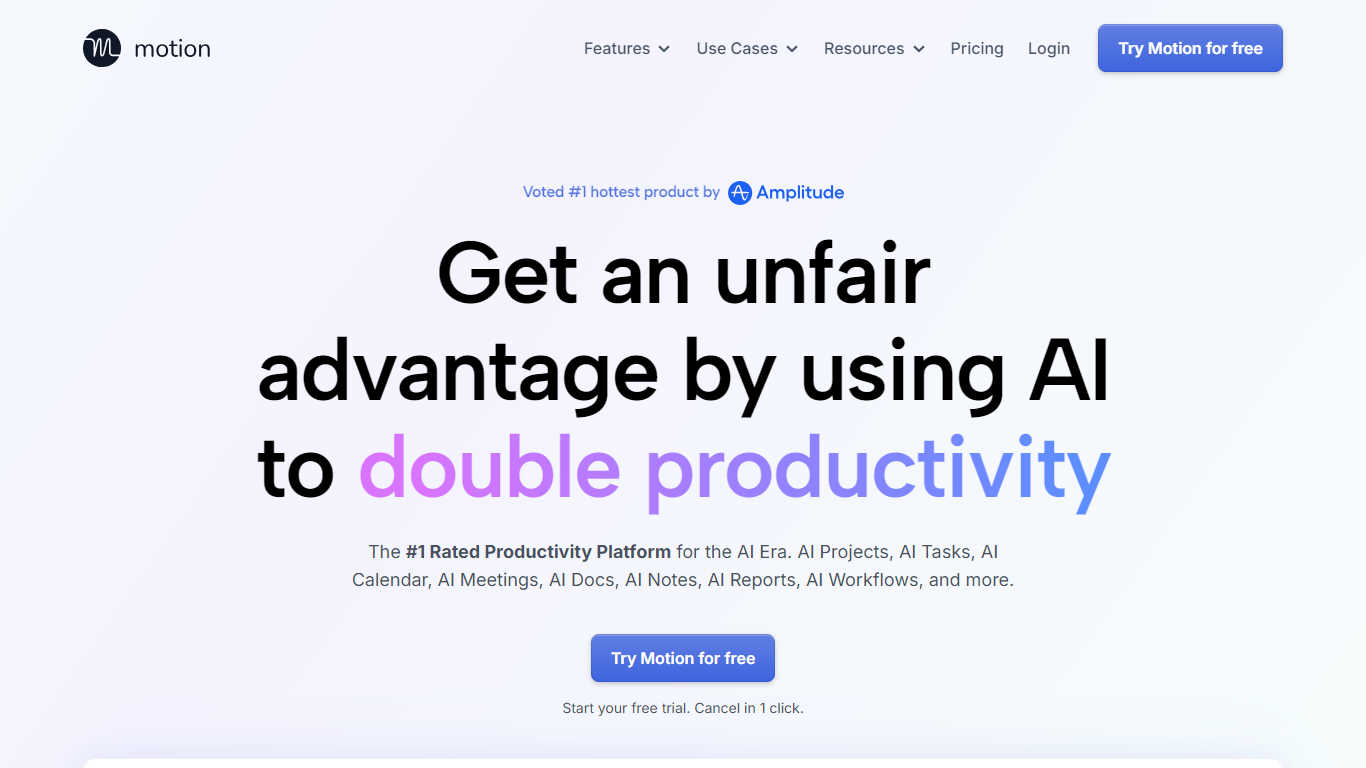
Motion combines tasks, projects, calendar, meetings, and docs, then auto-schedules your day around deadlines and focus time. It watches dependencies and available hours, builds a daily plan, and reshuffles blocks when priorities change. Over one million users and teams rely on it for productivity planning without juggling separate tools.
What sets Motion apart is how tightly the pieces connect. Meeting notes become tasks, docs turn into project plans, and calendar blocks shift automatically when priorities change. The system re-optimizes your schedule throughout the day instead of leaving you to manually reshuffle every time something slips.
Motion fits solo professionals, startups, and service businesses that need one place to run projects and protect focus time. It replaces stacks of apps like Asana, Calendly, Notion, and Otter by keeping context in one workspace.
Lifestack Upvotes
Motion Upvotes
Lifestack Top Features
Maps Energy Zones on your calendar so focus work lands during peak energy periods
Pulls wearable and Apple Health data into the same view as your schedule
Syncs tasks from third-party tools such as Trello alongside calendar events
Plans meals and sleep blocks around the day's meetings and task load
Chat copilot answers daily planning questions with your schedule in context
Runs on iPhone, Mac, Android, and Chrome with unlimited calendars and tasks on paid plans
Used by 30,000+ users per the Lifestack homepage
Motion Top Features
Pro AI starts at $19 per seat per month with 7,500 AI credits monthly
Business AI adds Gantt charts and 15,000 credits per seat at $29 per month
Auto-schedules tasks onto your calendar and re-plans when deadlines shift
Captures meeting notes, summaries, and action items automatically
Syncs Google, Outlook, and iCloud calendars into one view
Connects with Slack, Zoom, Gmail, Zapier, HubSpot, and Salesforce
Native apps for iOS, Android, and desktop
Lifestack Category
- Productivity
Motion Category
- Productivity
Lifestack Pricing Type
- Paid
Motion Pricing Type
- Paid