Hyper Notepad vs SheetAI App
Compare Hyper Notepad vs SheetAI App and see which AI Productivity tool is better when we compare features, reviews, pricing, alternatives, upvotes, etc.
Which one is better? Hyper Notepad or SheetAI App?
When we compare Hyper Notepad with SheetAI App, which are both AI-powered productivity tools, The upvote count favors Hyper Notepad, making it the clear winner. Hyper Notepad has attracted 6 upvotes from aitools.fyi users, and SheetAI App has attracted 5 upvotes.
You don't agree with the result? Cast your vote to help us decide!
Hyper Notepad


What is Hyper Notepad?
Hyper Notepad is a browser-based productivity notepad for writing, saving, and sharing notes without installing software. You open the page, start typing, and get a unique link to share the note with anyone. Notes are encrypted at rest, autosave as you type, and work on desktop or mobile browsers.
Unlike Google Docs or Notion, Hyper Notepad stays intentionally lightweight. There are no workspaces, databases, or collaboration threads. You trade team features for zero-friction sharing, optional password locks, and auto-expiring notes that delete themselves after a set time.
It suits students, freelancers, and teams who need a quick scratchpad or a shareable doc without accounts. Writers who want rich text, code blocks, and optional Premium extras like tables, image embeds, and custom themes can upgrade when the free tier is not enough.
SheetAI App
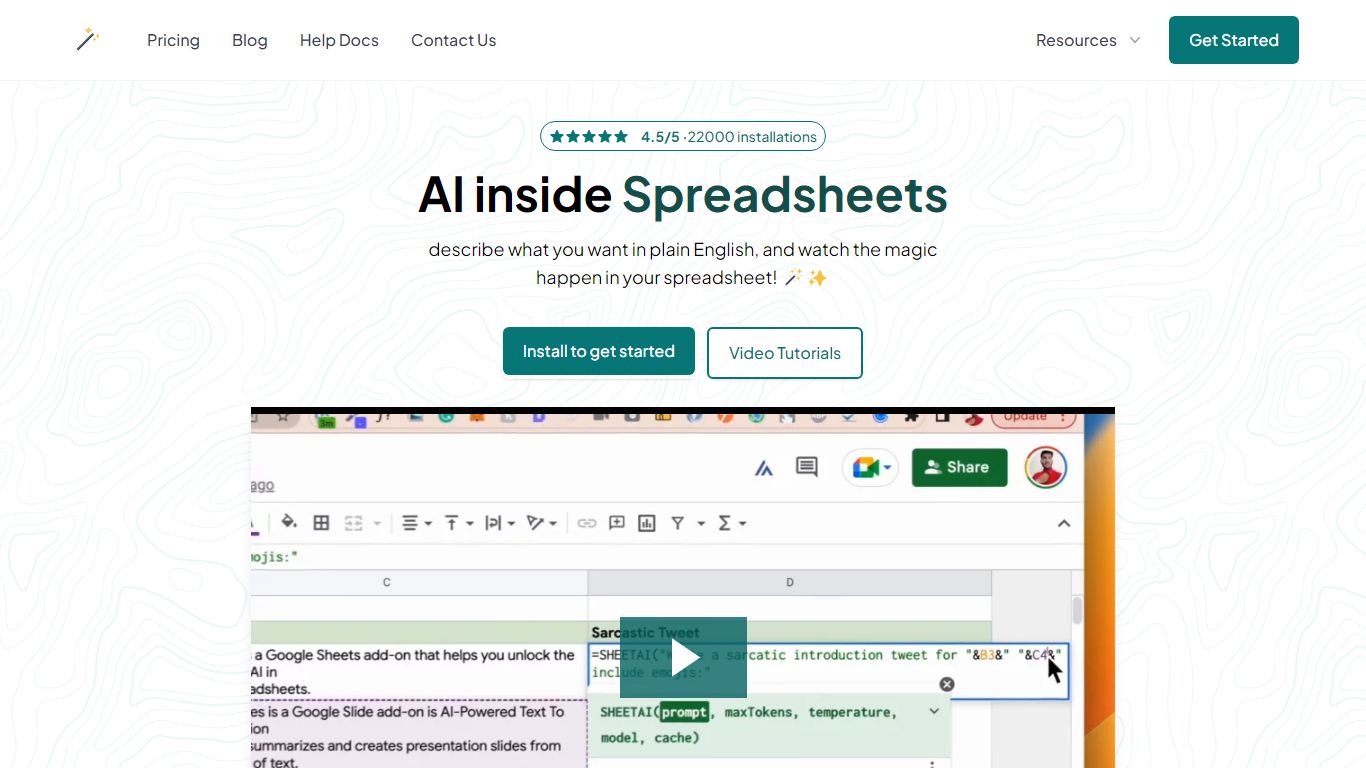
What is SheetAI App?
SheetAI App is a Google Sheets add-on that runs AI formulas directly inside spreadsheets for bulk text, classification, and media generation. You write a prompt in one cell, drag the formula down, and every row gets an answer without copying from ChatGPT. The same sheet can also call Replicate models for images, short video clips, and music tracks.
Most AI assistants live in a separate browser tab. SheetAI keeps the workflow in Sheets with functions like =SHEETAI() and =SHEETAI_IMAGE(), so marketers and ops teams can process hundreds of product descriptions, ad lines, or creative assets in one fill-down pass instead of one-off chats.
The add-on is free when you bring your own OpenAI, Claude, Gemini, Grok, or Replicate API keys. Hosted Starter ($12/month, about 500 runs) and Pro ($29/month) plans skip key setup for lighter teams. With 198,000+ Workspace Marketplace installs and a 4.5-star rating, it targets spreadsheet-heavy roles: marketers, analysts, sales teams, and recruiters who already live in Google Sheets.
Hyper Notepad Upvotes
SheetAI App Upvotes
Hyper Notepad Top Features
Create and share unlimited notes with unique links, no account required
Notes encrypt at rest with optional password protection and auto-expiry timers
Premium adds image uploads, tables, live inline math, and custom themes from $3.99 per month
Rich text editor with code blocks, autosave, and download or print support
Light and dark mode with cross-device access when you sign in
SheetAI App Top Features
=SHEETAI() formula fills hundreds of text rows from one prompt column
=SHEETAI_IMAGE() generates images at scale via Replicate inside Sheets
Free tier with unlimited calls when you supply your own API keys
Supports OpenAI, Claude, Gemini, Grok, and Replicate from one add-on
198,000+ Google Workspace Marketplace installs with a 4.5/5 rating
Credit packs from $29 for up to 97 million tokens on pay-as-you-go runs
Hyper Notepad Category
- Productivity
SheetAI App Category
- Productivity
Hyper Notepad Pricing Type
- Freemium
SheetAI App Pricing Type
- Freemium