FlowSavvy vs SheetAI App
Compare FlowSavvy vs SheetAI App and see which AI Productivity tool is better when we compare features, reviews, pricing, alternatives, upvotes, etc.
Which one is better? FlowSavvy or SheetAI App?
When we compare FlowSavvy with SheetAI App, which are both AI-powered productivity tools, The upvote count shows a clear preference for FlowSavvy . The number of upvotes for FlowSavvy stands at 6, and for SheetAI App it's 5.
Not your cup of tea? Upvote your preferred tool and stir things up!
FlowSavvy

What is FlowSavvy ?
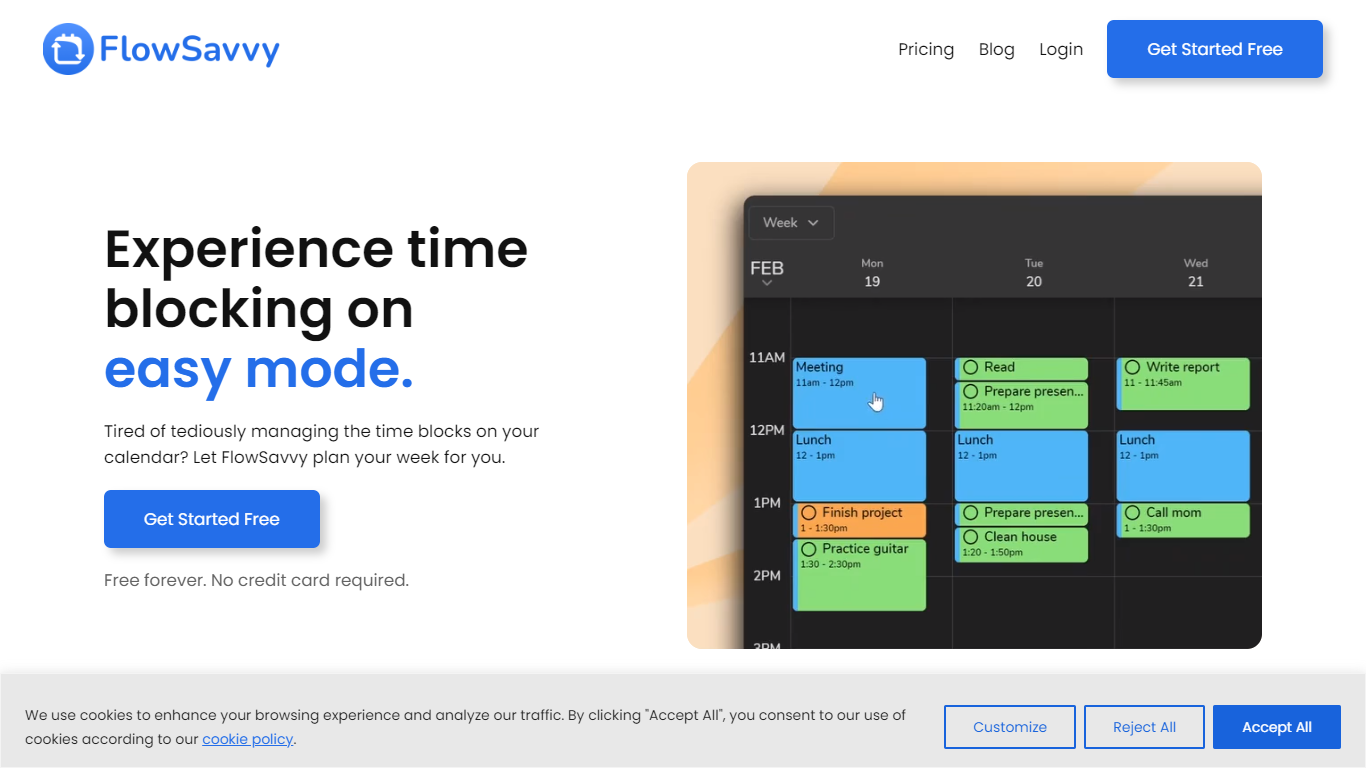
FlowSavvy offers a fresh take on time management by automating time blocking and task scheduling to reduce stress and manual effort. It acts like a digital assistant that creates weekly plans and adjusts them automatically when your schedule changes, so you don’t have to constantly rearrange tasks yourself. The platform supports habit building by letting you set recurring tasks that fit your lifestyle and work hours, helping you maintain a healthy work-life balance. It integrates smoothly with popular calendars like Google, iCloud, and Outlook, keeping all your appointments and tasks in one place. The interface is clean and easy to use, with color-coded tasks that give you a quick view of your workload. FlowSavvy is accessible on all devices and lets you start for free without needing a credit card. This makes it a practical tool for anyone looking to organize their time more effectively without the hassle of manual scheduling. Whether you’re a busy professional, a student, or managing a household, FlowSavvy adapts to your needs and helps you stay on track effortlessly.
SheetAI App
What is SheetAI App?
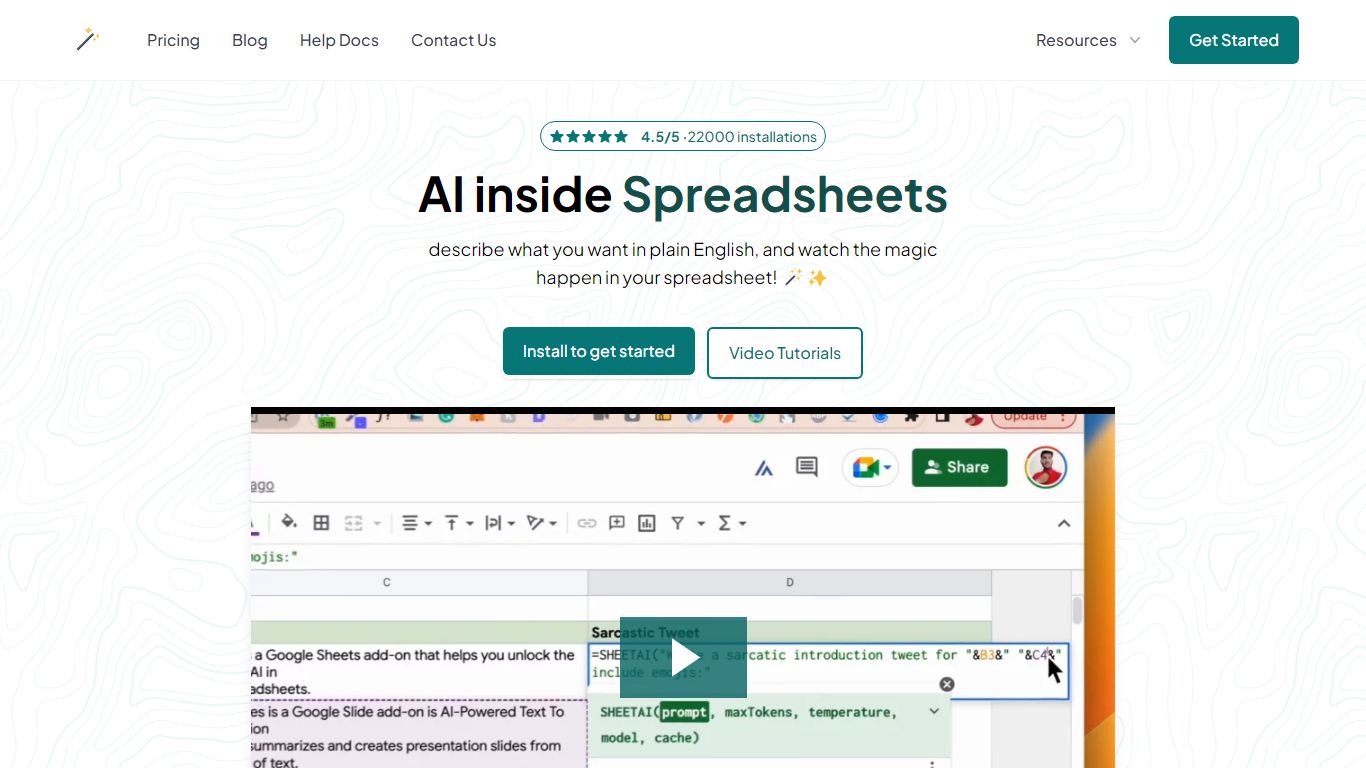
SheetAI App is a Google Sheets add-on that runs AI formulas directly inside spreadsheets for bulk text, classification, and media generation. You write a prompt in one cell, drag the formula down, and every row gets an answer without copying from ChatGPT. The same sheet can also call Replicate models for images, short video clips, and music tracks.
Most AI assistants live in a separate browser tab. SheetAI keeps the workflow in Sheets with functions like =SHEETAI() and =SHEETAI_IMAGE(), so marketers and ops teams can process hundreds of product descriptions, ad lines, or creative assets in one fill-down pass instead of one-off chats.
The add-on is free when you bring your own OpenAI, Claude, Gemini, Grok, or Replicate API keys. Hosted Starter ($12/month, about 500 runs) and Pro ($29/month) plans skip key setup for lighter teams. With 198,000+ Workspace Marketplace installs and a 4.5-star rating, it targets spreadsheet-heavy roles: marketers, analysts, sales teams, and recruiters who already live in Google Sheets.
FlowSavvy Upvotes
SheetAI App Upvotes
FlowSavvy Top Features
🗓️ Automatic weekly planning that adjusts as your schedule changes
🔄 Smart recurring tasks to build and maintain good habits
📅 Syncs with Google, iCloud, and Outlook calendars for unified scheduling
🎨 Color-coded tasks for quick workload visualization
📱 Available on all devices with no credit card required to start
SheetAI App Top Features
=SHEETAI() formula fills hundreds of text rows from one prompt column
=SHEETAI_IMAGE() generates images at scale via Replicate inside Sheets
Free tier with unlimited calls when you supply your own API keys
Supports OpenAI, Claude, Gemini, Grok, and Replicate from one add-on
198,000+ Google Workspace Marketplace installs with a 4.5/5 rating
Credit packs from $29 for up to 97 million tokens on pay-as-you-go runs
FlowSavvy Category
- Productivity
SheetAI App Category
- Productivity
FlowSavvy Pricing Type
- Freemium
SheetAI App Pricing Type
- Freemium