
Last updated 08-14-2026
Category:
Reviews:
Join thousands of AI enthusiasts in the World of AI!
SheetAI App
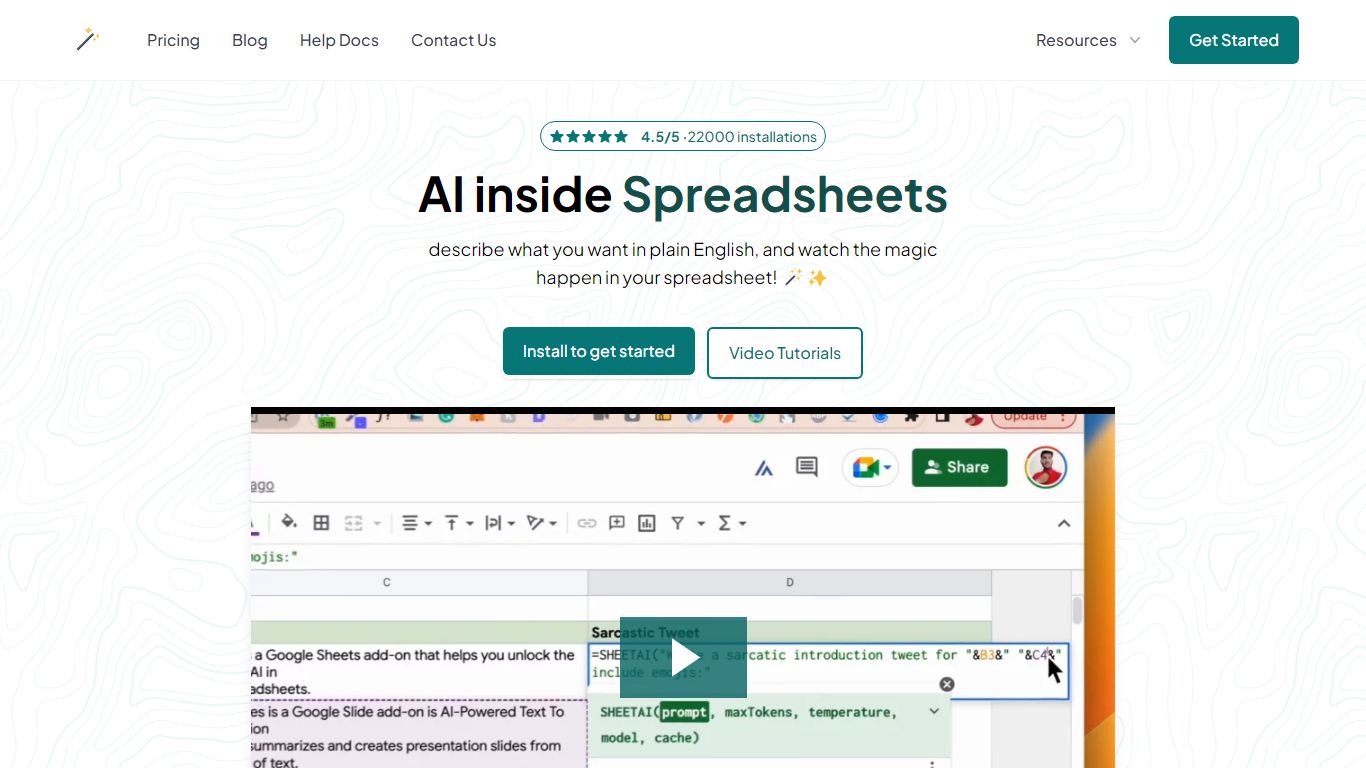
SheetAI App is a Google Sheets add-on that runs AI formulas directly inside spreadsheets for bulk text, classification, and media generation. You write a prompt in one cell, drag the formula down, and every row gets an answer without copying from ChatGPT. The same sheet can also call Replicate models for images, short video clips, and music tracks.
Most AI assistants live in a separate browser tab. SheetAI keeps the workflow in Sheets with functions like =SHEETAI() and =SHEETAI_IMAGE(), so marketers and ops teams can process hundreds of product descriptions, ad lines, or creative assets in one fill-down pass instead of one-off chats.
The add-on is free when you bring your own OpenAI, Claude, Gemini, Grok, or Replicate API keys. Hosted Starter ($12/month, about 500 runs) and Pro ($29/month) plans skip key setup for lighter teams. With 198,000+ Workspace Marketplace installs and a 4.5-star rating, it targets spreadsheet-heavy roles: marketers, analysts, sales teams, and recruiters who already live in Google Sheets.
=SHEETAI() formula fills hundreds of text rows from one prompt column
=SHEETAI_IMAGE() generates images at scale via Replicate inside Sheets
Free tier with unlimited calls when you supply your own API keys
Supports OpenAI, Claude, Gemini, Grok, and Replicate from one add-on
198,000+ Google Workspace Marketplace installs with a 4.5/5 rating
Credit packs from $29 for up to 97 million tokens on pay-as-you-go runs
Runs AI inside Google Sheets with familiar fill-down formulas
Free unlimited usage when you bring your own provider API keys
Combines text AI and Replicate media generation in one add-on
198,000+ marketplace installs with strong user ratings
Requires Google Sheets; no Excel or standalone desktop app
Starter plan caps hosted usage at about 500 runs per month
Bulk media generation depends on separate Replicate billing on the free tier
Is SheetAI App free to use?
Yes. SheetAI App is free forever when you connect your own OpenAI, Claude, Gemini, Grok, or Replicate API keys and pay those providers directly. Hosted Starter ($12/month) and Pro ($29/month) plans are optional if you want managed usage without managing keys.
How does SheetAI App work in Google Sheets?
SheetAI App installs from the Google Workspace Marketplace and adds formulas like =SHEETAI() for text and =SHEETAI_IMAGE() for images. You write a prompt in one cell, drag the formula down, and each row gets its own AI output inside the spreadsheet.
What AI models does SheetAI App support?
SheetAI App supports OpenAI, Claude, Gemini, and Grok for text when you bring your own keys. For images, video, and music, it connects to Replicate models so you can batch-generate media from spreadsheet columns.
How many AI runs does SheetAI App's Starter plan include?
SheetAI App's Starter hosted plan costs $12 per month and includes up to about 500 AI runs per month without requiring your own API key. It also supports BYOK and Replicate media models.
Can SheetAI App generate images in bulk?
Yes. SheetAI App uses the =SHEETAI_IMAGE() formula with Replicate models so you can put prompts in a column and fill down to generate hundreds of product shots, ad creatives, or thumbnails from one sheet.
Does SheetAI App work without an API key?
Yes on paid hosted plans. SheetAI App's Starter and Pro tiers include managed AI usage so you do not need to paste provider keys. The free tier requires your own OpenAI, Claude, Gemini, Grok, or Replicate credentials.