Lifestack vs SheetAI App
In the clash of Lifestack vs SheetAI App, which AI Productivity tool emerges victorious? We assess reviews, pricing, alternatives, features, upvotes, and more.
When we put Lifestack and SheetAI App head to head, which one emerges as the victor?
Let's take a closer look at Lifestack and SheetAI App, both of which are AI-driven productivity tools, and see what sets them apart. The community has spoken, Lifestack leads with more upvotes. The number of upvotes for Lifestack stands at 6, and for SheetAI App it's 5.
Think we got it wrong? Cast your vote and show us who's boss!
Lifestack


What is Lifestack?
Lifestack is a productivity planner that builds your daily schedule around sleep, recovery, and focus instead of empty calendar blocks. It reads wearable and health signals, maps energy peaks and calm periods across your day, and drafts a schedule that places demanding work when you can actually focus.
Most calendar apps treat you like a task executor with unlimited stamina. Lifestack treats energy, meals, and rest as first-class inputs, overlaying focus and calm zones on your calendar so you see when deep work fits and when lighter tasks make sense. That body-first layer is the trade-off: it is narrower than a general project manager, but it connects health data to scheduling decisions most planners ignore.
The product suits professionals juggling meetings and deep work, ADHD users who need external structure around energy swings, and anyone syncing tasks from tools like Trello while trying to protect sleep and meal timing. Apps run on iPhone, Mac, Android, and Chrome, with a desktop Mac download and browser extension for calendar access.
SheetAI App
What is SheetAI App?
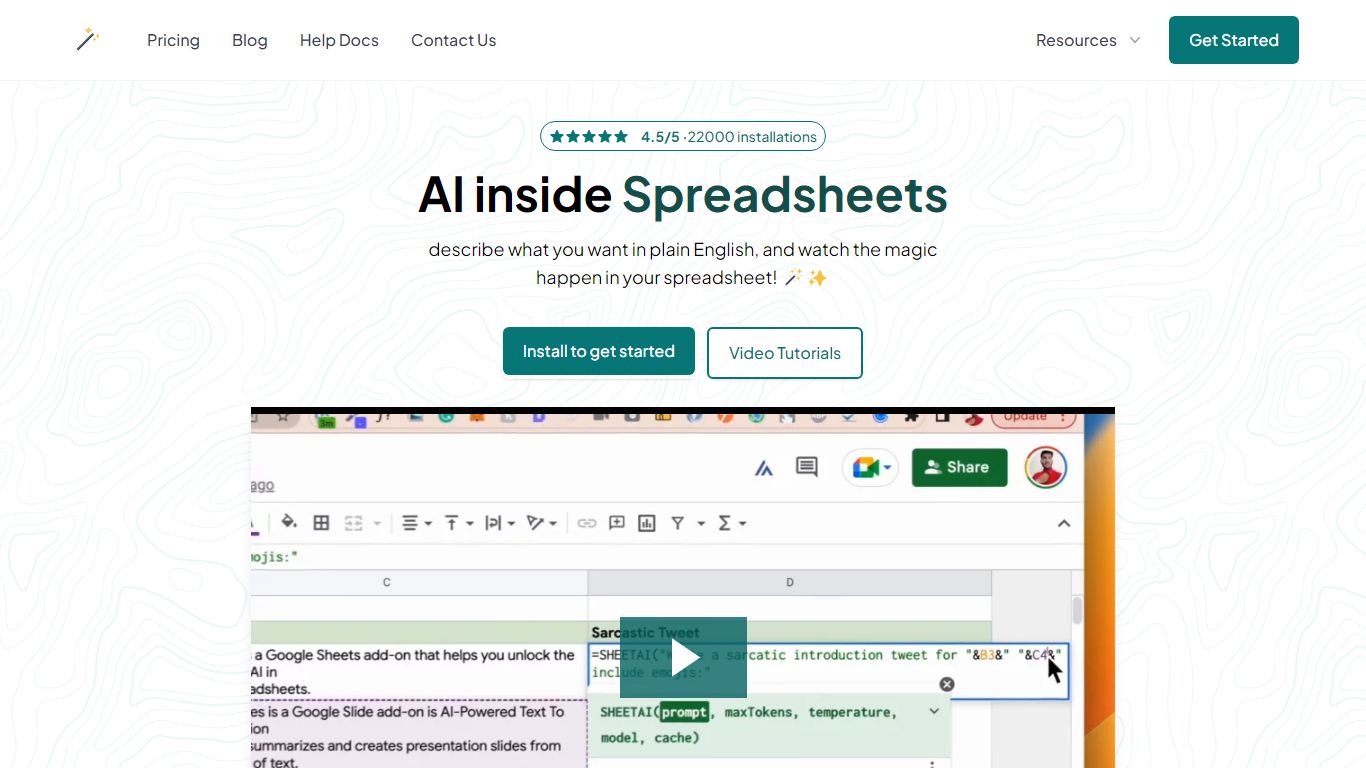
SheetAI App is a Google Sheets add-on that runs AI formulas directly inside spreadsheets for bulk text, classification, and media generation. You write a prompt in one cell, drag the formula down, and every row gets an answer without copying from ChatGPT. The same sheet can also call Replicate models for images, short video clips, and music tracks.
Most AI assistants live in a separate browser tab. SheetAI keeps the workflow in Sheets with functions like =SHEETAI() and =SHEETAI_IMAGE(), so marketers and ops teams can process hundreds of product descriptions, ad lines, or creative assets in one fill-down pass instead of one-off chats.
The add-on is free when you bring your own OpenAI, Claude, Gemini, Grok, or Replicate API keys. Hosted Starter ($12/month, about 500 runs) and Pro ($29/month) plans skip key setup for lighter teams. With 198,000+ Workspace Marketplace installs and a 4.5-star rating, it targets spreadsheet-heavy roles: marketers, analysts, sales teams, and recruiters who already live in Google Sheets.
Lifestack Upvotes
SheetAI App Upvotes
Lifestack Top Features
Maps Energy Zones on your calendar so focus work lands during peak energy periods
Pulls wearable and Apple Health data into the same view as your schedule
Syncs tasks from third-party tools such as Trello alongside calendar events
Plans meals and sleep blocks around the day's meetings and task load
Chat copilot answers daily planning questions with your schedule in context
Runs on iPhone, Mac, Android, and Chrome with unlimited calendars and tasks on paid plans
Used by 30,000+ users per the Lifestack homepage
SheetAI App Top Features
=SHEETAI() formula fills hundreds of text rows from one prompt column
=SHEETAI_IMAGE() generates images at scale via Replicate inside Sheets
Free tier with unlimited calls when you supply your own API keys
Supports OpenAI, Claude, Gemini, Grok, and Replicate from one add-on
198,000+ Google Workspace Marketplace installs with a 4.5/5 rating
Credit packs from $29 for up to 97 million tokens on pay-as-you-go runs
Lifestack Category
- Productivity
SheetAI App Category
- Productivity
Lifestack Pricing Type
- Paid
SheetAI App Pricing Type
- Freemium