ifoto Cleanup Pictures vs InstructPix2Pix
In the clash of ifoto Cleanup Pictures vs InstructPix2Pix, which AI Photo Editing tool emerges victorious? We assess reviews, pricing, alternatives, features, upvotes, and more.
When we put ifoto Cleanup Pictures and InstructPix2Pix head to head, which one emerges as the victor?
Let's take a closer look at ifoto Cleanup Pictures and InstructPix2Pix, both of which are AI-driven photo editing tools, and see what sets them apart. InstructPix2Pix is the clear winner in terms of upvotes. The upvote count for InstructPix2Pix is 98, and for ifoto Cleanup Pictures it's 12.
Disagree with the result? Upvote your favorite tool and help it win!
ifoto Cleanup Pictures
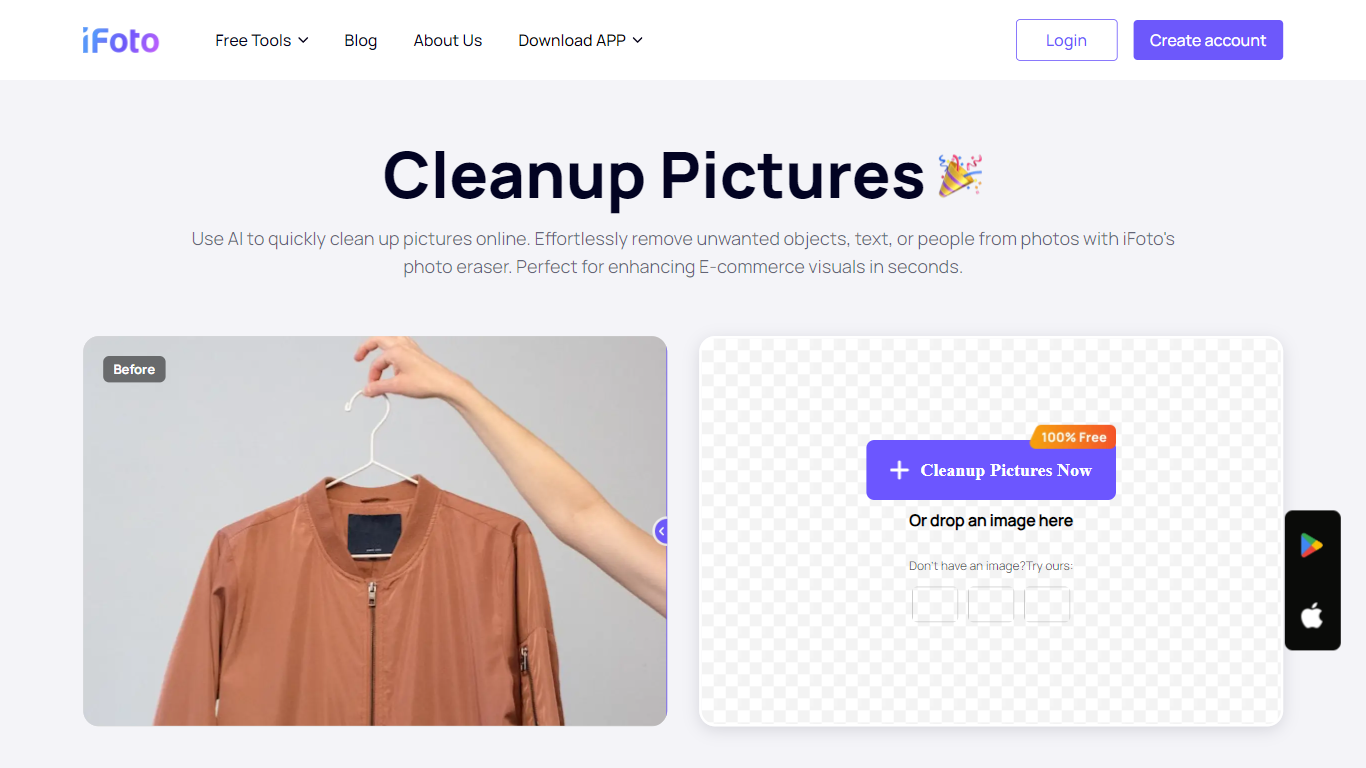

What is ifoto Cleanup Pictures?
ifoto Cleanup Pictures is iFoto's online magic eraser for removing unwanted objects, people, watermarks, text, and other distractions from photos. Upload a PNG or JPG, brush over what you want gone, and the tool uses inpainting to rebuild the background so the edit looks natural.
The workflow is built around a brush-based remover rather than manual cloning. iFoto's cleanup tool targets photobombers, power lines, logos, blemishes, and stray objects in product shots or social posts. It sits inside the broader iFoto suite, which focuses on e-commerce and fashion photography editing.
Cleanup Pictures works in the browser with no desktop software required. iFoto also offers iOS and Android apps, plus a Shopify integration, for editing on the go or inside a store workflow. The tool is positioned for sellers, marketers, and casual editors who need quick object removal without opening Photoshop.
InstructPix2Pix
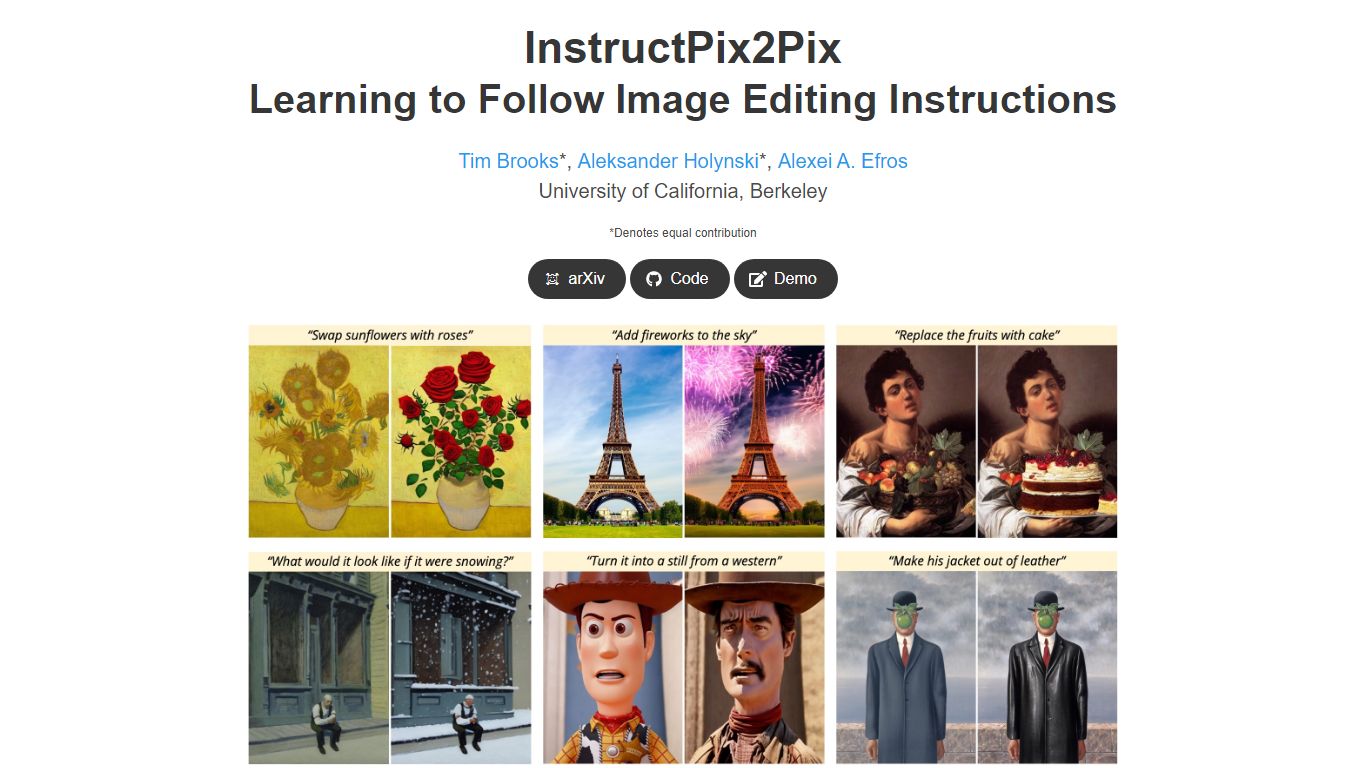
What is InstructPix2Pix?
InstructPix2Pix edits a photo from a plain-language instruction such as "make the sky sunset orange" or "turn this into a watercolor." You provide an input image and a short text command, and the model returns an edited version in seconds without training on that specific photo first. It was published as a CVPR 2023 Highlight by researchers at UC Berkeley.
Mask-based editors make you paint regions before changing anything. InstructPix2Pix runs a single forward pass from text alone, skipping per-image fine-tuning or inversion steps that slow other diffusion edit workflows. The trade-off shows up in the paper's failure cases: viewpoint changes, object swaps, and tight local edits remain weak spots.
The project ships open source code on GitHub and a Hugging Face demo space for trying edits in a browser. Training combined GPT-3 and Stable Diffusion to synthesize instruction pairs, and the released model generalizes to real photos up to about 768 pixels wide despite 256x256 training resolution.
ifoto Cleanup Pictures Upvotes
InstructPix2Pix Upvotes
ifoto Cleanup Pictures Top Features
Brush over objects, people, watermarks, or text and let inpainting rebuild the background
Accepts PNG and JPG uploads with no fixed dimension limits on the cleanup page
Removes photobombers, power lines, poles, and other background distractions in a few clicks
Works for product photos, social posts, and profile pictures including blemish touch-ups
Runs in the browser with companion iOS, Android, and Shopify apps available
InstructPix2Pix Top Features
Edit an uploaded image from a written instruction without manual masking or per-image fine-tuning
Runs edits in a forward pass and returns results in seconds rather than minutes-long inversion workflows
Generalizes to real photos up to about 768 pixels wide despite 256x256 training resolution
Open source code on github.com/timothybrooks/instruct-pix2pix with a Hugging Face demo space
Allows chained instructions where multiple sequential edits compound on the same photo
ifoto Cleanup Pictures Category
- Photo Editing
InstructPix2Pix Category
- Photo Editing
ifoto Cleanup Pictures Pricing Type
- Freemium
InstructPix2Pix Pricing Type
- Free