ImageToPromptAI vs AI Logo Maker
In the battle of ImageToPromptAI vs AI Logo Maker, which AI Design tool comes out on top? We compare reviews, pricing, alternatives, upvotes, features, and more.
Between ImageToPromptAI and AI Logo Maker, which one is superior?
Upon comparing ImageToPromptAI with AI Logo Maker, which are both AI-powered design tools, Both tools are equally favored, as indicated by the identical upvote count. Your vote matters! Help us decide the winner among aitools.fyi users by casting your vote.
Think we got it wrong? Cast your vote and show us who's boss!
ImageToPromptAI
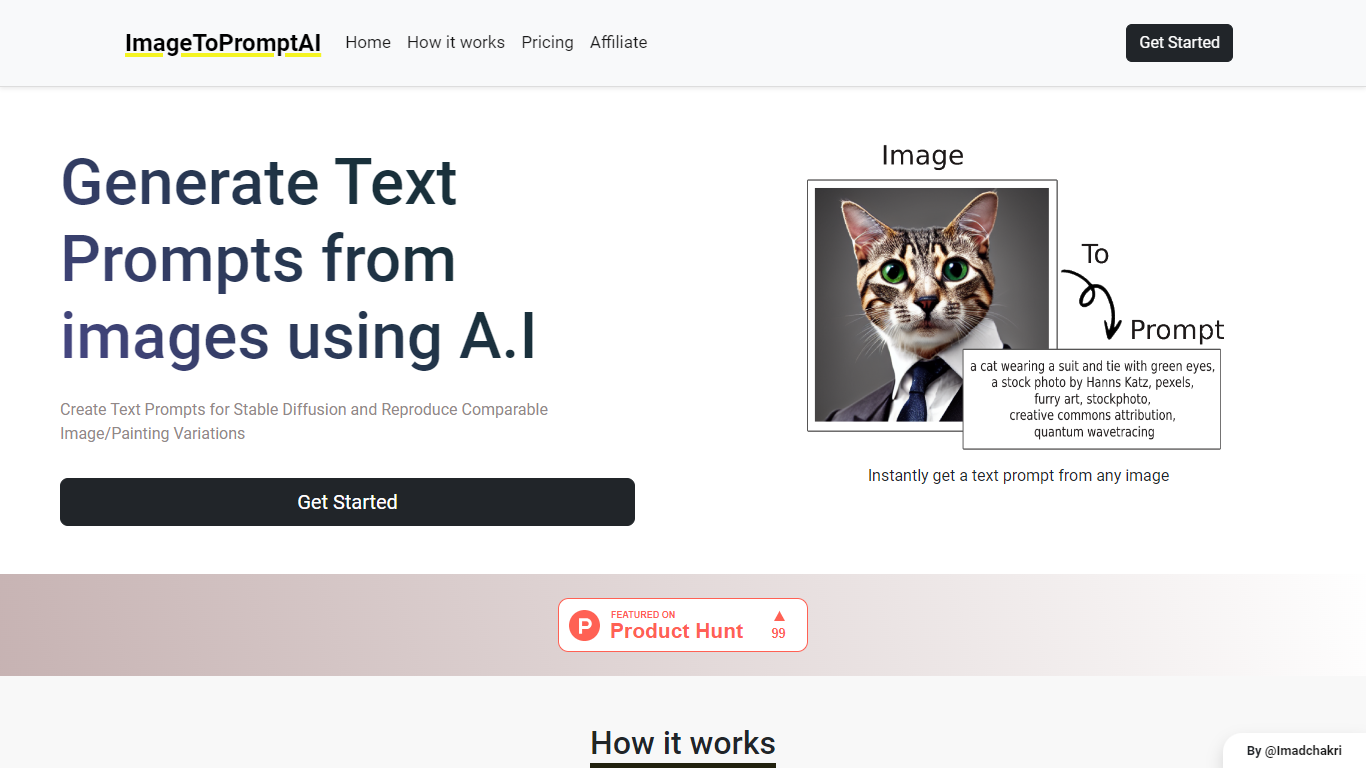

What is ImageToPromptAI?
ImageToPromptAI offers an innovative service that transforms your images into text prompts, catering to users who utilize AI models like Stable Diffusion for versatile creative projects. By uploading an image, you can immediately receive a corresponding text prompt that can be used to generate similar images or painting variations.
This service does away with subscriptions, allowing you to pay as you go for your specific needs. Whether for personal enjoyment or professional use, ImageToPromptAI streamlines the process of cross-media translation from visual to textual inputs.
AI Logo Maker
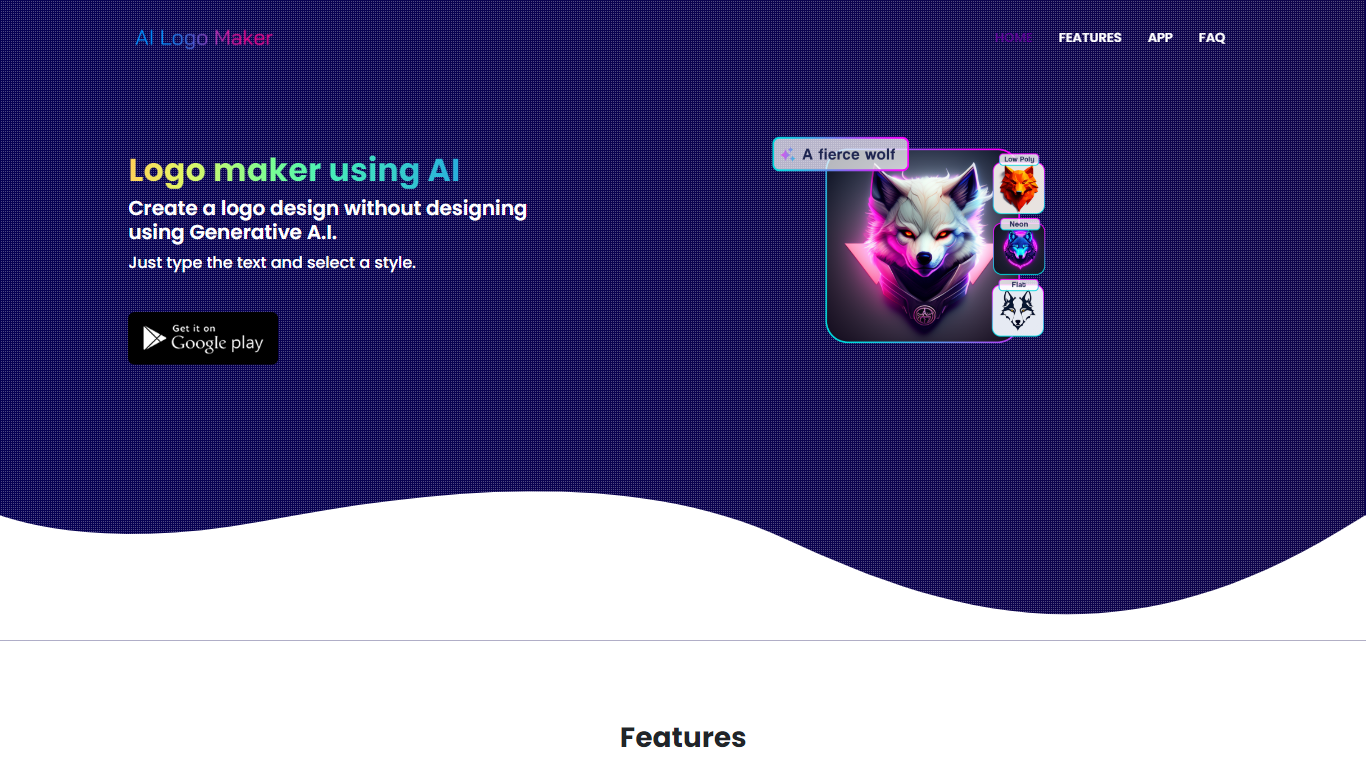
What is AI Logo Maker?
AI Logo Maker turns a brand name, letter mark, or uploaded icon into a finished logo in minutes on the web or through its Android app. Type your text, pick a style, and the generator returns logo concepts you can tweak in a built-in editor with colors, backgrounds, typography, and shapes before exporting PNG, JPG, or SVG files.
Template marketplaces sell generic marks. This tool generates fresh concepts from your input and supports text logos, lettermarks, wordmarks, and icon-based marks in one flow. The site also links a separate AI Poster generator app, but the core product stays focused on quick logo drafts rather than full brand systems.
Startup founders, side hustlers, YouTube creators, and small shops use AI Logo Maker when they need a usable mark without hiring a designer. Commercial use is allowed on downloaded files, and there is no cap on how many logos you can generate on the web experience.
ImageToPromptAI Upvotes
AI Logo Maker Upvotes
ImageToPromptAI Top Features
Transform Image to Text: Instantly convert images into prompts for AI models.
Pay-As-You-Go Pricing: Flexible payment model, with no need for subscriptions.
Multiple Tiers: Choose from Basic, Pro, or Ultra plans according to your needs.
Ease of Use: Simple interface for uploading images and generating prompts.
No Account Required: Start using the service without the need for a user account.
AI Logo Maker Top Features
Text-to-logo generation from your brand name with selectable visual styles
Lettermark and wordmark modes for typography-focused brand marks
Upload or pick icons to merge symbols into generated logo layouts
Built-in logo editor adjusts colors, backgrounds, text, and shapes
Export finished logos as PNG, JPG, or SVG for web and print use
Android app on Google Play under package ai.logomaker.design
No stated limit on how many logo concepts you can create on the web tool
ImageToPromptAI Category
- Design
AI Logo Maker Category
- Design
ImageToPromptAI Pricing Type
- Freemium
AI Logo Maker Pricing Type
- Free