ImageToPromptAI vs BlueWillow
Dive into the comparison of ImageToPromptAI vs BlueWillow and discover which AI Design tool stands out. We examine alternatives, upvotes, features, reviews, pricing, and beyond.
When comparing ImageToPromptAI and BlueWillow, which one rises above the other?
When we compare ImageToPromptAI and BlueWillow, two exceptional design tools powered by artificial intelligence, and place them side by side, several key similarities and differences come to light. There's no clear winner in terms of upvotes, as both tools have received the same number. Your vote matters! Help us decide the winner among aitools.fyi users by casting your vote.
Think we got it wrong? Cast your vote and show us who's boss!
ImageToPromptAI
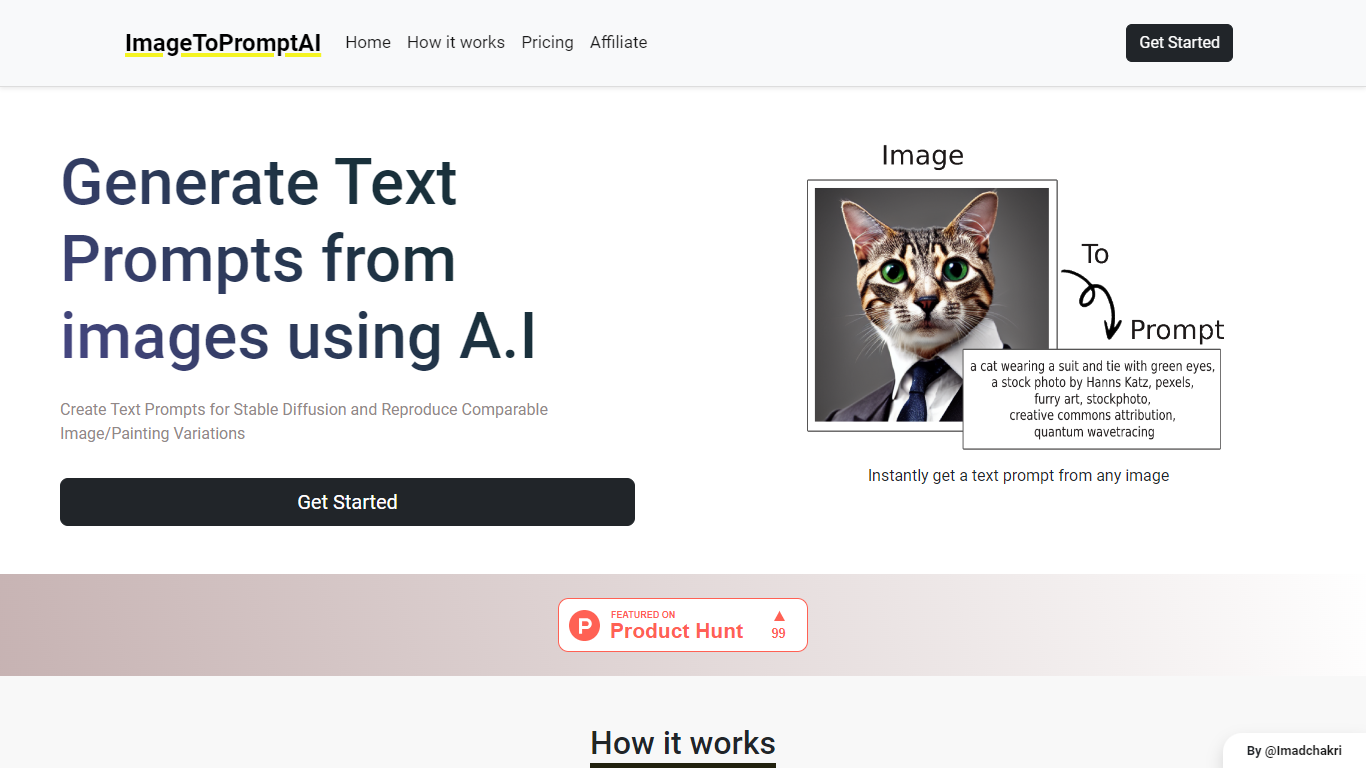

What is ImageToPromptAI?
ImageToPromptAI offers an innovative service that transforms your images into text prompts, catering to users who utilize AI models like Stable Diffusion for versatile creative projects. By uploading an image, you can immediately receive a corresponding text prompt that can be used to generate similar images or painting variations.
This service does away with subscriptions, allowing you to pay as you go for your specific needs. Whether for personal enjoyment or professional use, ImageToPromptAI streamlines the process of cross-media translation from visual to textual inputs.
BlueWillow
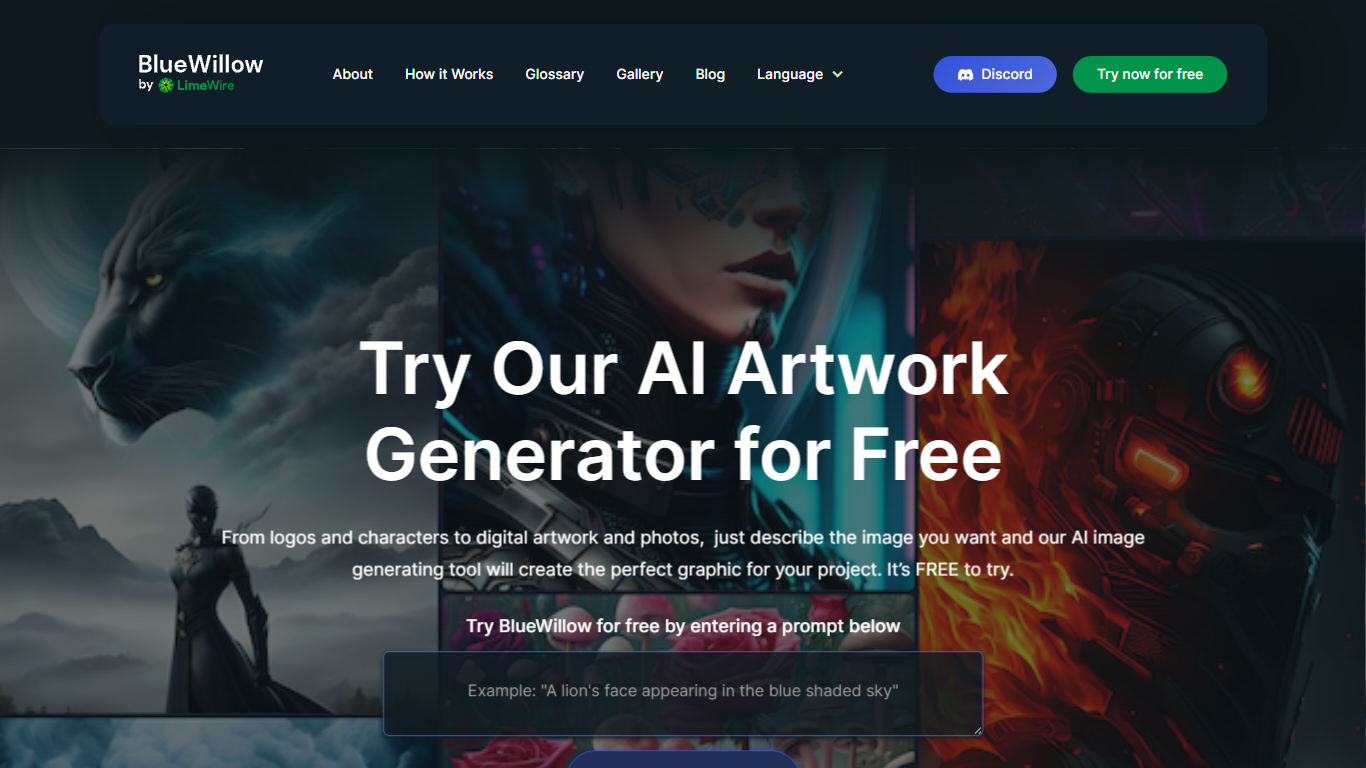
What is BlueWillow?
BlueWillow turns text prompts into AI-generated logos, graphics, and photo-realistic images through a free web tool at bluewillow.ai. You enter a description, click Generate Artwork, and the site routes you to its AI Studio after a quick email signup. Results arrive in seconds, and you can refine, re-generate, or share creations with the BlueWillow community on Discord.
Compared with Midjourney's Discord-only workflow, BlueWillow keeps the entry point on the web with a no-experience-required prompt box on the homepage. The tool targets quick concept art for logos, marketing graphics, and realistic scenes rather than fine-grained professional editing. Discord remains the hub for announcements and community updates, linked from the site header.
Hobbyist designers, social media creators, and small business owners use BlueWillow when they need a visual fast without opening Photoshop. The homepage emphasizes a free trial through the prompt generator, with newsletter signup for tutorials on getting better results from prompts.
ImageToPromptAI Upvotes
BlueWillow Upvotes
ImageToPromptAI Top Features
Transform Image to Text: Instantly convert images into prompts for AI models.
Pay-As-You-Go Pricing: Flexible payment model, with no need for subscriptions.
Multiple Tiers: Choose from Basic, Pro, or Ultra plans according to your needs.
Ease of Use: Simple interface for uploading images and generating prompts.
No Account Required: Start using the service without the need for a user account.
BlueWillow Top Features
Generate logos, graphics, and photo-realistic images from a text prompt on bluewillow.ai
Free to try through the homepage prompt box before entering the AI Studio
Refine or re-generate artwork batches in seconds inside the AI Studio
Discord community for announcements, support, and sharing generated art
Email-based AI Studio access with no design software required
Newsletter with tips and tutorials for improving AI image prompts
ImageToPromptAI Category
- Design
BlueWillow Category
- Design
ImageToPromptAI Pricing Type
- Freemium
BlueWillow Pricing Type
- Free