Pixelgen vs BlueWillow
Explore the showdown between Pixelgen vs BlueWillow and find out which AI Design tool wins. We analyze upvotes, features, reviews, pricing, alternatives, and more.
In a face-off between Pixelgen and BlueWillow, which one takes the crown?
When we contrast Pixelgen with BlueWillow, both of which are exceptional AI-operated design tools, and place them side by side, we can spot several crucial similarities and divergences. There's no clear winner in terms of upvotes, as both tools have received the same number. Every vote counts! Cast yours and contribute to the decision of the winner.
Think we got it wrong? Cast your vote and show us who's boss!
Pixelgen


What is Pixelgen?
Pixelgen is a forward-thinking platform that enables users to craft and manipulate pixel-based images with ease. With a focus on simplicity and user experience, Pixelgen presents a set of intuitive tools designed for both novices and professionals seeking to create, edit, or enhance their digital graphics.
The software features a user-friendly interface that simplifies the process of generating pixel art, providing an array of functionalities from basic editing to more advanced features for detailed and intricate designs.
Whether you're a game developer needing sprites for your game, a digital artist exploring the pixel art style, or a hobbyist looking to express creativity, Pixelgen offers the perfect blend of accessibility and power to bring your pixel creations to life.
BlueWillow
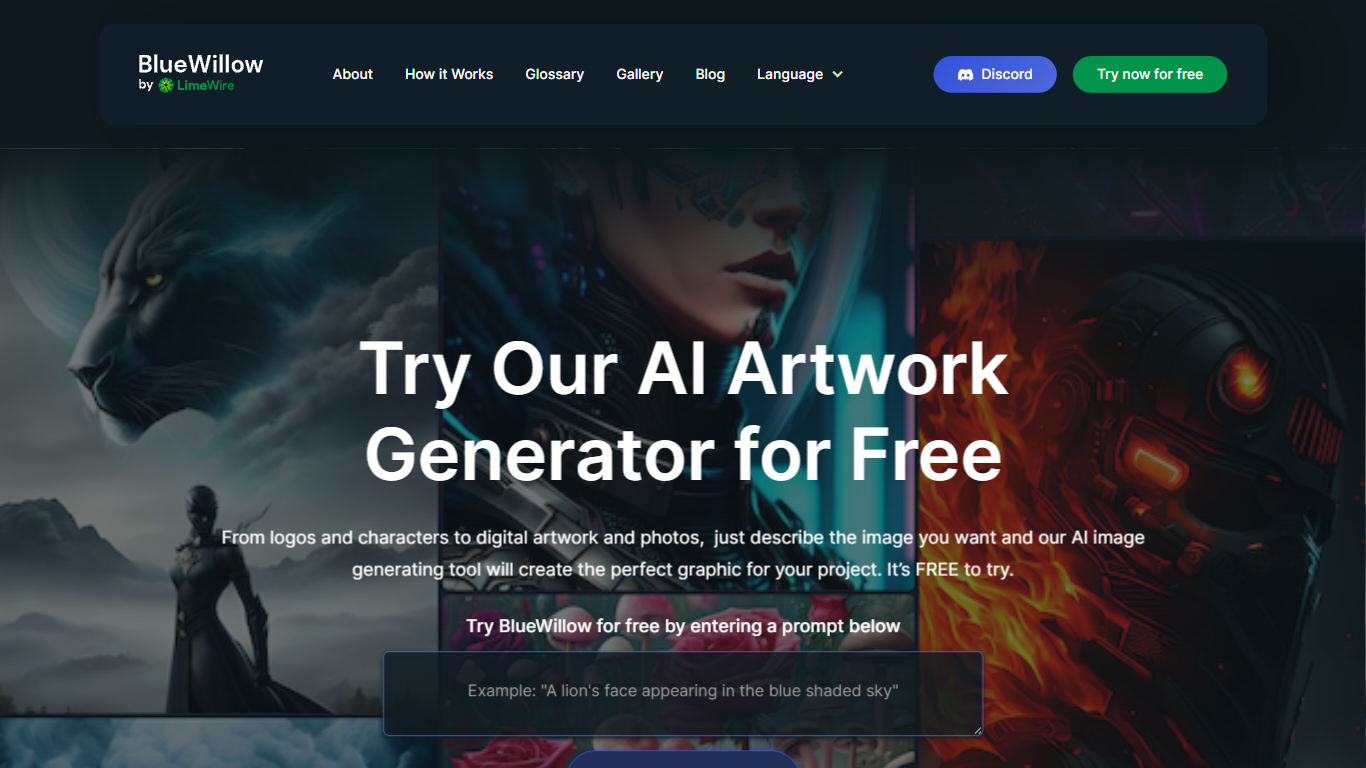
What is BlueWillow?
BlueWillow turns text prompts into AI-generated logos, graphics, and photo-realistic images through a free web tool at bluewillow.ai. You enter a description, click Generate Artwork, and the site routes you to its AI Studio after a quick email signup. Results arrive in seconds, and you can refine, re-generate, or share creations with the BlueWillow community on Discord.
Compared with Midjourney's Discord-only workflow, BlueWillow keeps the entry point on the web with a no-experience-required prompt box on the homepage. The tool targets quick concept art for logos, marketing graphics, and realistic scenes rather than fine-grained professional editing. Discord remains the hub for announcements and community updates, linked from the site header.
Hobbyist designers, social media creators, and small business owners use BlueWillow when they need a visual fast without opening Photoshop. The homepage emphasizes a free trial through the prompt generator, with newsletter signup for tutorials on getting better results from prompts.
Pixelgen Upvotes
BlueWillow Upvotes
Pixelgen Top Features
Intuitive Design: A user-friendly interface that caters to both beginners and professionals.
Pixel Art Creation: Allows for the crafting of pixel-based imagery, perfect for game developers and artists.
Advanced Editing Tools: Offers a variety of editing options for creating detailed and intricate designs.
Accessibility: Designed to be accessible to users with different skill levels.
Versatility: Suitable for various creative projects, including game design and digital art.
BlueWillow Top Features
Generate logos, graphics, and photo-realistic images from a text prompt on bluewillow.ai
Free to try through the homepage prompt box before entering the AI Studio
Refine or re-generate artwork batches in seconds inside the AI Studio
Discord community for announcements, support, and sharing generated art
Email-based AI Studio access with no design software required
Newsletter with tips and tutorials for improving AI image prompts
Pixelgen Category
- Design
BlueWillow Category
- Design
Pixelgen Pricing Type
- Freemium
BlueWillow Pricing Type
- Free