BlueWillow

BlueWillow

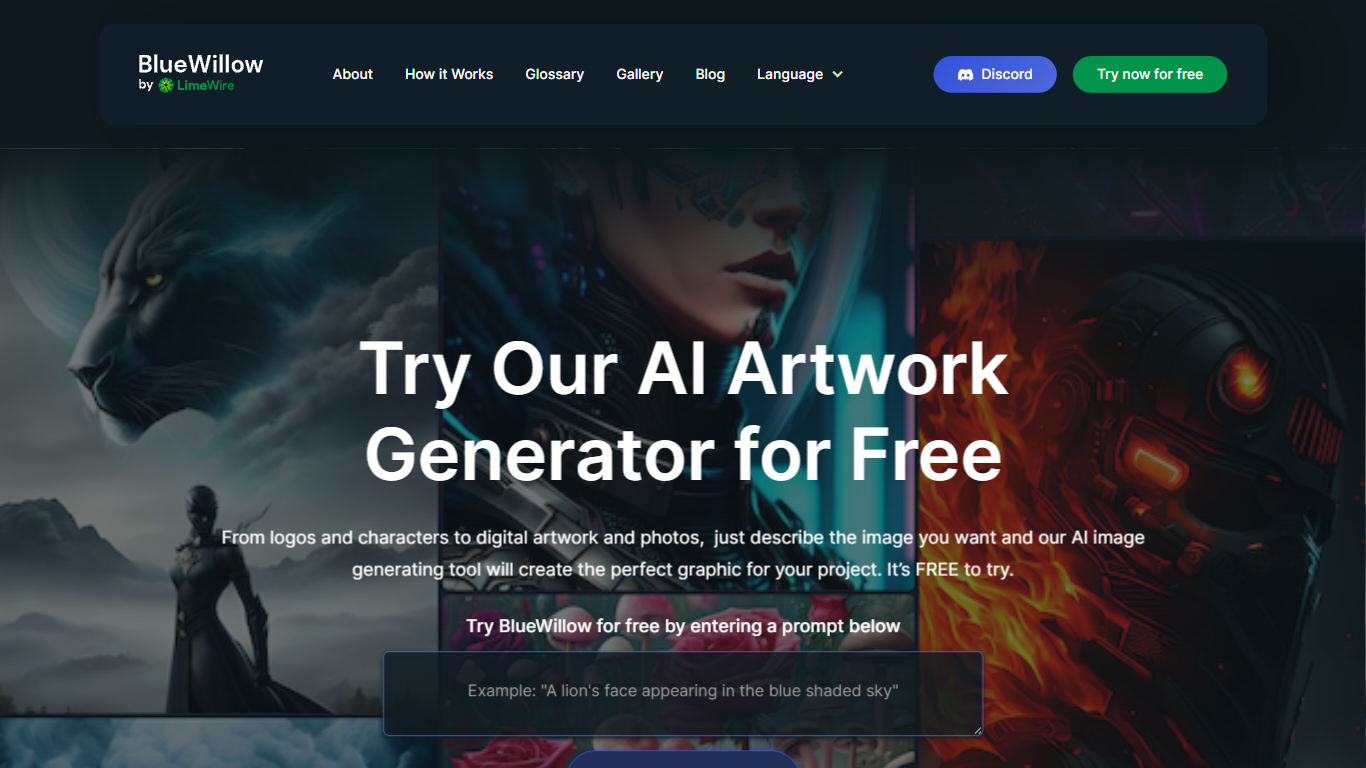
BlueWillow turns text prompts into AI-generated logos, graphics, and photo-realistic images through a free web tool at bluewillow.ai. You enter a description, click Generate Artwork, and the site routes you to its AI Studio after a quick email signup. Results arrive in seconds, and you can refine, re-generate, or share creations with the BlueWillow community on Discord.

Compared with Midjourney's Discord-only workflow, BlueWillow keeps the entry point on the web with a no-experience-required prompt box on the homepage. The tool targets quick concept art for logos, marketing graphics, and realistic scenes rather than fine-grained professional editing. Discord remains the hub for announcements and community updates, linked from the site header.

Hobbyist designers, social media creators, and small business owners use BlueWillow when they need a visual fast without opening Photoshop. The homepage emphasizes a free trial through the prompt generator, with newsletter signup for tutorials on getting better results from prompts.

Top Features:
  1. Generate logos, graphics, and photo-realistic images from a text prompt on bluewillow.ai

  2. Free to try through the homepage prompt box before entering the AI Studio

  3. Refine or re-generate artwork batches in seconds inside the AI Studio

  4. Discord community for announcements, support, and sharing generated art

  5. Email-based AI Studio access with no design software required

  6. Newsletter with tips and tutorials for improving AI image prompts

Pros:
  1. Free to try directly from the homepage prompt box.

  2. No graphic design experience required to generate images.

  3. Supports logos, graphics, and photo-realistic outputs from one tool.

  4. Active Discord community for sharing and announcements.

Cons:
  1. Homepage redirects to AI Studio and requires an email to continue.

  2. No advanced editing tools described beyond refine and re-generate.

  3. Site copyright shows 2023 with limited pricing detail on bluewillow.ai.

FAQs:

What is BlueWillow?

BlueWillow is a free AI art generator that creates logos, graphics, and photo-realistic images from text prompts. Users enter a description on bluewillow.ai, generate artwork in the AI Studio, and can join the Discord community for updates.

Is BlueWillow free to use?

Yes, BlueWillow advertises a free trial through its homepage prompt generator. You enter a prompt, click Generate Artwork, and continue to the AI Studio with your email to receive generated images.

How do I generate images with BlueWillow?

BlueWillow asks you to enter a prompt on the homepage and click Generate Artwork. The site then redirects you to the AI Studio, where you confirm your email and receive a selection of images based on your prompt within seconds.

What types of images can BlueWillow create?

BlueWillow generates logos, graphics, and photo-realistic images from text descriptions. The homepage highlights these three categories as common use cases for the prompt-based generator.

Does BlueWillow have a Discord community?

Yes, BlueWillow runs a Discord community linked from its website header. Discord is described as the platform for news, announcements, and staying updated about the AI Studio.

Do I need design experience to use BlueWillow?

No, BlueWillow is designed to be user-friendly regardless of experience level. You describe the image you want in plain text and the AI generates artwork without requiring graphic design skills.

Category:

Pricing:

Free

Tags:

AI Art Generator
Text to Image
Logo Design
Graphic Design
Photo Realistic
Discord Community
AI Images
Creative Art

Reviews:

Give your opinion on BlueWillow :-

Overall rating

Join thousands of AI enthusiasts in the World of AI!

Best Free BlueWillow Alternatives (and Paid)

By Rishit