Readdy vs BlueWillow
In the battle of Readdy vs BlueWillow, which AI Design tool comes out on top? We compare reviews, pricing, alternatives, upvotes, features, and more.
Which one is better? Readdy or BlueWillow?
Upon comparing Readdy with BlueWillow, which are both AI-powered design tools, Both tools have received the same number of upvotes from aitools.fyi users. Join the aitools.fyi users in deciding the winner by casting your vote.
You don't agree with the result? Cast your vote to help us decide!
Readdy

What is Readdy?
Readdy is a no-code AI website builder that turns a text prompt, template, screenshot, or reference URL into a full multi-page site in minutes. You describe what you want, and it generates layouts, copy, images, and navigation with responsive design baked in from the start.
What sets it apart from a typical page builder is the end-to-end stack. Readdy covers generation, a visual editor with Selector Mode, hosting, custom domains, SEO controls, form storage, and integrations like Stripe, Shopify, Calendly, and Supabase without wiring up separate tools.
It fits solo creators, small businesses, and web agencies that need to ship business sites, portfolios, blogs, landing pages, or storefronts fast. Agency tiers add white-label delivery, lead finding, outreach campaigns, and client management under your own brand.
BlueWillow
What is BlueWillow?
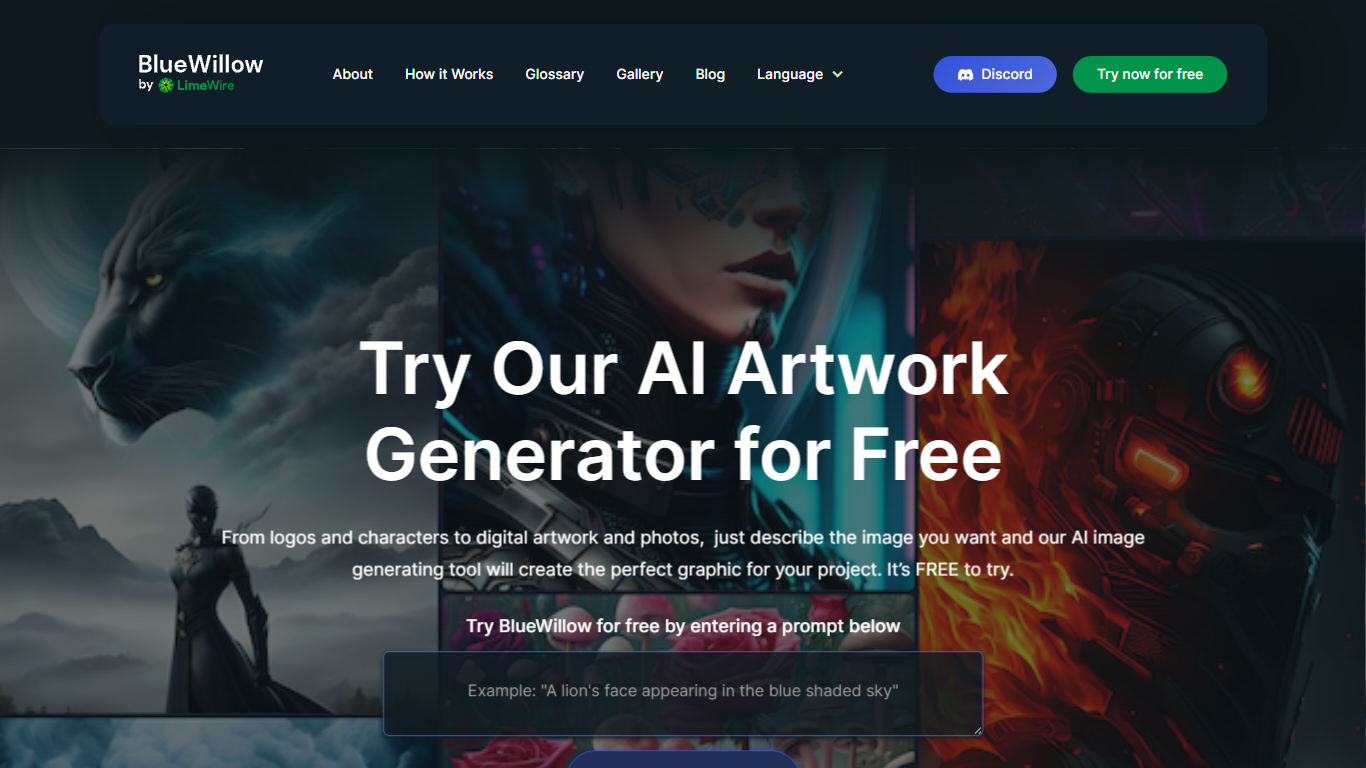
BlueWillow turns text prompts into AI-generated logos, graphics, and photo-realistic images through a free web tool at bluewillow.ai. You enter a description, click Generate Artwork, and the site routes you to its AI Studio after a quick email signup. Results arrive in seconds, and you can refine, re-generate, or share creations with the BlueWillow community on Discord.
Compared with Midjourney's Discord-only workflow, BlueWillow keeps the entry point on the web with a no-experience-required prompt box on the homepage. The tool targets quick concept art for logos, marketing graphics, and realistic scenes rather than fine-grained professional editing. Discord remains the hub for announcements and community updates, linked from the site header.
Hobbyist designers, social media creators, and small business owners use BlueWillow when they need a visual fast without opening Photoshop. The homepage emphasizes a free trial through the prompt generator, with newsletter signup for tutorials on getting better results from prompts.
Readdy Upvotes
BlueWillow Upvotes
Readdy Top Features
Generates complete websites from a text prompt, screenshot, reference URL, or 500+ industry templates
Selector Mode lets you click any element to edit text, colors, spacing, or AI-generated backgrounds in real time
One-click publish with hosting, SSL, custom domains, sitemap.xml, and Google Search Console verification
Built-in form backend stores submissions in Supabase with no external database setup
Connects Stripe, Shopify, Calendly, Mailchimp, and Google Analytics from the same dashboard
Agency plans add white-label portals, AI lead finder, batch demo sites, and cold email outreach campaigns
BlueWillow Top Features
Generate logos, graphics, and photo-realistic images from a text prompt on bluewillow.ai
Free to try through the homepage prompt box before entering the AI Studio
Refine or re-generate artwork batches in seconds inside the AI Studio
Discord community for announcements, support, and sharing generated art
Email-based AI Studio access with no design software required
Newsletter with tips and tutorials for improving AI image prompts
Readdy Category
- Design
BlueWillow Category
- Design
Readdy Pricing Type
- Freemium
BlueWillow Pricing Type
- Free