ImageToPromptAI vs Figflow
In the clash of ImageToPromptAI vs Figflow , which AI Design tool emerges victorious? We assess reviews, pricing, alternatives, features, upvotes, and more.
When we put ImageToPromptAI and Figflow head to head, which one emerges as the victor?
Let's take a closer look at ImageToPromptAI and Figflow , both of which are AI-driven design tools, and see what sets them apart. Both tools are equally favored, as indicated by the identical upvote count. Your vote matters! Help us decide the winner among aitools.fyi users by casting your vote.
Feeling rebellious? Cast your vote and shake things up!
ImageToPromptAI
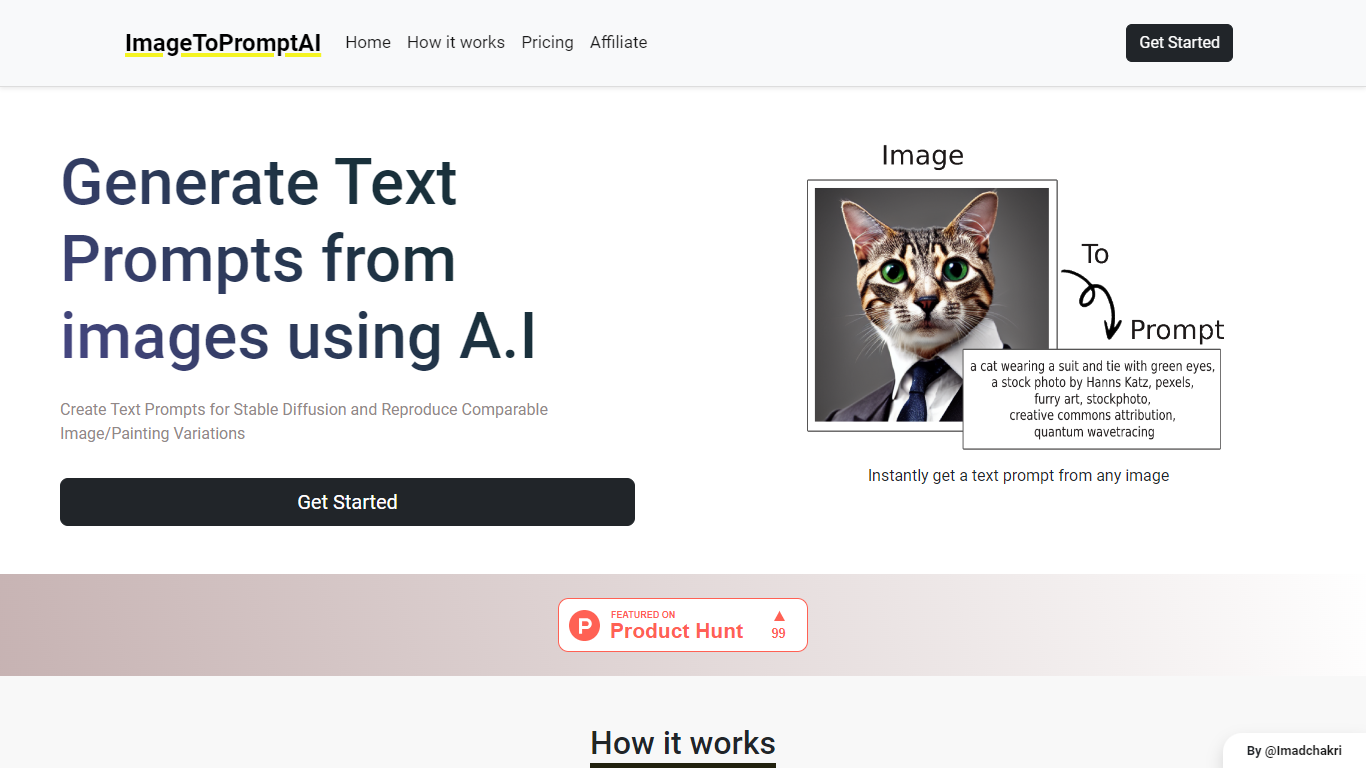

What is ImageToPromptAI?
ImageToPromptAI offers an innovative service that transforms your images into text prompts, catering to users who utilize AI models like Stable Diffusion for versatile creative projects. By uploading an image, you can immediately receive a corresponding text prompt that can be used to generate similar images or painting variations.
This service does away with subscriptions, allowing you to pay as you go for your specific needs. Whether for personal enjoyment or professional use, ImageToPromptAI streamlines the process of cross-media translation from visual to textual inputs.
Figflow
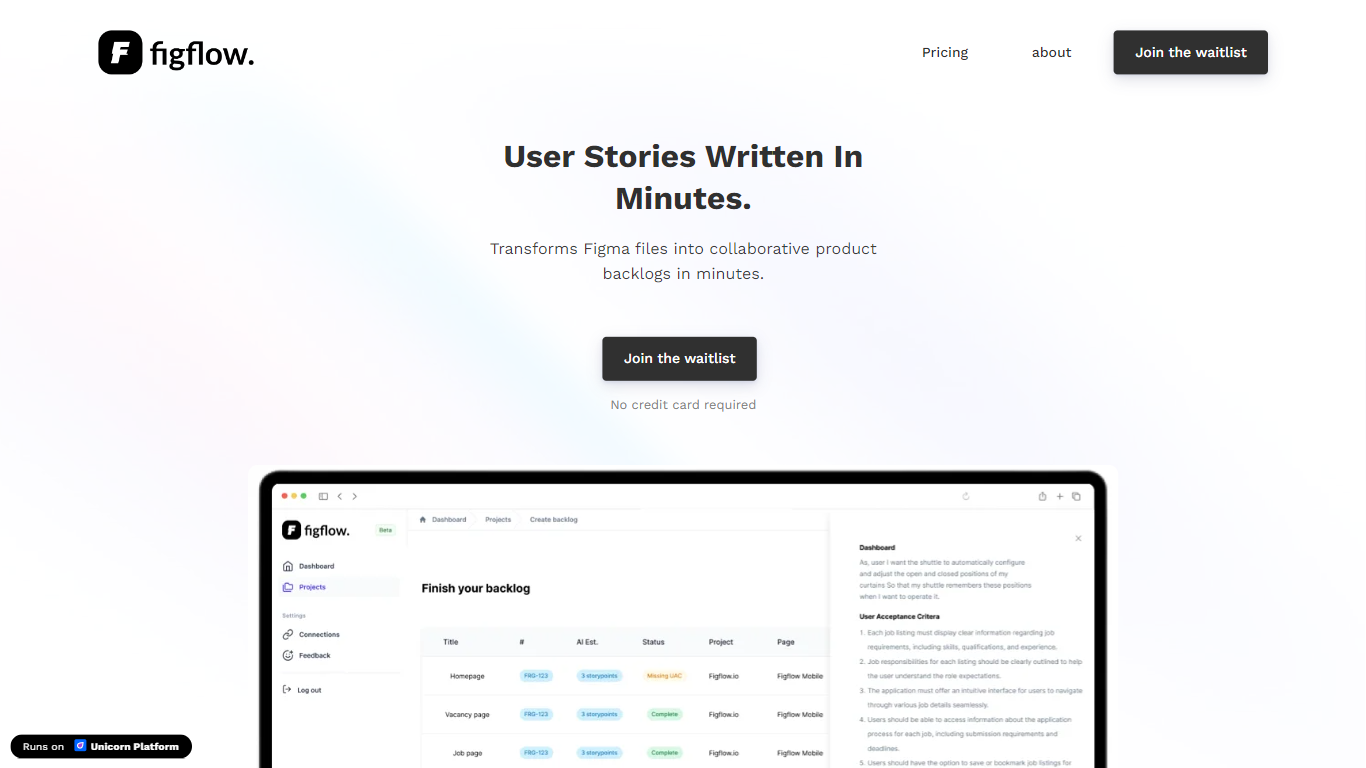
What is Figflow ?
Figflow turns Figma files into structured product backlogs with user stories, acceptance criteria, and story point estimates. You connect Figma through OAuth, upload frames, and Figflow drafts tickets from what is already on the canvas. It targets the handoff gap between design files and sprint-ready work.
Most backlog tools expect you to write stories from scratch. Figflow starts from your Figma screens, embeds design screenshots inside each story, and uses its AI assistant to shape voice and tone. The Professional plan at $9 per month removes the 250-interaction cap on the free Personal tier, which is the main reason teams outgrow the starter plan.
Product owners, product managers, and product designers use Figflow to cut manual story writing before refinement sessions. It fits teams that live in Figma and want a single workspace for multiple projects without exporting screens into a separate doc for every ticket.
ImageToPromptAI Upvotes
Figflow Upvotes
ImageToPromptAI Top Features
Transform Image to Text: Instantly convert images into prompts for AI models.
Pay-As-You-Go Pricing: Flexible payment model, with no need for subscriptions.
Multiple Tiers: Choose from Basic, Pro, or Ultra plans according to your needs.
Ease of Use: Simple interface for uploading images and generating prompts.
No Account Required: Start using the service without the need for a user account.
Figflow Top Features
OAuth Figma integration pulls projects without manual file exports
Personal plan includes 250 free AI interactions before paid upgrade
Professional plan at $9 per month unlocks unlimited AI interactions and projects
AI assistant drafts acceptance criteria from design frames and user stories
Design screenshots attach directly to user stories instead of separate exports
Supports 10 languages including English, Dutch, French, German, Spanish, and Japanese
ImageToPromptAI Category
- Design
Figflow Category
- Design
ImageToPromptAI Pricing Type
- Freemium
Figflow Pricing Type
- Freemium