ImageToPromptAI vs Ostagram
Compare ImageToPromptAI vs Ostagram and see which AI Design tool is better when we compare features, reviews, pricing, alternatives, upvotes, etc.
Which one is better? ImageToPromptAI or Ostagram?
When we compare ImageToPromptAI with Ostagram, which are both AI-powered design tools, The upvote count is neck and neck for both ImageToPromptAI and Ostagram. The power is in your hands! Cast your vote and have a say in deciding the winner.
Does the result make you go "hmm"? Cast your vote and turn that frown upside down!
ImageToPromptAI
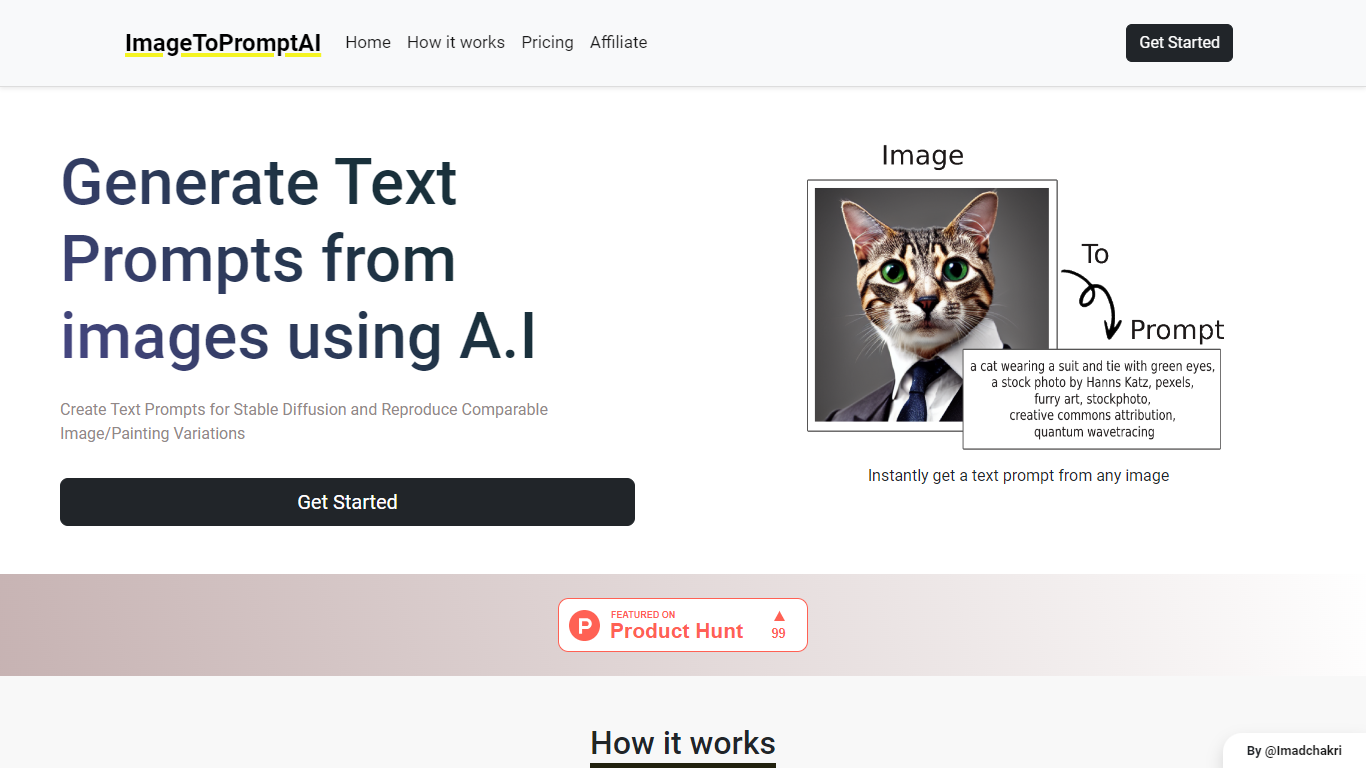

What is ImageToPromptAI?
ImageToPromptAI offers an innovative service that transforms your images into text prompts, catering to users who utilize AI models like Stable Diffusion for versatile creative projects. By uploading an image, you can immediately receive a corresponding text prompt that can be used to generate similar images or painting variations.
This service does away with subscriptions, allowing you to pay as you go for your specific needs. Whether for personal enjoyment or professional use, ImageToPromptAI streamlines the process of cross-media translation from visual to textual inputs.
Ostagram
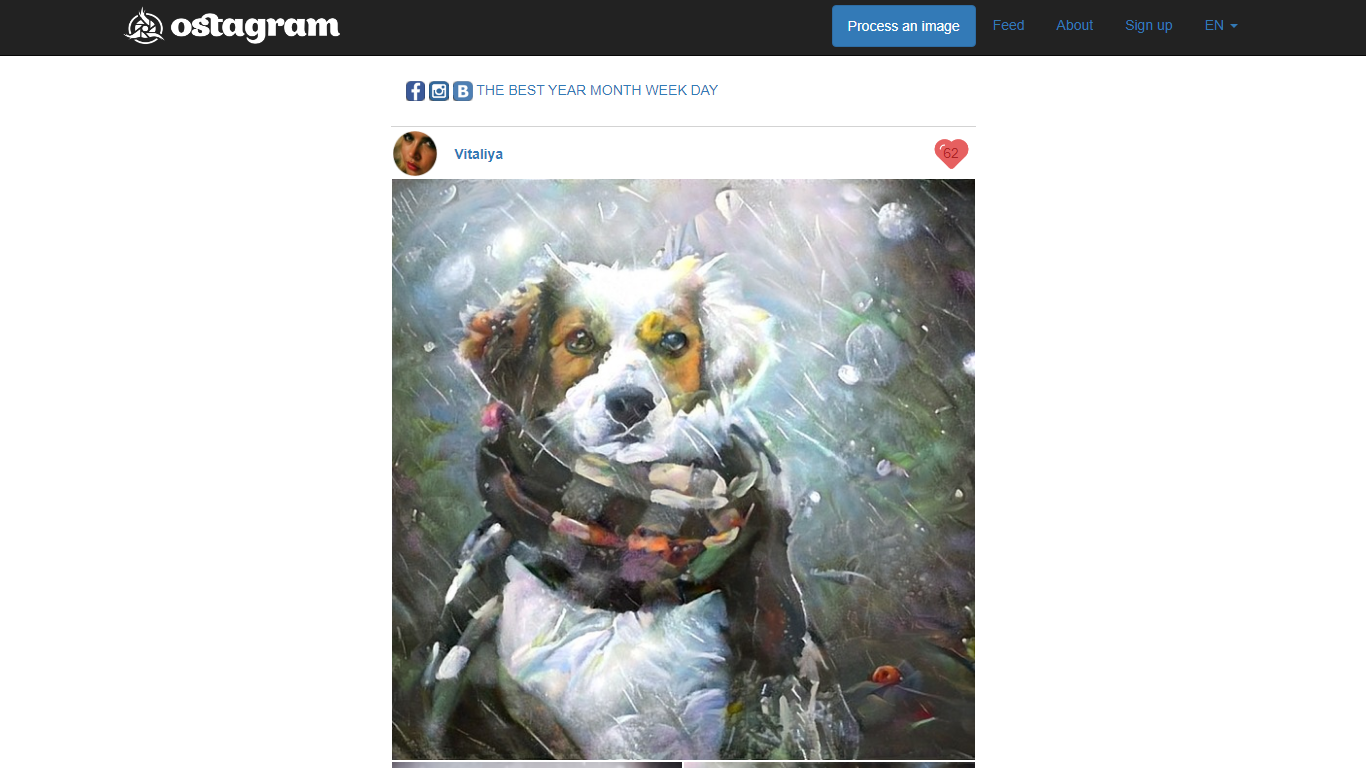
What is Ostagram?
Ostagram blends a photo you upload with the artistic style of a second reference image using neural style transfer. You pick a content photo and a style source, then the site runs a convolutional network based on the Gatys artistic style algorithm described on its About page. Results land in a public feed where you can browse day, week, month, and year leaderboards while long jobs finish.
Phone filter apps slap one-click presets on your shots. Ostagram instead merges two specific images so you control both the scene and the painter or texture you imitate, which is closer to classic style transfer research than a generic art filter. The trade-off is wait time: the About page estimates about 1.5 to 2 hours of processing on an average home computer, so you browse the gallery instead of staring at a progress bar.
Hobbyist designers, digital artists, and photo experimenters who want painterly remixes without manual brushwork are the natural audience. English and Chinese language options on the feed navigation suit a global community posting to the shared gallery.
ImageToPromptAI Upvotes
Ostagram Upvotes
ImageToPromptAI Top Features
Transform Image to Text: Instantly convert images into prompts for AI models.
Pay-As-You-Go Pricing: Flexible payment model, with no need for subscriptions.
Multiple Tiers: Choose from Basic, Pro, or Ultra plans according to your needs.
Ease of Use: Simple interface for uploading images and generating prompts.
No Account Required: Start using the service without the need for a user account.
Ostagram Top Features
Combines a user photo with a separate style image through neural style transfer on the About page
Processing takes about 1.5 to 2 hours on an average home computer per the About page estimate
Public feed with best, year, month, week, and day leaderboards on the gallery pages
English and Chinese locale switchers listed in the site navigation
Registration required before you can upload pictures for processing per the About page
Algorithm reference links to the Gatys artistic style paper and an official GitHub repository
ImageToPromptAI Category
- Design
Ostagram Category
- Design
ImageToPromptAI Pricing Type
- Freemium
Ostagram Pricing Type
- Freemium