
Last updated 08-10-2026
Category:
Reviews:
Join thousands of AI enthusiasts in the World of AI!
Ostagram
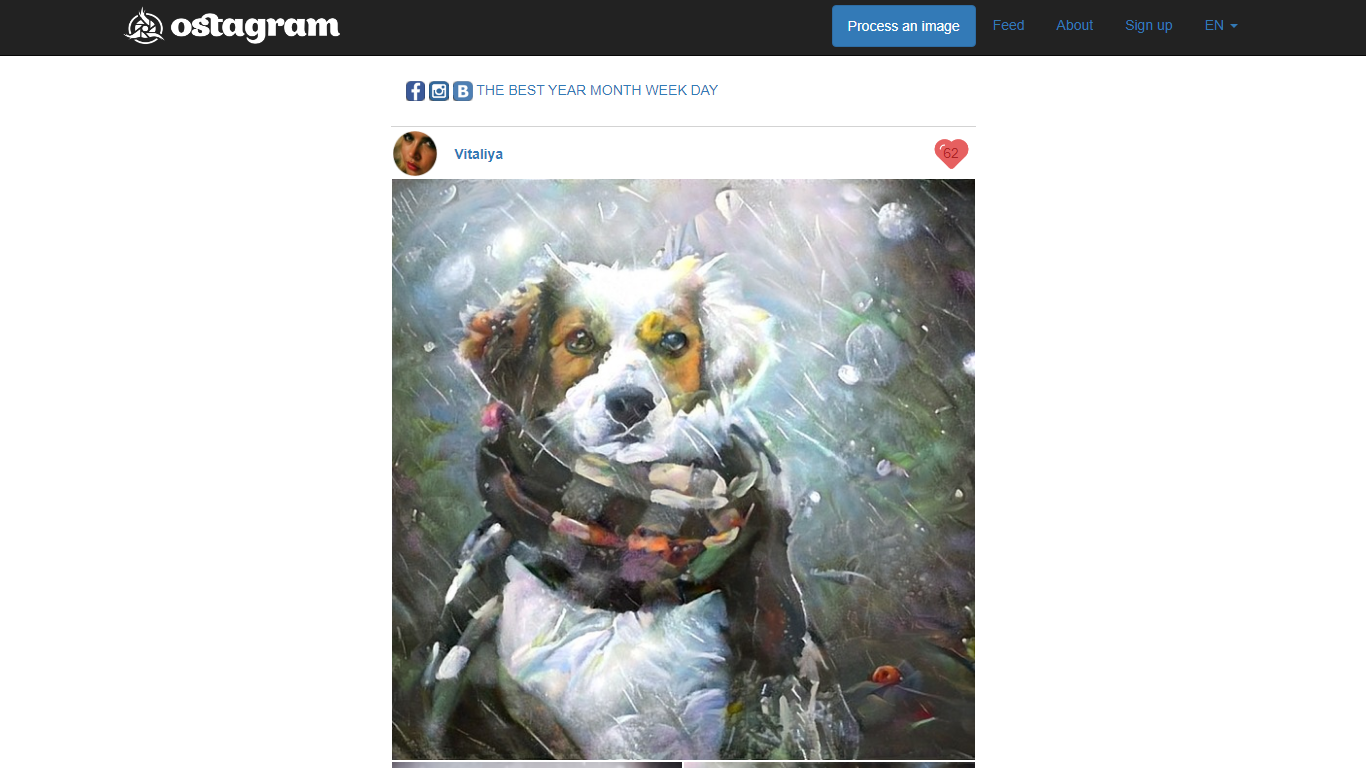
Ostagram blends a photo you upload with the artistic style of a second reference image using neural style transfer. You pick a content photo and a style source, then the site runs a convolutional network based on the Gatys artistic style algorithm described on its About page. Results land in a public feed where you can browse day, week, month, and year leaderboards while long jobs finish.
Phone filter apps slap one-click presets on your shots. Ostagram instead merges two specific images so you control both the scene and the painter or texture you imitate, which is closer to classic style transfer research than a generic art filter. The trade-off is wait time: the About page estimates about 1.5 to 2 hours of processing on an average home computer, so you browse the gallery instead of staring at a progress bar.
Hobbyist designers, digital artists, and photo experimenters who want painterly remixes without manual brushwork are the natural audience. English and Chinese language options on the feed navigation suit a global community posting to the shared gallery.
Combines a user photo with a separate style image through neural style transfer on the About page
Processing takes about 1.5 to 2 hours on an average home computer per the About page estimate
Public feed with best, year, month, week, and day leaderboards on the gallery pages
English and Chinese locale switchers listed in the site navigation
Registration required before you can upload pictures for processing per the About page
Algorithm reference links to the Gatys artistic style paper and an official GitHub repository
Dual-image workflow lets you pick both the scene and the art style to imitate.
Public feed and leaderboards give inspiration while long jobs process.
Open algorithm reference on the About page links to the published Gatys method.
About page estimates 1.5 to 2 hours of processing on a typical home computer.
Registration is mandatory before uploads, so you cannot test anonymously.
Homepage and processing pages sit behind Cloudflare checks that block automated access.
How does Ostagram work?
Ostagram applies neural style transfer to blend your uploaded photo with a style image you choose. The About page describes convolutional networks using the Gatys artistic style algorithm to paint a new image.
How long does Ostagram processing take?
Ostagram estimates about 1.5 to 2 hours on an average home computer. The About page advises browsing the gallery while processing runs instead of waiting on the page.
Do I need an Ostagram account?
Yes, Ostagram requires registration before uploading pictures. The About page states sign-up is required for uploads, with English and Chinese locale options on the site.
What can I do on the Ostagram feed?
Ostagram hosts a gallery of community style transfers you can browse. Feed navigation sorts top works by day, week, month, year, and all-time best lists.
What technology powers Ostagram?
Ostagram uses convolutional neural networks for artistic style transfer. The About page cites the Gatys, Ecker, and Bethge algorithm and links to an official GitHub implementation.
Which languages does Ostagram support?
Ostagram offers English and Chinese locales. The gallery navigation includes EN and CN switches on the public feed pages.