ImagineMe vs ImagetoCartoon
Explore the showdown between ImagineMe vs ImagetoCartoon and find out which AI Avatar Generation tool wins. We analyze upvotes, features, reviews, pricing, alternatives, and more.
When comparing ImagineMe and ImagetoCartoon, which one rises above the other?
When we contrast ImagineMe with ImagetoCartoon, both of which are exceptional AI-operated avatar generation tools, and place them side by side, we can spot several crucial similarities and divergences. Neither tool takes the lead, as they both have the same upvote count. Be a part of the decision-making process. Your vote could determine the winner.
Don't agree with the result? Cast your vote and be a part of the decision-making process!
ImagineMe
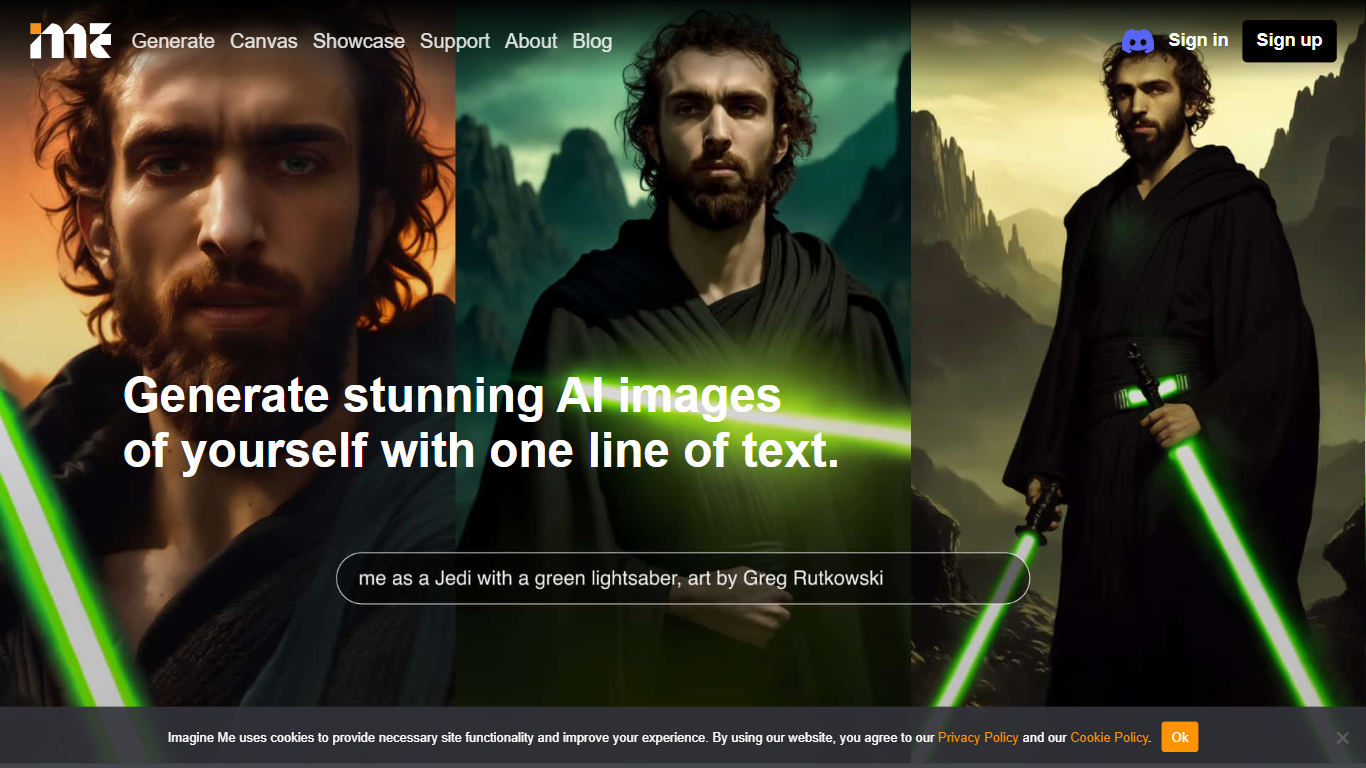

What is ImagineMe?
ImagineMe is a personal avatar generator that trains a private AI model on your own photos, then turns text prompts into images and videos of you. Upload 10 to 20 reference photos, wait for training to finish, and type a scene description to see yourself in fantasy settings, professional headshots, cosplay looks, or cartoon styles.
Most avatar tools apply a one-size filter to your face. ImagineMe trains a separate model per user, so the output is meant to look like you rather than a generic stock face. That per-user training takes up to 5 hours, but once it is done, new images generate in about 10 seconds after a short cold start.
The platform suits creators who want stylized self-portraits, tabletop gamers building D&D character art, pet owners making cartoon versions of their animals, and anyone who wants LinkedIn headshots or social media avatars without a photo shoot. Video, upscale, and Canvas editing tools extend the same trained model beyond still images.
ImagetoCartoon
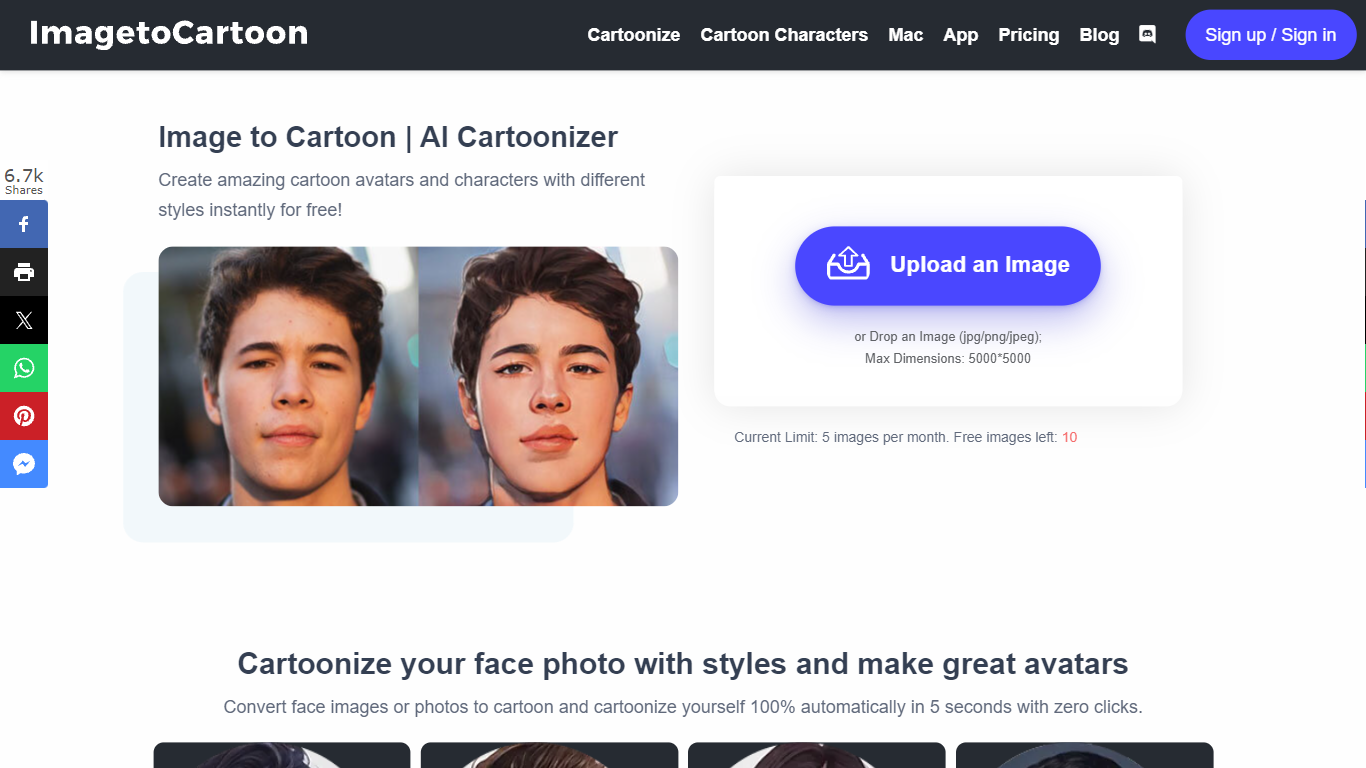
What is ImagetoCartoon?
ImagetoCartoon turns portrait and pet photos into cartoon avatars through a browser-based image converter. Upload a JPG, PNG, or WebP file up to 10 MB, pick from 80-plus styles spanning anime, manga, Pixar, claymation, and pop art, and download the result in seconds. No account, login, or payment is required to start.
Most cartoon filters apply one generic effect. ImagetoCartoon offers a style library with named looks like Studio Ghibli, Japanese Ukiyo-e, Marvel Comic Anime, and Cel-Shaded, each tuned for different character proportions and line work. Aspect ratio controls let you match the input image or export square, portrait, and landscape crops for profile pictures and social posts.
Social media users, pet owners, and hobbyists use ImagetoCartoon for profile avatars, stickers, and printable art. Uploaded images and generated results are automatically deleted within two hours. A separate Cartoonizer app is available on iOS and Android for mobile conversions.
ImagineMe Upvotes
ImagetoCartoon Upvotes
ImagineMe Top Features
Upload 10 to 20 photos to train a private model that learns your likeness
Generate new images in about 10 seconds after the initial cold start
Credit packs start at $5 for 10 credits, with images from $0.08 each on the 45-credit plan
Create AI videos at 5 or 10 seconds with Fast, Normal, or High Quality modes costing 3 credits
Canvas editor with pose detection, depth view, and inpainting on desktop
Upscale tool to sharpen generated images after creation
Sign in with Google, Facebook, or Apple plus a Discord community for support
ImagetoCartoon Top Features
80+ cartoon styles including Studio Ghibli, Disney, Pixar, manga, and claymation
Accepts JPG, PNG, and WebP uploads up to 10 MB with no account required
Seven aspect ratio presets from 1:1 square to 16:9 landscape
Powered by the Vheer quality model for higher-detail cartoon output
Uploaded and generated images auto-delete within 2 hours for privacy
Dedicated Cartoonizer app available on iOS and Android
ImagineMe Category
- Avatar Generation
ImagetoCartoon Category
- Avatar Generation
ImagineMe Pricing Type
- Paid
ImagetoCartoon Pricing Type
- Free