Img2Video vs Vidnoz AI
Dive into the comparison of Img2Video vs Vidnoz AI and discover which AI Video Generation tool stands out. We examine alternatives, upvotes, features, reviews, pricing, and beyond.
When comparing Img2Video and Vidnoz AI, which one rises above the other?
When we compare Img2Video and Vidnoz AI, two exceptional video generation tools powered by artificial intelligence, and place them side by side, several key similarities and differences come to light. In the race for upvotes, Vidnoz AI takes the trophy. Vidnoz AI has attracted 7 upvotes from aitools.fyi users, and Img2Video has attracted 6 upvotes.
You don't agree with the result? Cast your vote to help us decide!
Img2Video
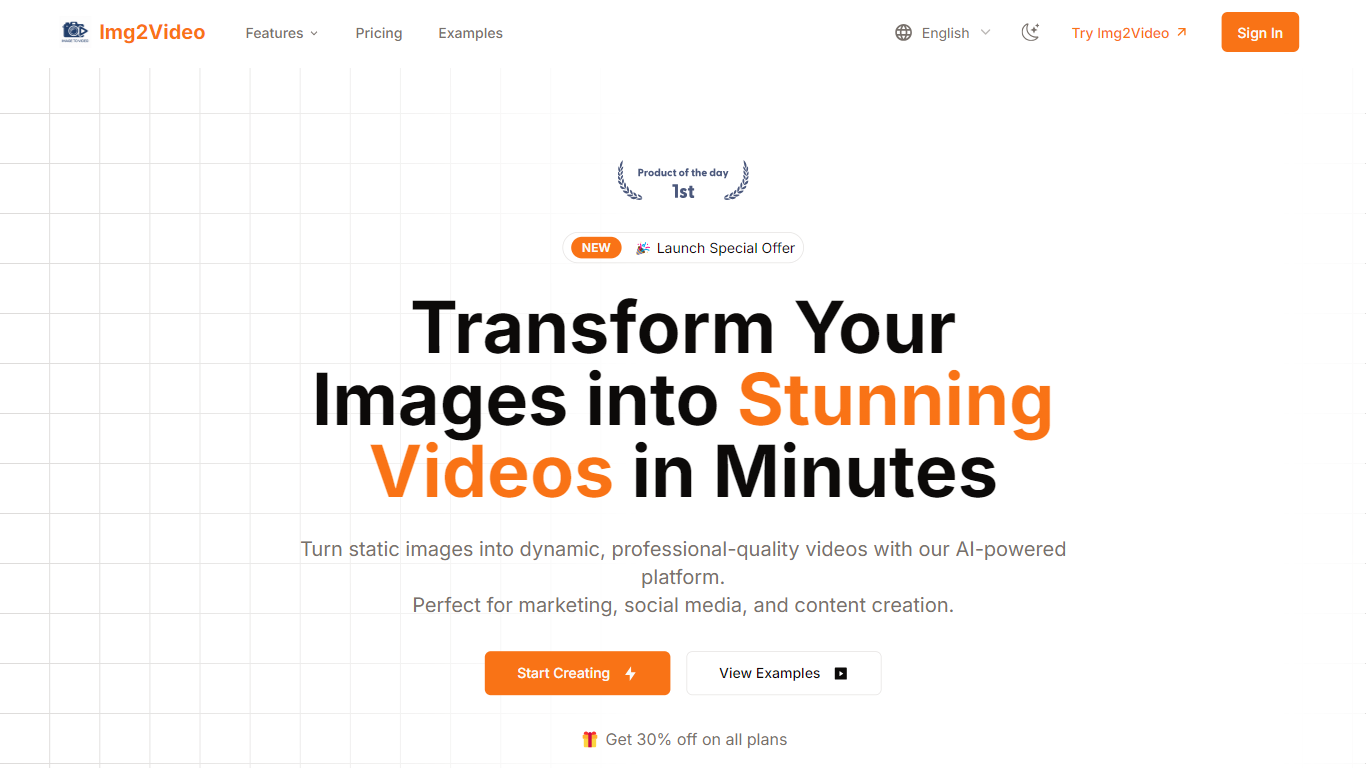

What is Img2Video?
Img2Video turns uploaded still images into short animated videos through a browser workflow at img2video.org/create. You pick a template, upload 2-3 JPG or PNG files up to 10MB each, set a 5, 10, or 15 second length, and optionally add a prompt before generating the clip.
Many image-to-video apps target cinematic motion from a single photo. Img2Video focuses on multi-image slideshow-style output with templates, a royalty-free music library, and export presets sized for Instagram, TikTok, YouTube, and Facebook. Free exports carry a watermark, while Lite and Pro plans remove it and unlock Professional Mode.
The pricing section lists Free, Lite at $9.9 per month during the launch offer, and Pro at $19.9 per month with monthly quotas of 2, 30, and 80 standard videos. Content creators, social media managers, and e-commerce sellers are the audiences named across the homepage and create page.
Vidnoz AI
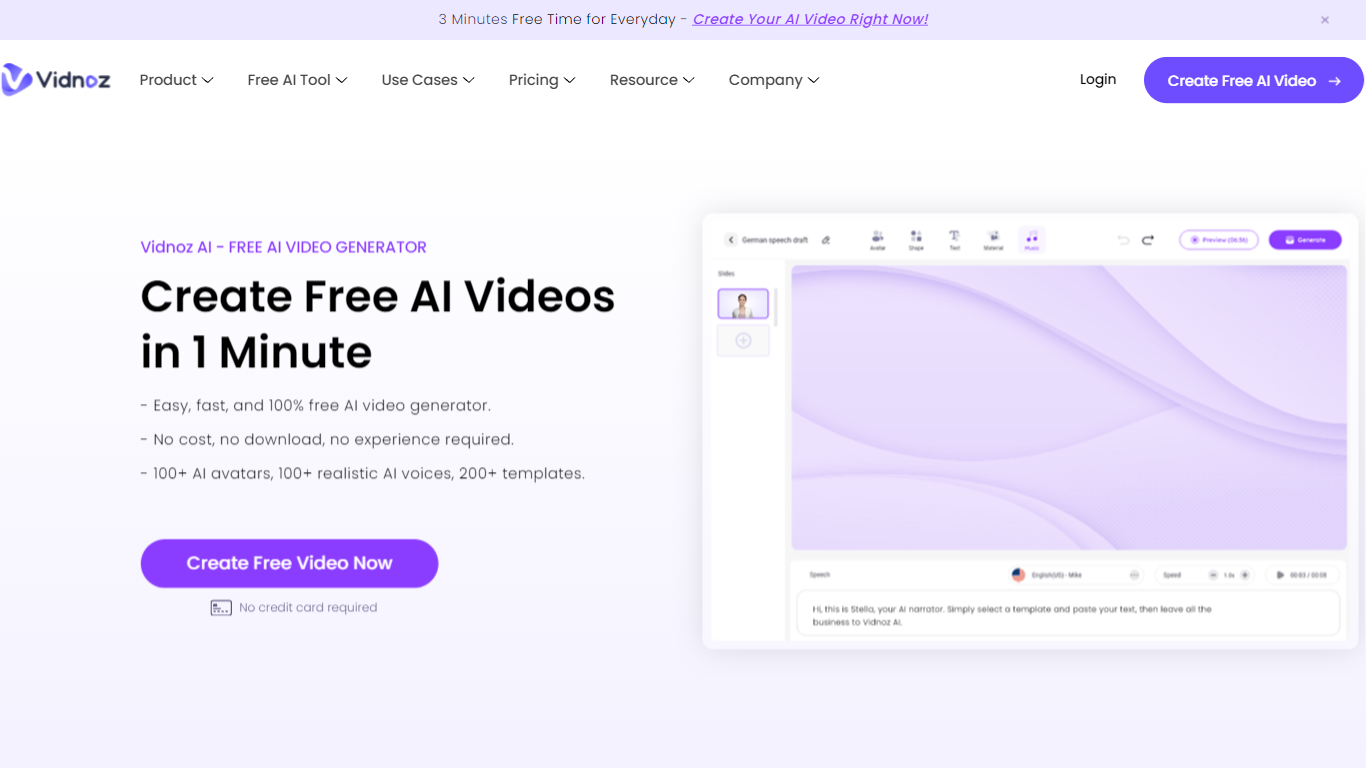
What is Vidnoz AI?
Vidnoz AI is an online video generator built around talking avatars, ready-made templates, and text-to-speech. You pick from 1,900+ AI avatars and 2,800+ templates, type a script, and export presenter-style clips without filming actors or renting a studio.
Many avatar video tools push you straight into paid minutes or reserve custom avatars for enterprise tiers. Vidnoz keeps a no-card free plan with 60 daily credits, photo-to-avatar conversion, and lip-sync translation across 140+ languages, which fits short drafts and social clips more than one long monthly render binge.
Marketing teams, e-learning authors, and HR trainers use it for explainers, onboarding walkthroughs, and localized training. The editor layers scenes, music, captions, and brand assets on paid Business plans, while universities like Martin-Luther-University Halle-Wittenberg have used Vidnoz avatars for communication training simulations.
Img2Video Upvotes
Vidnoz AI Upvotes
Img2Video Top Features
Upload 2-3 JPG or PNG images up to 10MB each on the create page
Pick 5, 10, or 15 second video lengths before generation
Free plan includes 2 standard videos; Lite allows 30 and Pro allows 80 per month
Lite and Pro remove watermarks and unlock Professional Mode generation
Export MP4 or WebM with aspect ratios for Instagram, YouTube, TikTok, and Facebook
Optional text prompt field accepts up to 2000 characters per project
Vidnoz AI Top Features
Free signup includes 60 credits per day with no credit card required
Library lists 1,900+ AI avatars, 3,200+ templates, and 2,660+ voices across 140+ languages
Standard video generation costs 0.5 credits per second with a 1-credit minimum per export
Paid Starter and Business plans export 1080p video without the Vidnoz watermark
Business plan adds voice cloning, one-click video translation, brand kit, and SAML/SSO
Expressive Avatar mode charges 2 credits per second for gesture-driven presenters
Img2Video Category
- Video Generation
Vidnoz AI Category
- Video Generation
Img2Video Pricing Type
- Freemium
Vidnoz AI Pricing Type
- Freemium