Imgage vs Made Live
In the face-off between Imgage vs Made Live, which AI Design tool takes the crown? We scrutinize features, alternatives, upvotes, reviews, pricing, and more.
In a face-off between Imgage and Made Live, which one takes the crown?
If we were to analyze Imgage and Made Live, both of which are AI-powered design tools, what would we find? Both tools are equally favored, as indicated by the identical upvote count. Your vote matters! Help us decide the winner among aitools.fyi users by casting your vote.
Does the result make you go "hmm"? Cast your vote and turn that frown upside down!
Imgage

What is Imgage?
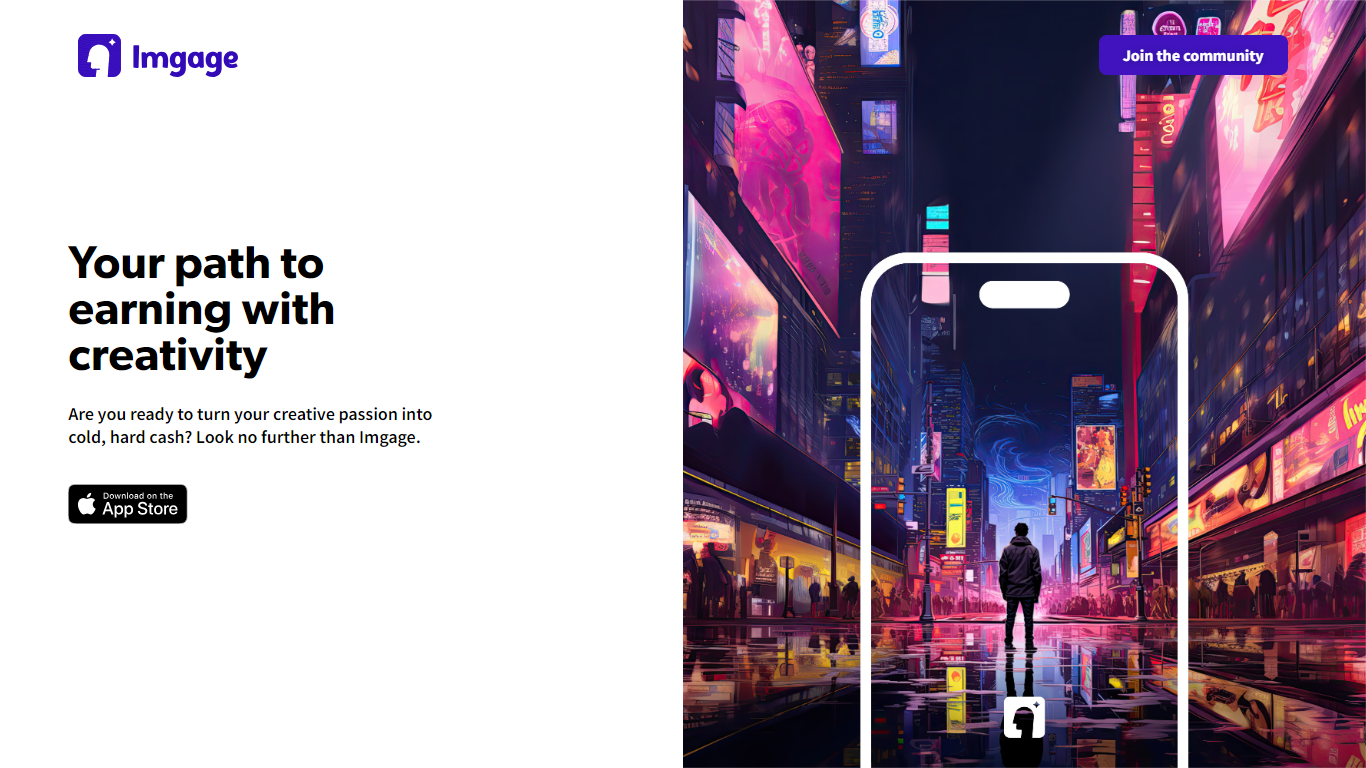
Imgage is an iPhone app that turns text prompts and everyday photos into AI-generated artwork. You describe what you want, pick a visual style, and the app builds images you can edit further with filters, effects, and background tools. It is built for creators who want a mobile workflow instead of a desktop image editor.
Beyond generation, Imgage works like a social feed for AI art. You can browse work from other users, share your own images, and build an audience inside the app. The App Store listing positions it as a social network for generated pictures, not just a standalone generator.
Imgage is developed by Younics, s.r.o. and is available as a free iPhone download with optional in-app purchases. The original imgage.app website is no longer active; the App Store listing is the current public product page.
Made Live

What is Made Live?
Made Live enables authors and artists to create, publish, and distribute illustrated books such as children's stories, comics, and graphic novels. It provides tools that support the entire publishing process from initial creation to reaching readers.
This tool stands out by focusing specifically on richly illustrated content, offering features tailored to the unique needs of visual storytelling. Unlike general publishing tools, Made Live emphasizes creative control and accessibility for both beginners and experienced creators.
Made Live combines a user-friendly interface with end-to-end publishing solutions, allowing users to maintain ownership of their work while simplifying distribution. This approach helps creators share their illustrated stories with a broad audience without sacrificing artistic vision.
Imgage Upvotes
Made Live Upvotes
Imgage Top Features
Generate images from text prompts on iPhone
Edit photos with filters, effects, and background tools
Browse and share AI artwork in a built-in social feed
Connect with a global community of creators inside the app
Free download with optional in-app purchases for credits
Made Live Top Features
📚 End-to-End Publishing: Manage creation, publishing, and distribution in one platform.
🎨 Illustration-Focused Tools: Designed specifically for children's books, comics, and graphic novels.
🖥️ User-Friendly Interface: Accessible to both beginners and experienced creators.
🌍 Broad Distribution: Features to help reach a wide audience effectively.
🔒 Full Creative Control: Maintain ownership and control over your published work.
📄 Supports Multiple Formats: Publish in formats suitable for illustrated content.
💡 Streamlined Workflow: Simplifies the publishing process from start to finish.
Imgage Category
- Design
Made Live Category
- Design
Imgage Pricing Type
- Freemium
Made Live Pricing Type
- Freemium