Readdy vs Imgage
In the contest of Readdy vs Imgage, which AI Design tool is the champion? We evaluate pricing, alternatives, upvotes, features, reviews, and more.
If you had to choose between Readdy and Imgage, which one would you go for?
When we examine Readdy and Imgage, both of which are AI-enabled design tools, what unique characteristics do we discover? Both tools are equally favored, as indicated by the identical upvote count. Your vote matters! Help us decide the winner among aitools.fyi users by casting your vote.
Feeling rebellious? Cast your vote and shake things up!
Readdy
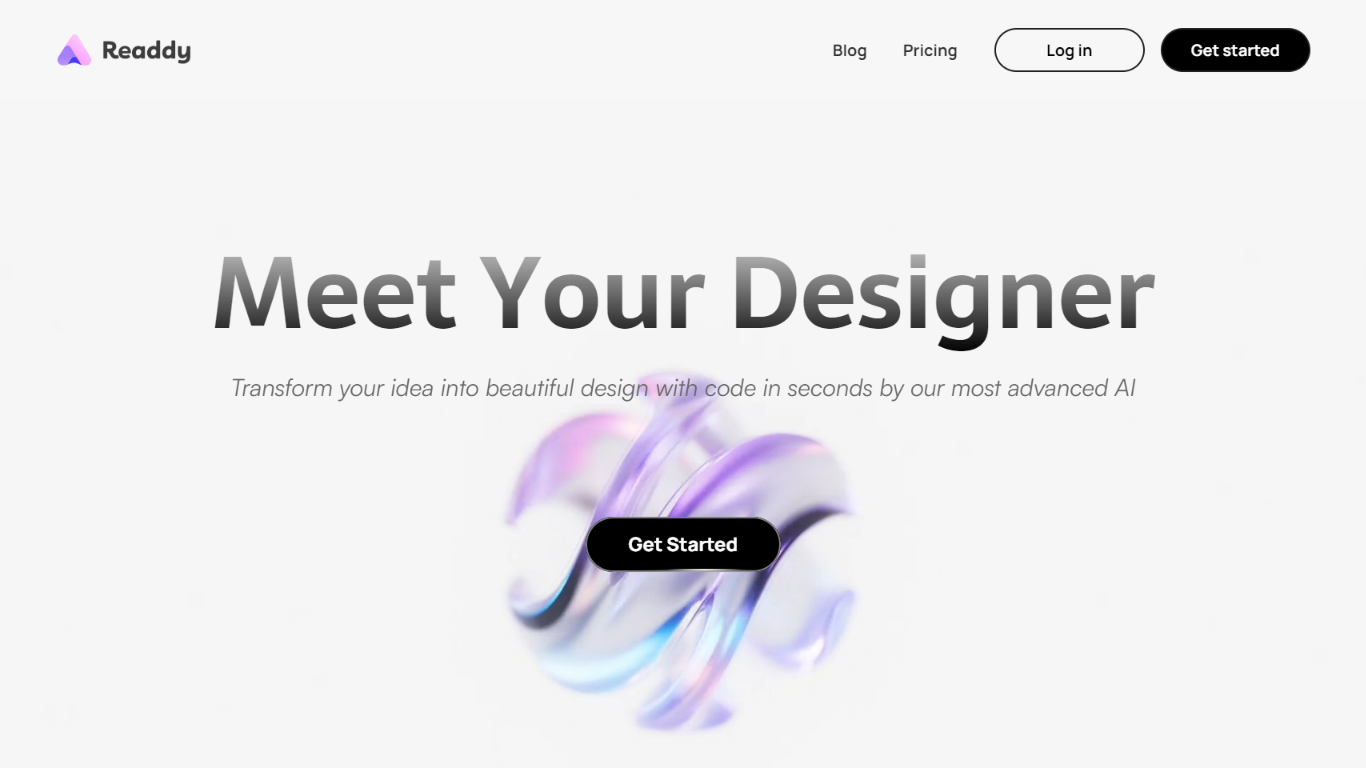

What is Readdy?
Readdy is a no-code AI website builder that turns a text prompt, template, screenshot, or reference URL into a full multi-page site in minutes. You describe what you want, and it generates layouts, copy, images, and navigation with responsive design baked in from the start.
What sets it apart from a typical page builder is the end-to-end stack. Readdy covers generation, a visual editor with Selector Mode, hosting, custom domains, SEO controls, form storage, and integrations like Stripe, Shopify, Calendly, and Supabase without wiring up separate tools.
It fits solo creators, small businesses, and web agencies that need to ship business sites, portfolios, blogs, landing pages, or storefronts fast. Agency tiers add white-label delivery, lead finding, outreach campaigns, and client management under your own brand.
Imgage
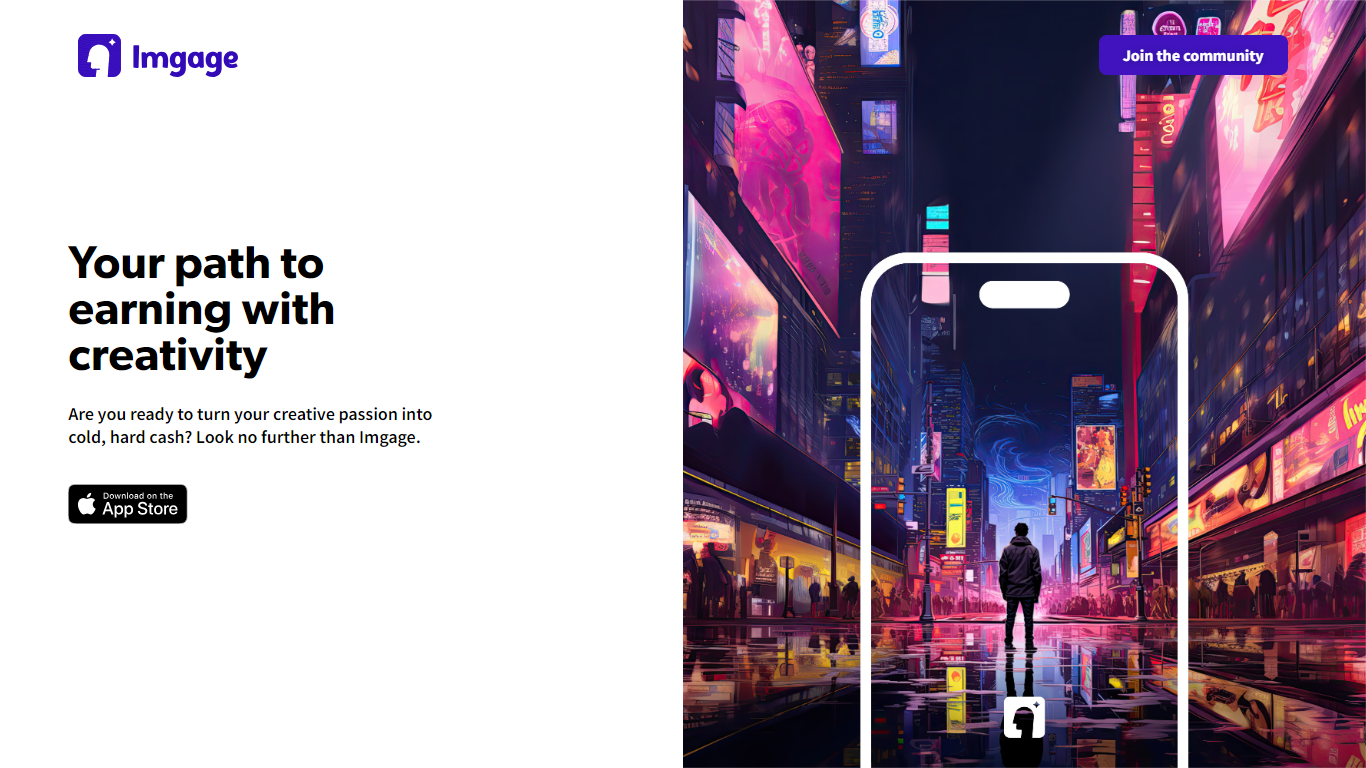
What is Imgage?
Imgage is an iPhone app that turns text prompts and everyday photos into AI-generated artwork. You describe what you want, pick a visual style, and the app builds images you can edit further with filters, effects, and background tools. It is built for creators who want a mobile workflow instead of a desktop image editor.
Beyond generation, Imgage works like a social feed for AI art. You can browse work from other users, share your own images, and build an audience inside the app. The App Store listing positions it as a social network for generated pictures, not just a standalone generator.
Imgage is developed by Younics, s.r.o. and is available as a free iPhone download with optional in-app purchases. The original imgage.app website is no longer active; the App Store listing is the current public product page.
Readdy Upvotes
Imgage Upvotes
Readdy Top Features
Generates complete websites from a text prompt, screenshot, reference URL, or 500+ industry templates
Selector Mode lets you click any element to edit text, colors, spacing, or AI-generated backgrounds in real time
One-click publish with hosting, SSL, custom domains, sitemap.xml, and Google Search Console verification
Built-in form backend stores submissions in Supabase with no external database setup
Connects Stripe, Shopify, Calendly, Mailchimp, and Google Analytics from the same dashboard
Agency plans add white-label portals, AI lead finder, batch demo sites, and cold email outreach campaigns
Imgage Top Features
Generate images from text prompts on iPhone
Edit photos with filters, effects, and background tools
Browse and share AI artwork in a built-in social feed
Connect with a global community of creators inside the app
Free download with optional in-app purchases for credits
Readdy Category
- Design
Imgage Category
- Design
Readdy Pricing Type
- Freemium
Imgage Pricing Type
- Freemium