Pixelgen vs Imgage
Compare Pixelgen vs Imgage and see which AI Design tool is better when we compare features, reviews, pricing, alternatives, upvotes, etc.
Which one is better? Pixelgen or Imgage?
When we compare Pixelgen with Imgage, which are both AI-powered design tools, The upvote count is neck and neck for both Pixelgen and Imgage. Since other aitools.fyi users could decide the winner, the ball is in your court now to cast your vote and help us determine the winner.
Disagree with the result? Upvote your favorite tool and help it win!
Pixelgen


What is Pixelgen?
Pixelgen is a forward-thinking platform that enables users to craft and manipulate pixel-based images with ease. With a focus on simplicity and user experience, Pixelgen presents a set of intuitive tools designed for both novices and professionals seeking to create, edit, or enhance their digital graphics.
The software features a user-friendly interface that simplifies the process of generating pixel art, providing an array of functionalities from basic editing to more advanced features for detailed and intricate designs.
Whether you're a game developer needing sprites for your game, a digital artist exploring the pixel art style, or a hobbyist looking to express creativity, Pixelgen offers the perfect blend of accessibility and power to bring your pixel creations to life.
Imgage
What is Imgage?
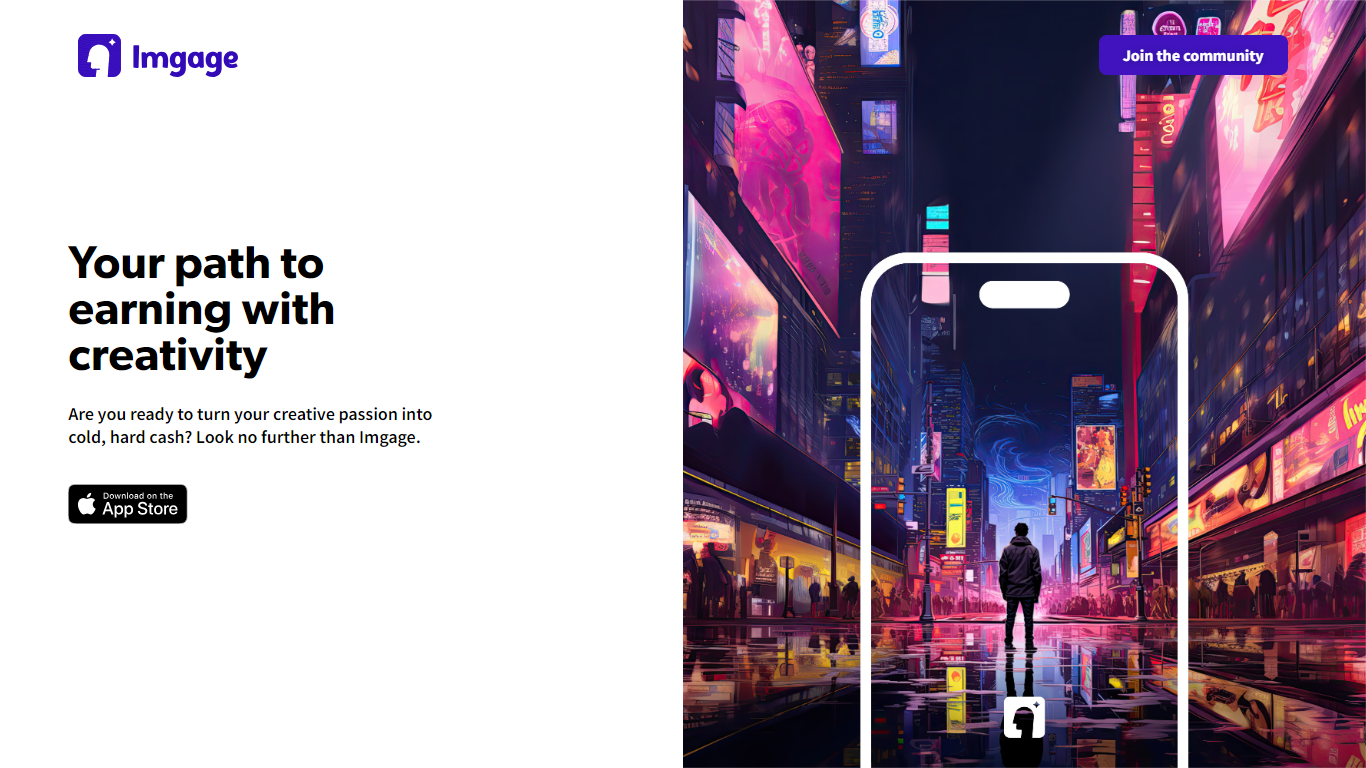
Imgage is an iPhone app that turns text prompts and everyday photos into AI-generated artwork. You describe what you want, pick a visual style, and the app builds images you can edit further with filters, effects, and background tools. It is built for creators who want a mobile workflow instead of a desktop image editor.
Beyond generation, Imgage works like a social feed for AI art. You can browse work from other users, share your own images, and build an audience inside the app. The App Store listing positions it as a social network for generated pictures, not just a standalone generator.
Imgage is developed by Younics, s.r.o. and is available as a free iPhone download with optional in-app purchases. The original imgage.app website is no longer active; the App Store listing is the current public product page.
Pixelgen Upvotes
Imgage Upvotes
Pixelgen Top Features
Intuitive Design: A user-friendly interface that caters to both beginners and professionals.
Pixel Art Creation: Allows for the crafting of pixel-based imagery, perfect for game developers and artists.
Advanced Editing Tools: Offers a variety of editing options for creating detailed and intricate designs.
Accessibility: Designed to be accessible to users with different skill levels.
Versatility: Suitable for various creative projects, including game design and digital art.
Imgage Top Features
Generate images from text prompts on iPhone
Edit photos with filters, effects, and background tools
Browse and share AI artwork in a built-in social feed
Connect with a global community of creators inside the app
Free download with optional in-app purchases for credits
Pixelgen Category
- Design
Imgage Category
- Design
Pixelgen Pricing Type
- Freemium
Imgage Pricing Type
- Freemium