
Last updated 07-24-2026
Category:
Reviews:
Join thousands of AI enthusiasts in the World of AI!
Imgage
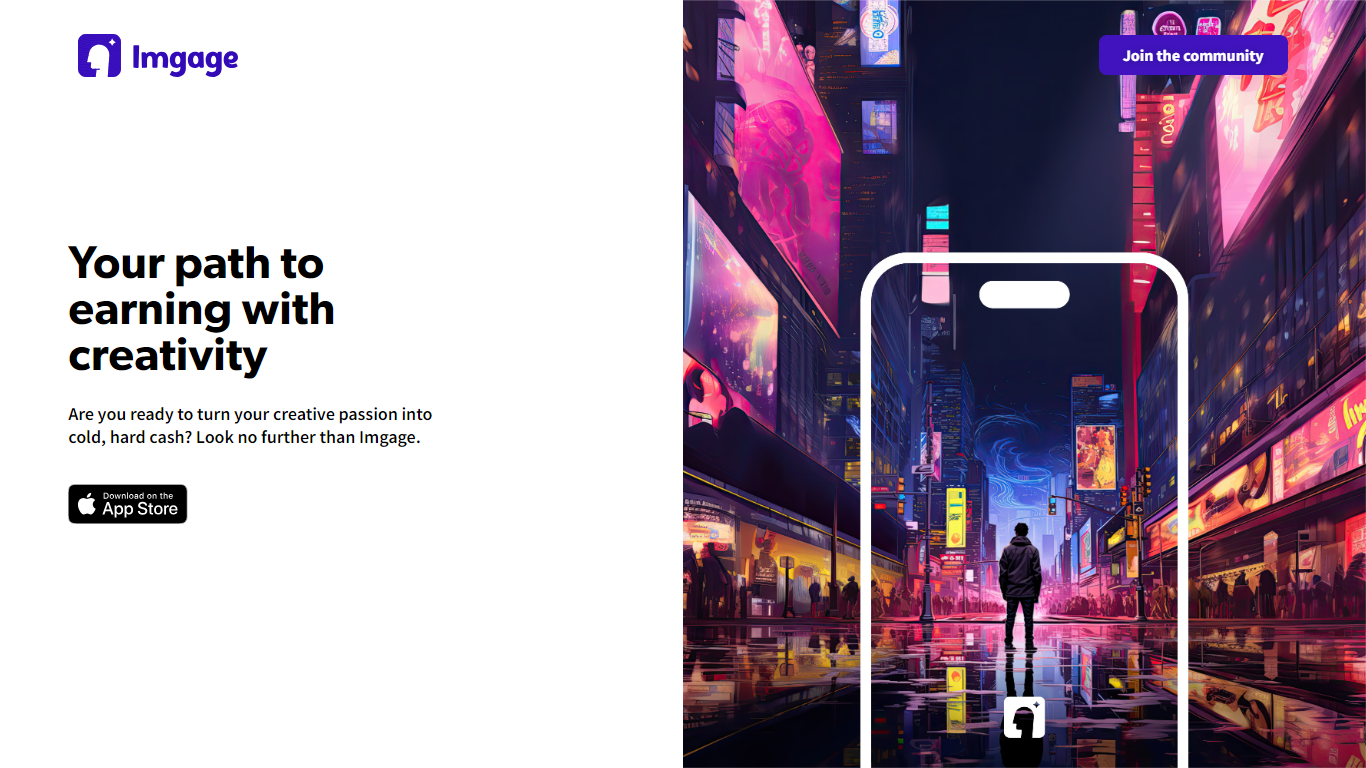
Imgage is an iPhone app that turns text prompts and everyday photos into AI-generated artwork. You describe what you want, pick a visual style, and the app builds images you can edit further with filters, effects, and background tools. It is built for creators who want a mobile workflow instead of a desktop image editor.
Beyond generation, Imgage works like a social feed for AI art. You can browse work from other users, share your own images, and build an audience inside the app. The App Store listing positions it as a social network for generated pictures, not just a standalone generator.
Imgage is developed by Younics, s.r.o. and is available as a free iPhone download with optional in-app purchases. The original imgage.app website is no longer active; the App Store listing is the current public product page.
Generate images from text prompts on iPhone
Edit photos with filters, effects, and background tools
Browse and share AI artwork in a built-in social feed
Connect with a global community of creators inside the app
Free download with optional in-app purchases for credits
Free to download on iPhone with optional in-app purchases instead of a required upfront subscription.
Combines AI image generation with a built-in social feed for sharing and discovery.
Supports photo editing with filters, effects, and background tools inside the same app.
Available only on iPhone; there is no Android or web app listed on the App Store page.
The original imgage.app website is no longer active, so support and marketing now route through the App Store listing.
The App Store listing has not received a visible update since December 2023.
What is Imgage?
Imgage is an iPhone app by Younics, s.r.o. that combines AI image generation with social networking. The App Store listing describes it as a way to create images from words and share artwork with a global community.
Is Imgage free to download?
Yes. Imgage is listed on the App Store as a free download with in-app purchases. You can install the app at no upfront cost and buy credits inside the app when needed.
What platforms does Imgage support?
Imgage is iPhone-only according to its App Store listing. It requires iOS 11.0 or later and is also listed as compatible with iPod touch and Apple Vision devices at the stated OS versions.
Who makes Imgage?
Imgage is published by Younics, s.r.o. on the App Store. The developer page lists Imgage as the latest release from that studio.
Does Imgage still have a working website?
The former imgage.app domain no longer serves the product and redirects to unrelated error pages. The active public listing is the Imgage page on the Apple App Store.
When was Imgage last updated?
The App Store version history shows Imgage version 1.0.5 released on December 21, 2023, with password recovery improvements and image generation performance fixes.