Inari vs Comment Analyzer
In the battle of Inari vs Comment Analyzer, which AI Research tool comes out on top? We compare reviews, pricing, alternatives, upvotes, features, and more.
Between Inari and Comment Analyzer, which one is superior?
Upon comparing Inari with Comment Analyzer, which are both AI-powered research tools, Interestingly, both tools have managed to secure the same number of upvotes. Since other aitools.fyi users could decide the winner, the ball is in your court now to cast your vote and help us determine the winner.
Disagree with the result? Upvote your favorite tool and help it win!
Inari

What is Inari?
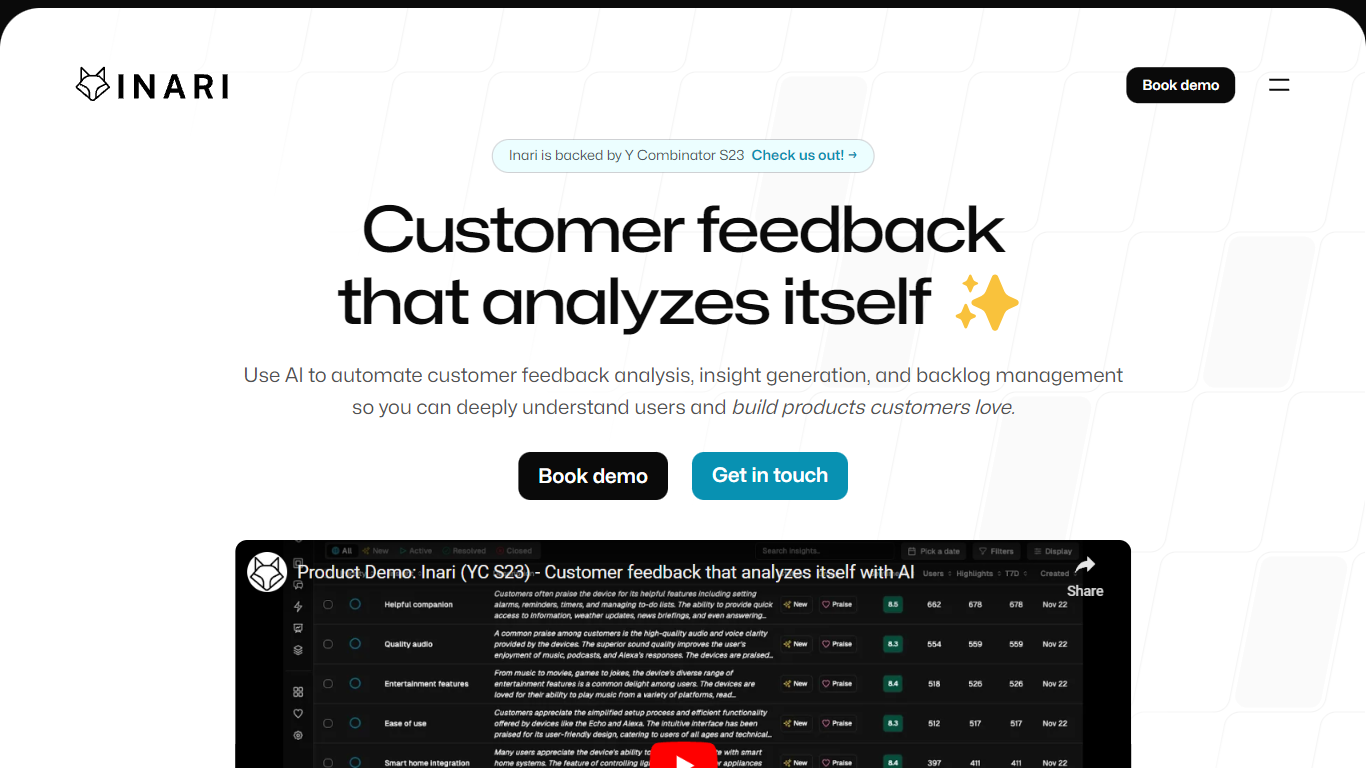
Inari pulls customer feedback from Slack, Gong, Intercom, CRM records, and uploaded docs, then clusters quotes into requests, defects, praises, and learnings you can tie to backlog items. Product and research teams use it to replace manual tagging in spreadsheets when they need cited themes from messy qualitative input.
General research tools store notes; Inari tries to close the loop between voice-of-customer data and backlog prioritization. The Growth plan syncs CRM fields such as ARR and pipeline stage into issue ranking, and the site claims teams save 32 hours per month on feedback synthesis while improving NPS by 2.4 points after fixing surfaced issues.
Product managers, UX researchers, and CX leaders use Inari to replace spreadsheet tagging with automated clustering, weekly TL;DR reports, and PRD drafts grounded in citations. Inari announced an acquisition by Amplitude, but signup and pricing remain live at app.useinari.com.
Comment Analyzer
What is Comment Analyzer?
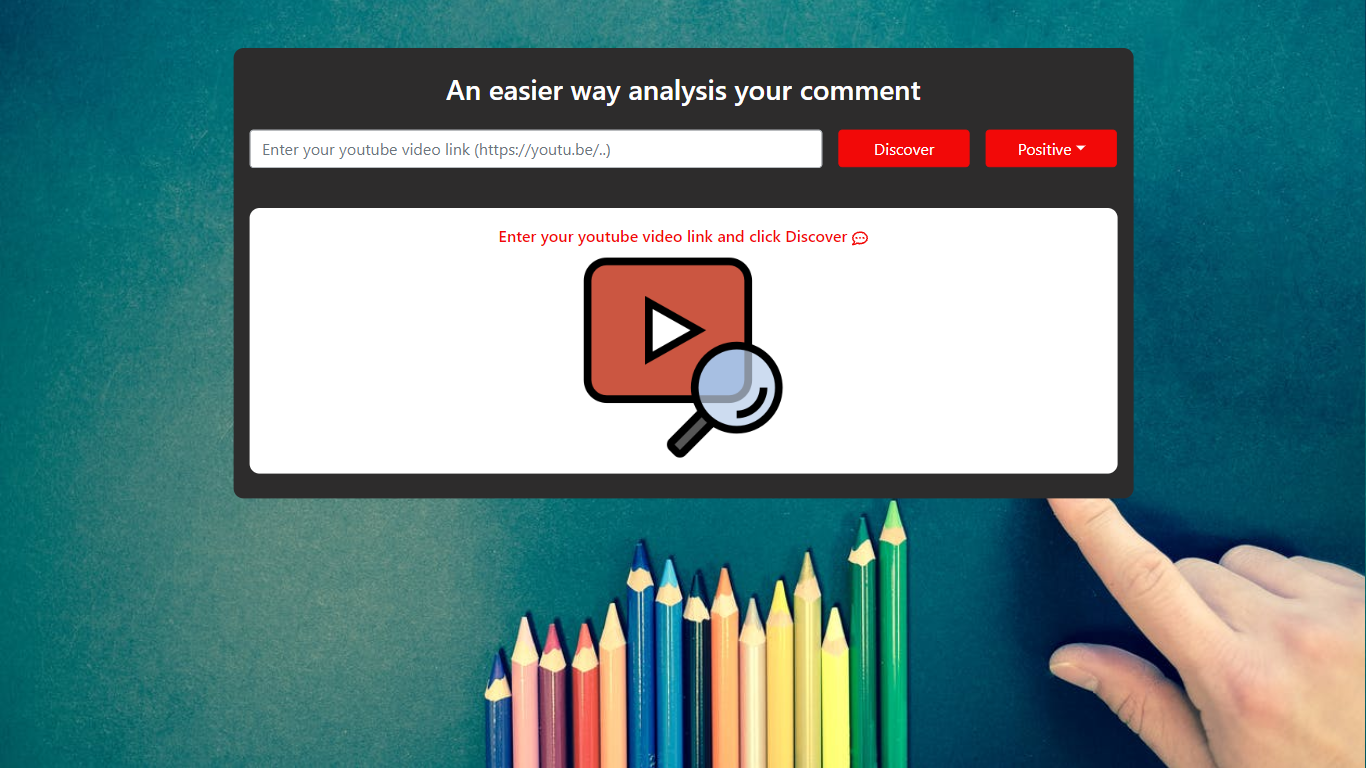
Enhance your YouTube engagement with the Comment Analyzer tool, specifically designed to simplify the process of comment analysis. Ideal for content creators, marketers, and community managers looking to gain insights into their audience's reactions, this user-friendly platform allows for a swift evaluation of comments by categorizing them into positive and negative sentiments.
- Get a quick sentiment overview: Simply paste your YouTube video link and click "Discover" to start analyzing the comments.
- User-friendly interface: The tool is designed to be straightforward, making it accessible even for those with minimal technical expertise.
- Improve audience engagement: Understanding the sentiment of your audience helps tailor your content to better resonate with viewers.
Streamline your comment analysis process with Comment Analyzer and dive into the psychology of your audience effortlessly. By filtering through positive and negative feedback, you'll be able to make data-driven decisions to enhance your YouTube strategy.
Inari Upvotes
Comment Analyzer Upvotes
Inari Top Features
Startup plan includes 1,000 credits per month at $30 with unlimited seats
Growth plan includes 10,000 credits per month at $300 with Salesforce and HubSpot sync
Connects Slack, Gong, Intercom, Jira, Linear, Notion, and 5,000+ integrations
Auto-links customer quotes to insights with citation-backed clustering
Generates PRDs and backlog issues from tagged requests and defects
SOC 2 Type 2 compliance completed and in auditor observation period
Comment Analyzer Top Features
Simplified Analysis: Quickly categorize comments into positive or negative sentiments.
Ease of Use: Paste your YouTube link and click "Discover" for an easy-to-use experience.
Sentiment Overview: Instantly get a sentiment breakdown of your video comments.
Enhance Engagement: Utilize sentiment insights to improve audience interaction and content appeal.
Data-Driven Decisions: Make more informed content decisions based on audience feedback analysis.
Inari Category
- Research
Comment Analyzer Category
- Research
Inari Pricing Type
- Freemium
Comment Analyzer Pricing Type
- Freemium