Inbox Zero vs EmailMagic AI
Explore the showdown between Inbox Zero vs EmailMagic AI and find out which AI Email Assistant tool wins. We analyze upvotes, features, reviews, pricing, alternatives, and more.
When comparing Inbox Zero and EmailMagic AI, which one rises above the other?
When we contrast Inbox Zero with EmailMagic AI, both of which are exceptional AI-operated email assistant tools, and place them side by side, we can spot several crucial similarities and divergences. With more upvotes, Inbox Zero is the preferred choice. Inbox Zero has attracted 7 upvotes from aitools.fyi users, and EmailMagic AI has attracted 3 upvotes.
Does the result make you go "hmm"? Cast your vote and turn that frown upside down!
Inbox Zero

What is Inbox Zero?
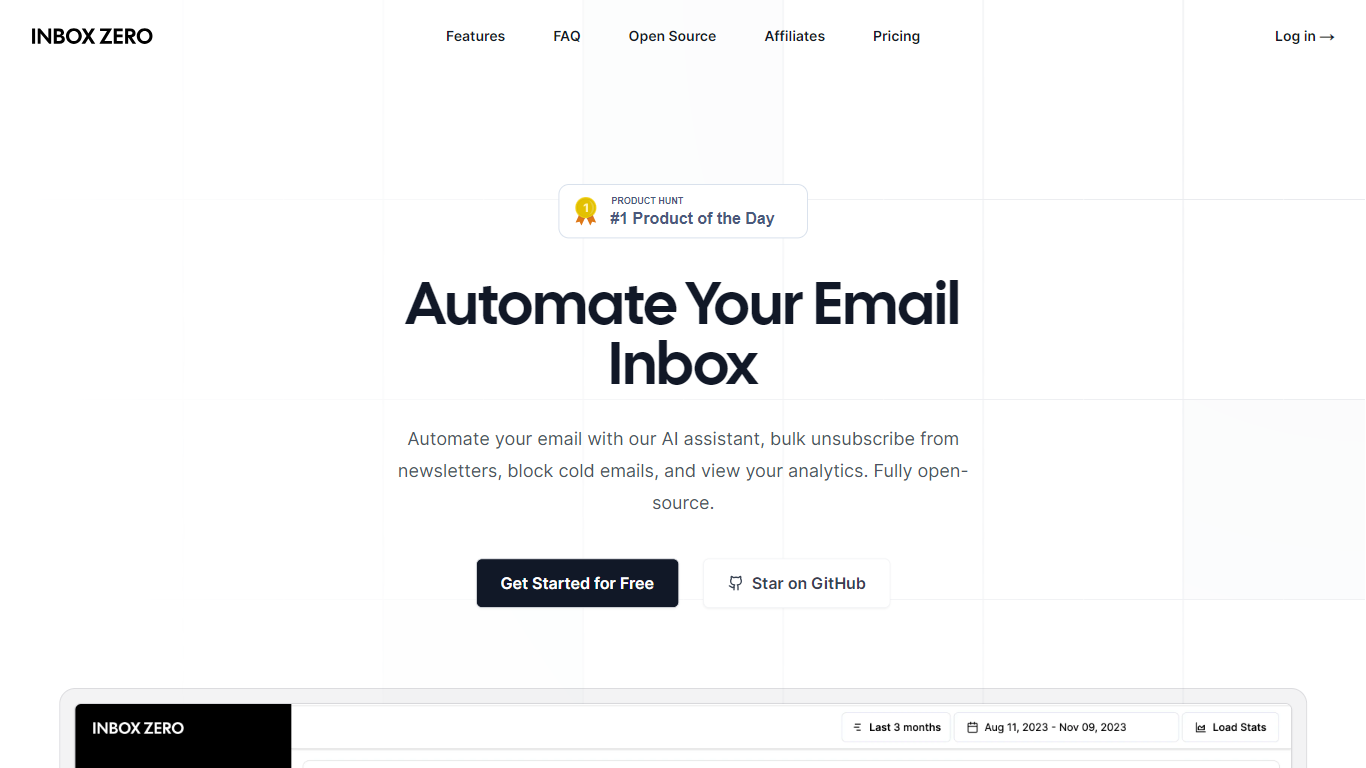
Inbox Zero connects to Gmail or Outlook and uses AI to label incoming mail, draft replies in your voice, and surface what needs attention first. You get pre-written responses waiting when you open your inbox, plus bulk unsubscribe tools for newsletters you never read. The product works on web, iOS, Android, Slack, and Telegram so you can triage mail without living in your email tab.
Most email assistants stop at summarization. Inbox Zero also blocks cold emails, files attachments automatically on higher tiers, and pulls calendar and CRM context into drafts so scheduling replies match your real availability. The codebase is open source with 9k GitHub stars, SOC 2 Type 2 certification, and a self-host option for teams that want full control.
Starter plans cover solo operators who want labels, analytics, and reply drafts. Plus adds Slack, Notion, Stripe integrations, and an unlimited knowledge base. Professional adds team analytics and dedicated onboarding. Over 20,000 professionals use Inbox Zero, and every paid plan includes a 7-day free trial.
EmailMagic AI
What is EmailMagic AI?
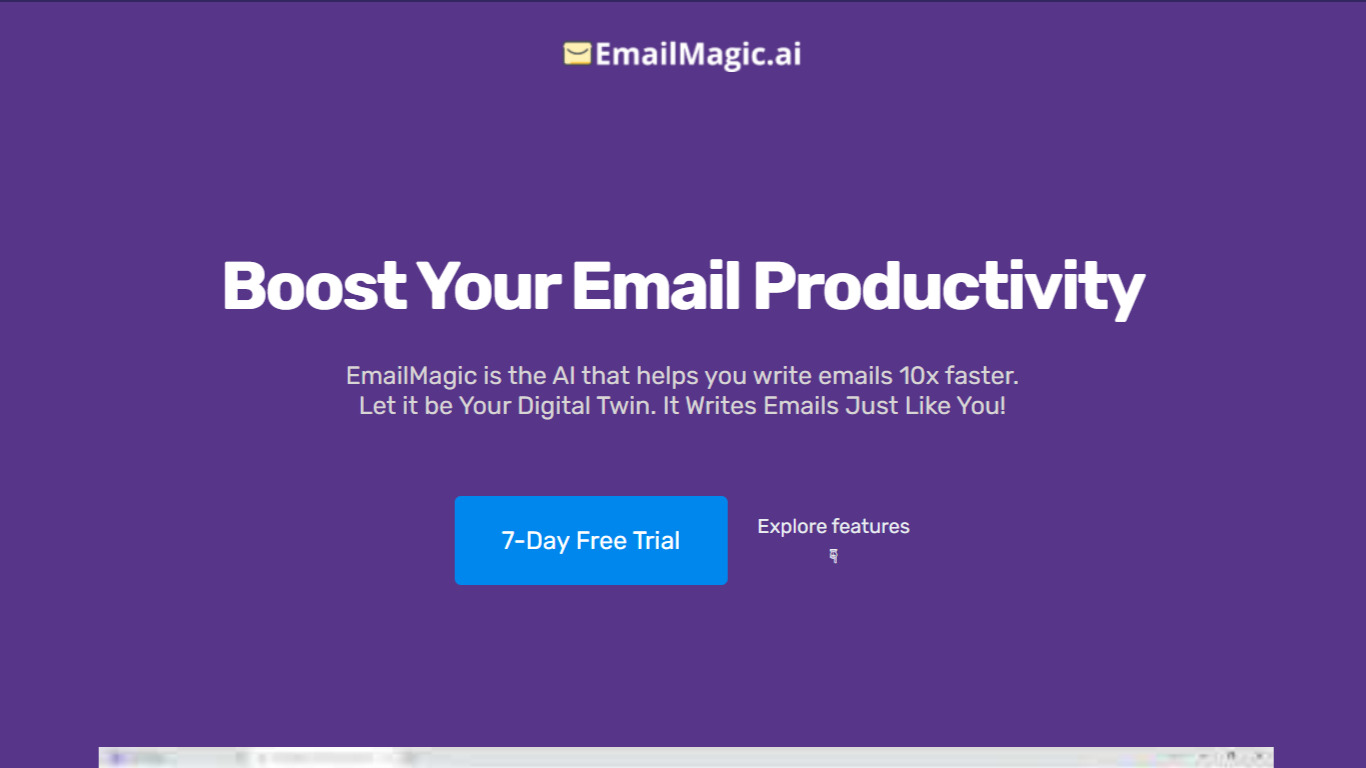
EmailMagic AI is an email assistant that drafts and replies in Gmail using samples of your writing so messages sound like you wrote them. You train it with example emails, then ask it to compose new messages or respond to threads by reading the latest replies for context. The homepage promises emails 10x faster with replies generated in under 10 seconds.
Most email writers give you generic templates or a blank chat box. EmailMagic instead learns your tone from provided samples and caps daily output by plan: 5 emails per day on Basic or 25 on Pro. It also limits revisions to five per message if you want a different sentence. That trade-off favors personal voice matching over unlimited bulk sending.
Freelancers, founders, and support reps who live in Gmail are the target users. Plans start at $59 per year with a 7-day free trial, and the FAQ states the tool works with Gmail only, not Outlook. Pro unlocks all languages while Basic covers English, Spanish, and German.
Inbox Zero Upvotes
EmailMagic AI Upvotes
Inbox Zero Top Features
Connect Gmail or Outlook in two clicks and auto-label mail into categories like To Reply, Newsletter, and Urgent
Pre-drafted replies in your tone appear for every email that needs a response
Bulk unsubscribe and archive shows newsletters you never read with one-click cleanup
Works on Slack, Telegram, iOS, Android, and web without switching apps
Starter plan at $20 per user per month includes analytics and cold email blocking
Open-source codebase with 9k GitHub stars and SOC 2 Type 2 certification
EmailMagic AI Top Features
Drafts and replies in Gmail using writing samples you provide for style matching
Generates thread replies in under 10 seconds by reading recent messages for context
Basic plan allows 5 emails per day; Pro allows 25 emails per day
Supports multilingual compose on Pro; Basic includes English, Spanish, and German
Revision feature rewrites a message up to 5 times per email
Inbox Zero Category
- Email Assistant
EmailMagic AI Category
- Email Assistant
Inbox Zero Pricing Type
- Freemium
EmailMagic AI Pricing Type
- Paid