InboxChat vs AI Email Writer | HubSpot
Explore the showdown between InboxChat vs AI Email Writer | HubSpot and find out which AI Email Assistant tool wins. We analyze upvotes, features, reviews, pricing, alternatives, and more.
When comparing InboxChat and AI Email Writer | HubSpot, which one rises above the other?
When we contrast InboxChat with AI Email Writer | HubSpot, both of which are exceptional AI-operated email assistant tools, and place them side by side, we can spot several crucial similarities and divergences. InboxChat stands out as the clear frontrunner in terms of upvotes. InboxChat has been upvoted 7 times by aitools.fyi users, and AI Email Writer | HubSpot has been upvoted 6 times.
You don't agree with the result? Cast your vote to help us decide!
InboxChat

What is InboxChat?
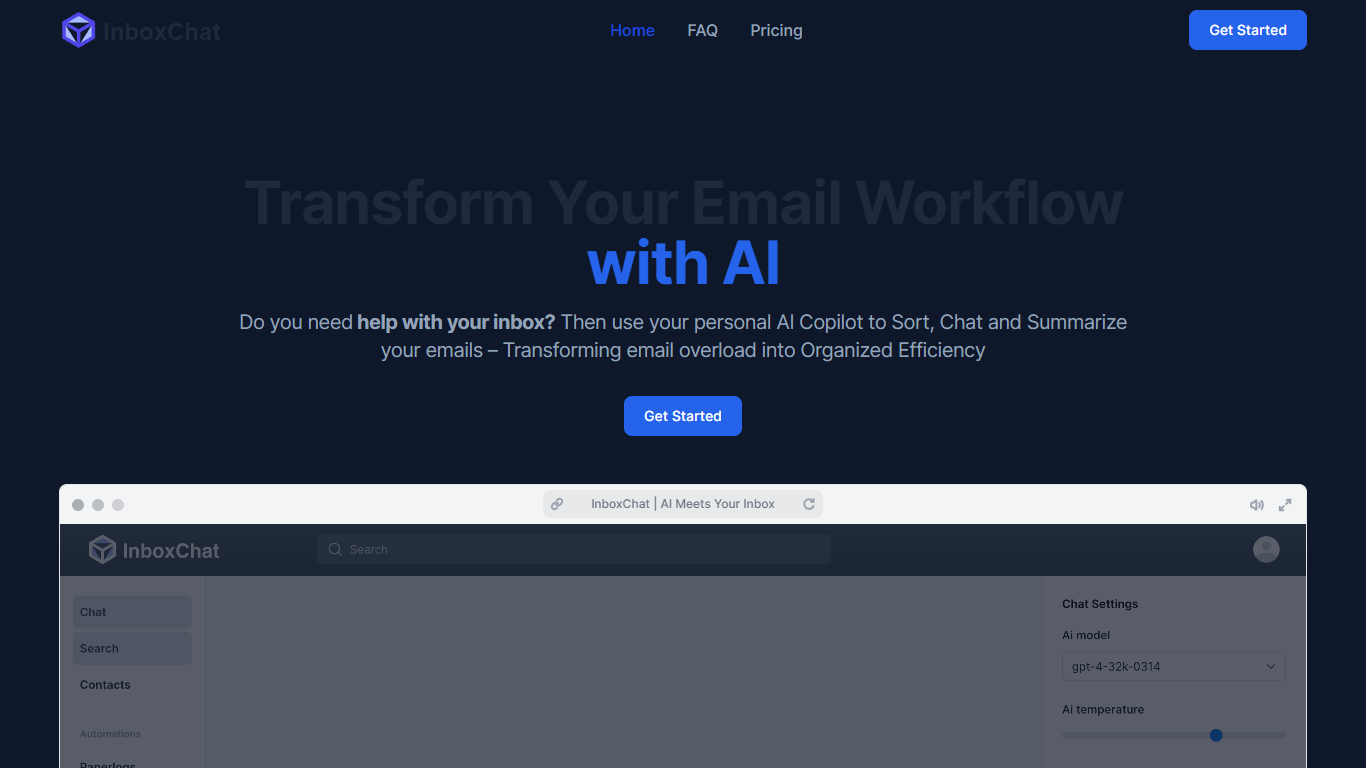
InboxChat is a Gmail email assistant that replaces manual filter rules with AI-powered automations written in plain English. Describe what to sort, like "all travel confirmations" or "client invoices," and InboxChat moves matching emails to labels, drafts replies, or extracts data automatically. A 14-day free trial requires no credit card.
Gmail's built-in filters need exact syntax like from-address and keyword combinations, which breaks when senders change addresses. InboxChat uses natural language prompts and contact tags such as Newsletter, Travel, and Family to route mail, plus a screening system that makes unknown senders earn inbox access before their messages appear.
Professionals drowning in promotional mail, small businesses sorting client invoices, and frequent travelers collecting flight confirmations use InboxChat to reclaim the 4+ hours per week the site claims users save. The Professional plan at $14 per month includes up to 10 automations and CASA Tier 2 security certification.
AI Email Writer | HubSpot
What is AI Email Writer | HubSpot?
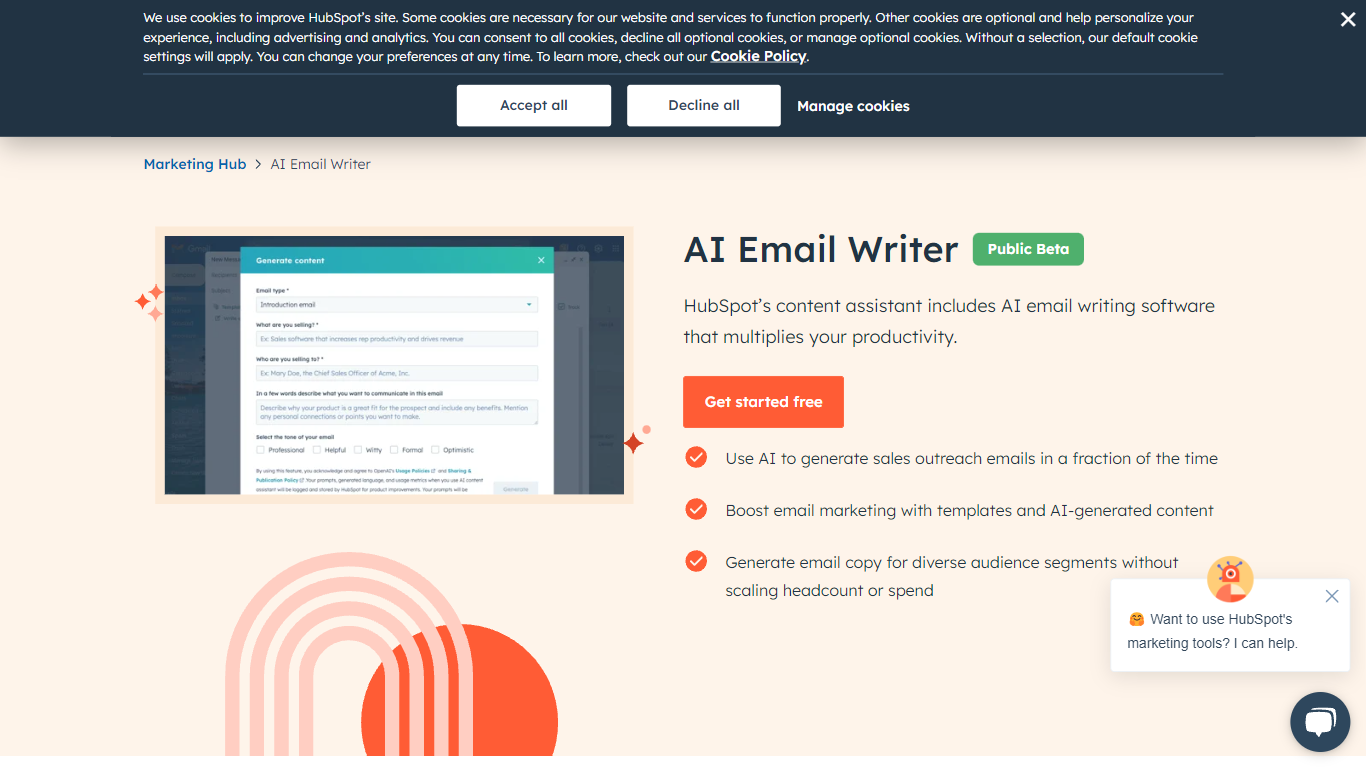
HubSpot's AI Email Writer is an email assistant built into Marketing Hub that drafts marketing campaigns and sales outreach from text prompts. You pick an email template, use slash and highlight commands to generate or rewrite copy, then send and track everything from the same HubSpot CRM dashboard.
Standalone AI writing tools stop at the draft. HubSpot ties generation to your contact database, so personalization tokens pull from CRM records and campaign analytics log open rates and lead submissions automatically. That integration is the trade-off: you get less flexibility than a general-purpose writer, but you skip exporting copy into a separate ESP.
Marketing teams use it for blast campaigns and segmented messaging. Sales reps use it to generate cold outreach drafts at scale and customize tone, length, and spelling with inline commands. The free tier covers basic AI writing with no credit card; Starter, Professional, and Enterprise Marketing Hub plans unlock advanced automation and analytics.
InboxChat Upvotes
AI Email Writer | HubSpot Upvotes
InboxChat Top Features
AI prompt filters replace manual Gmail search syntax for sorting mail
Professional plan at $14 per month with up to 10 automations
14-day free trial with no credit card required
Screening automation blocks unknown senders until they are verified
Actions include move to label, draft reply, and data extraction
CASA Tier 2 Security Certification with encrypted email content
AI Email Writer | HubSpot Top Features
Generate and edit email copy with slash and highlight commands inside HubSpot
Free AI email writing with no credit card required
CRM auto-logs campaign data including open rates and lead submissions
Generate hundreds of sales outreach drafts in minutes
Audience segmentation for personalized messaging per contact list
Works in HubSpot desktop and mobile app plus Gmail inbox integration
Drag-and-drop email builder with professionally designed templates
InboxChat Category
- Email Assistant
AI Email Writer | HubSpot Category
- Email Assistant
InboxChat Pricing Type
- Freemium
AI Email Writer | HubSpot Pricing Type
- Freemium