InboxChat vs Inbox Zero
When comparing InboxChat vs Inbox Zero, which AI Email Assistant tool shines brighter? We look at pricing, alternatives, upvotes, features, reviews, and more.
In a comparison between InboxChat and Inbox Zero, which one comes out on top?
When we put InboxChat and Inbox Zero side by side, both being AI-powered email assistant tools, The upvote count reveals a draw, with both tools earning the same number of upvotes. Since other aitools.fyi users could decide the winner, the ball is in your court now to cast your vote and help us determine the winner.
Want to flip the script? Upvote your favorite tool and change the game!
InboxChat
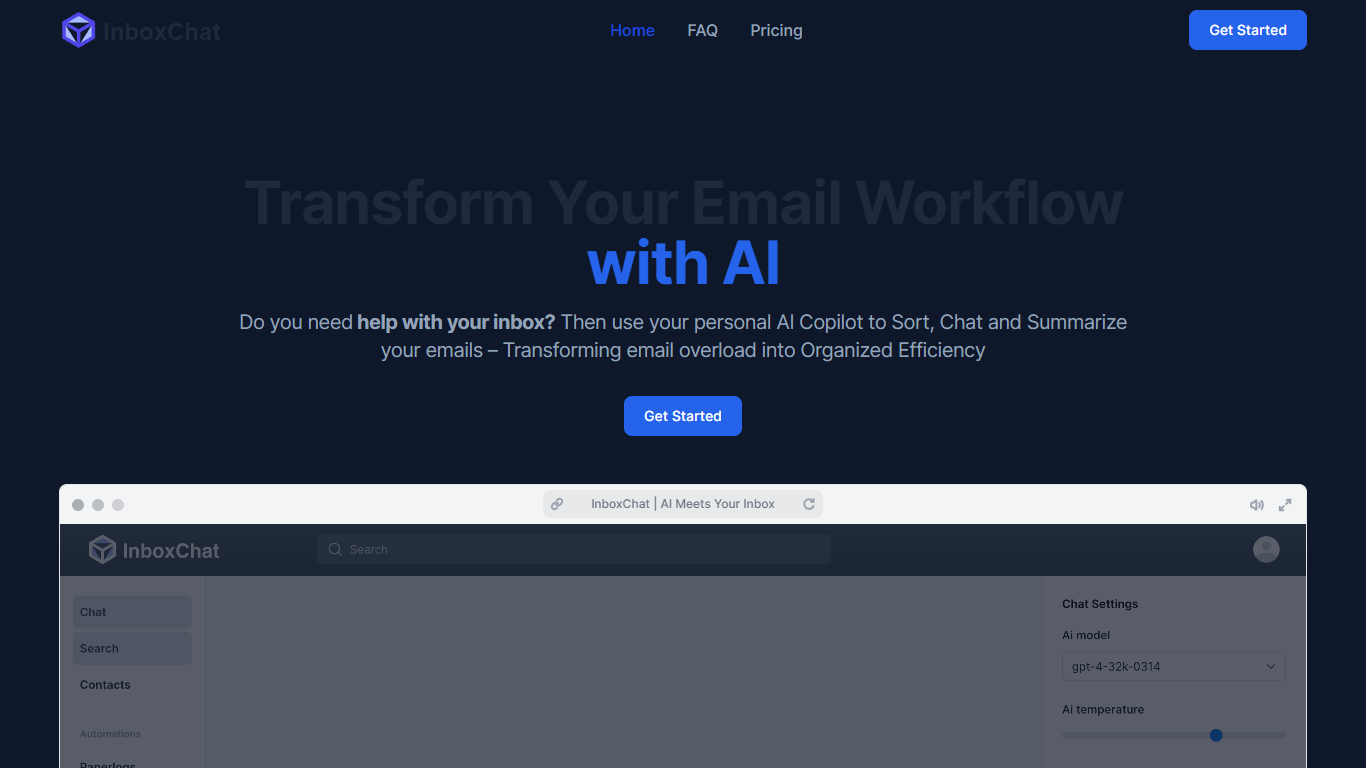

What is InboxChat?
InboxChat is a Gmail email assistant that replaces manual filter rules with AI-powered automations written in plain English. Describe what to sort, like "all travel confirmations" or "client invoices," and InboxChat moves matching emails to labels, drafts replies, or extracts data automatically. A 14-day free trial requires no credit card.
Gmail's built-in filters need exact syntax like from-address and keyword combinations, which breaks when senders change addresses. InboxChat uses natural language prompts and contact tags such as Newsletter, Travel, and Family to route mail, plus a screening system that makes unknown senders earn inbox access before their messages appear.
Professionals drowning in promotional mail, small businesses sorting client invoices, and frequent travelers collecting flight confirmations use InboxChat to reclaim the 4+ hours per week the site claims users save. The Professional plan at $14 per month includes up to 10 automations and CASA Tier 2 security certification.
Inbox Zero
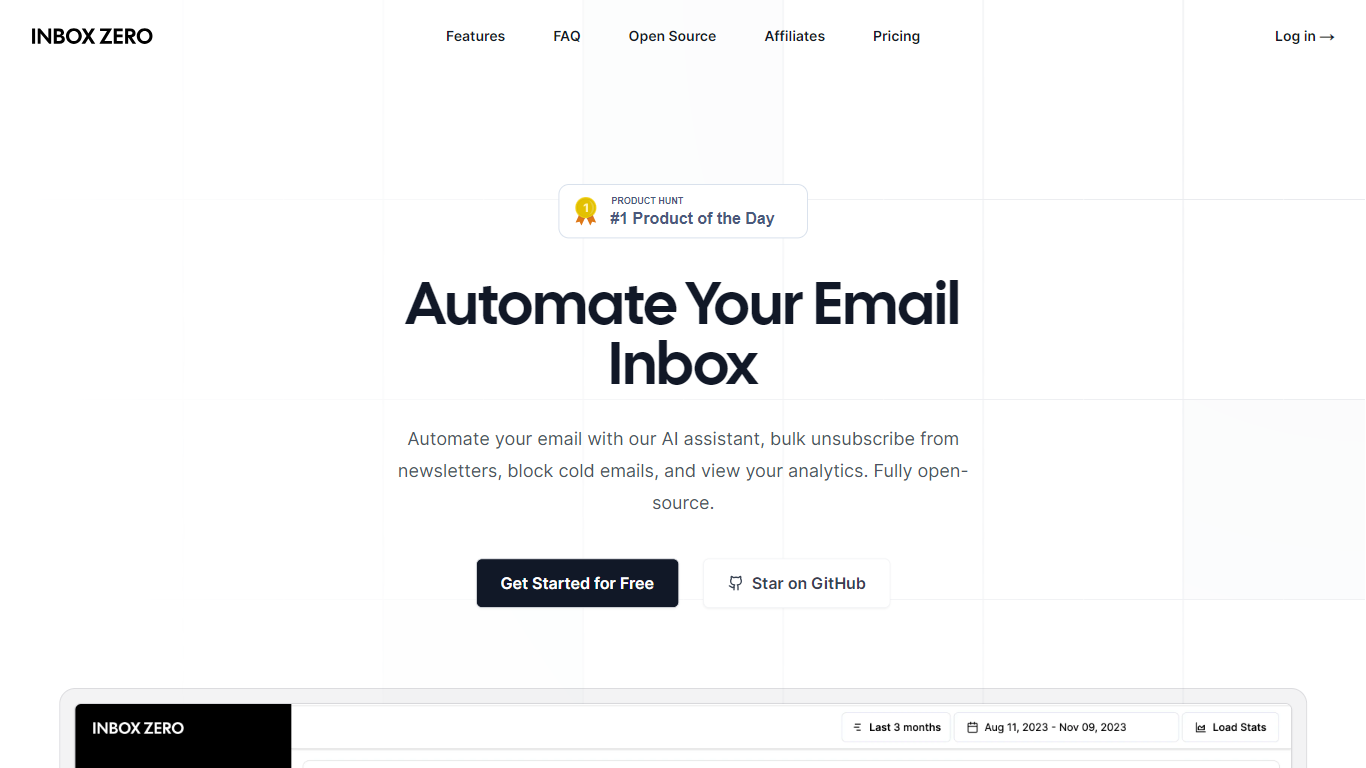
What is Inbox Zero?
Inbox Zero connects to Gmail or Outlook and uses AI to label incoming mail, draft replies in your voice, and surface what needs attention first. You get pre-written responses waiting when you open your inbox, plus bulk unsubscribe tools for newsletters you never read. The product works on web, iOS, Android, Slack, and Telegram so you can triage mail without living in your email tab.
Most email assistants stop at summarization. Inbox Zero also blocks cold emails, files attachments automatically on higher tiers, and pulls calendar and CRM context into drafts so scheduling replies match your real availability. The codebase is open source with 9k GitHub stars, SOC 2 Type 2 certification, and a self-host option for teams that want full control.
Starter plans cover solo operators who want labels, analytics, and reply drafts. Plus adds Slack, Notion, Stripe integrations, and an unlimited knowledge base. Professional adds team analytics and dedicated onboarding. Over 20,000 professionals use Inbox Zero, and every paid plan includes a 7-day free trial.
InboxChat Upvotes
Inbox Zero Upvotes
InboxChat Top Features
AI prompt filters replace manual Gmail search syntax for sorting mail
Professional plan at $14 per month with up to 10 automations
14-day free trial with no credit card required
Screening automation blocks unknown senders until they are verified
Actions include move to label, draft reply, and data extraction
CASA Tier 2 Security Certification with encrypted email content
Inbox Zero Top Features
Connect Gmail or Outlook in two clicks and auto-label mail into categories like To Reply, Newsletter, and Urgent
Pre-drafted replies in your tone appear for every email that needs a response
Bulk unsubscribe and archive shows newsletters you never read with one-click cleanup
Works on Slack, Telegram, iOS, Android, and web without switching apps
Starter plan at $20 per user per month includes analytics and cold email blocking
Open-source codebase with 9k GitHub stars and SOC 2 Type 2 certification
InboxChat Category
- Email Assistant
Inbox Zero Category
- Email Assistant
InboxChat Pricing Type
- Freemium
Inbox Zero Pricing Type
- Freemium