InPage AI vs AIGardenPlanner
In the contest of InPage AI vs AIGardenPlanner , which AI Assistant tool is the champion? We evaluate pricing, alternatives, upvotes, features, reviews, and more.
If you had to choose between InPage AI and AIGardenPlanner , which one would you go for?
When we examine InPage AI and AIGardenPlanner , both of which are AI-enabled assistant tools, what unique characteristics do we discover? The upvote count reveals a draw, with both tools earning the same number of upvotes. Since other aitools.fyi users could decide the winner, the ball is in your court now to cast your vote and help us determine the winner.
Not your cup of tea? Upvote your preferred tool and stir things up!
InPage AI

What is InPage AI?
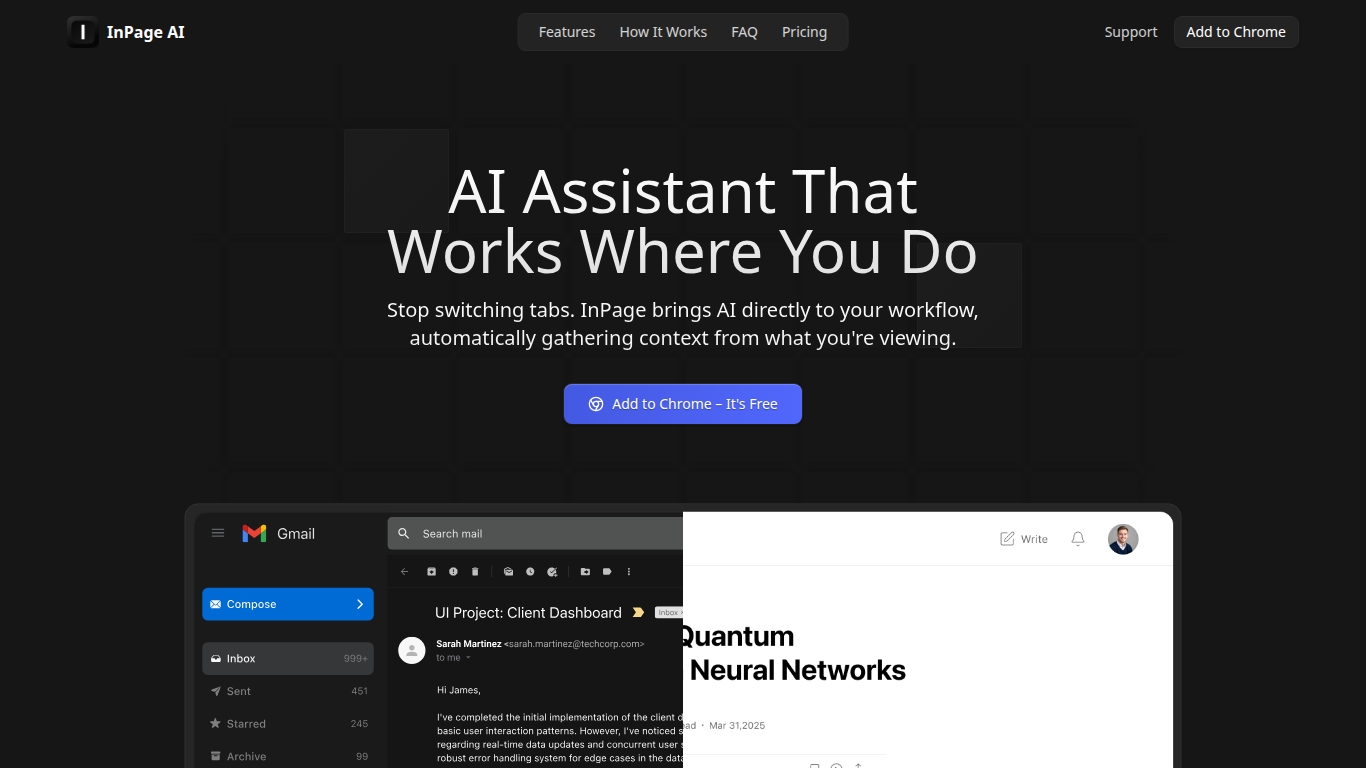
InPage AI is a Chrome assistant that opens on whatever page you are already on. Press Alt+I and it reads the article, email thread, or doc in view, then drafts replies or summaries without copying text into another tab. It routes prompts to OpenAI, Anthropic, Gemini, Perplexity, xAI, and Meta AI models from one extension.
Browser chat sidebars still make you explain context from scratch. InPage AI pulls context from Gmail, Google Docs, GitHub, Twitter, and other sites automatically, with a Safe Preview Mode that highlights suggestions before you apply them. Google Docs access uses the official API only after you grant permission.
Writers, developers, and anyone who lives in the browser will get the most from it. The free tier includes 50 prompts with no credit card, Professional is $9 per month for unlimited prompts, and a $90 lifetime plan covers future updates.
AIGardenPlanner

What is AIGardenPlanner ?
AIGardenPlanner is a browser-based garden design platform for homeowners and landscaping pros who want to see yard ideas before buying plants or hiring crews. Upload a photo of your outdoor space, pick from 50+ garden styles, and get a rendered design back in about 60 seconds. A free 3D editor lets you drag plants, paths, and structures into a walkthrough model without paying first.
What sets it apart is how many visualization formats it covers from one photo. You can turn sketches or 3D model screenshots into photorealistic renders, step through interpretive photo edits, animate results into short videos, and explore generated 3D walkthroughs. Plant tools include identification from photos, climate-aware plant advisor plans, and a quick quiz for first-time planners.
Landscapers get commercial licensing, white-label branding, and batch generation on higher tiers. Home gardeners get a free editor, a gallery of community transformations, and garden calculators for soil, mulch, irrigation, and more.
InPage AI Upvotes
AIGardenPlanner Upvotes
InPage AI Top Features
Alt+I keyboard shortcut opens AI help with the current page context already loaded
Supports OpenAI, Anthropic, Gemini, Perplexity, xAI, and Meta AI from one extension
Works in Gmail, Google Docs, GitHub, Twitter, and other sites without extra setup
Safe Preview Mode highlights AI suggestions before you apply them to a text field
Free plan includes 50 AI prompts with writing assistance and webpage summarization
Professional plan ($9/mo) adds unlimited prompts, faster responses, and priority support
Lifetime plan ($90 one-time) includes all Professional features plus future updates
AIGardenPlanner Top Features
Upload a yard photo and preview 50+ garden styles in about 60 seconds
Free browser 3D editor with 400+ drag-and-drop models and first-person walk mode
Turn sketches or SketchUp screenshots into photorealistic renders and videos
Plant Advisor builds location-specific plant lists with care guides for 5 credits
Animate any garden image into HD video with breeze or walkthrough styles
Identify plants in photos with species data and health checks for 1 credit
Batch-generate up to 16 designs at once on the Business plan
InPage AI Category
- Assistant
AIGardenPlanner Category
- Assistant
InPage AI Pricing Type
- Freemium
AIGardenPlanner Pricing Type
- Freemium