Skywork.ai vs InPage AI
When comparing Skywork.ai vs InPage AI, which AI Assistant tool shines brighter? We look at pricing, alternatives, upvotes, features, reviews, and more.
Between Skywork.ai and InPage AI, which one is superior?
When we put Skywork.ai and InPage AI side by side, both being AI-powered assistant tools, Skywork.ai is the clear winner in terms of upvotes. Skywork.ai has attracted 88 upvotes from aitools.fyi users, and InPage AI has attracted 6 upvotes.
Feeling rebellious? Cast your vote and shake things up!
Skywork.ai
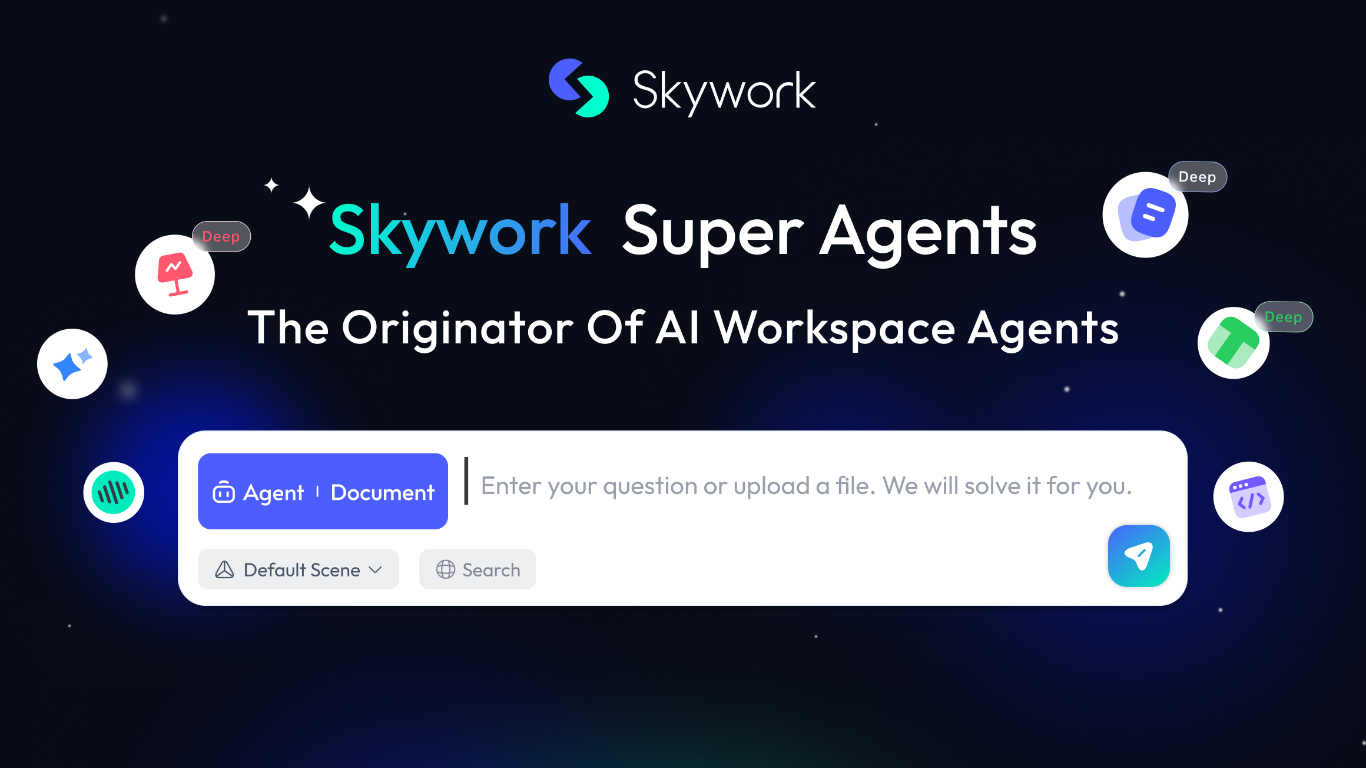

What is Skywork.ai?
Skywork is a cloud workspace that turns a short prompt into finished documents, slides, spreadsheets, websites, videos, and more. Marketed as the originator of AI workspace agents, it combines research, creation, and execution so analysts, educators, and teams can move from an idea to a polished deliverable without juggling separate apps.
The product spans multiple output modes from one interface: Slides, Documents, Sheets, Images, Videos, and an AI Developer mode. A built-in Knowledge Base stores reference material, Notes capture quick ideas, and SkillHub offers prepackaged skill packs for workflows like deep research with citations, sprint planning, and product video creation.
Skywork also supports longer-running work. Scheduled tasks can run automatically at set times even when you are away, and Skywork Browser provides a remote sandboxed browser for web tasks with encrypted session storage. The trust center documents ISO/IEC 27001, ISO/IEC 27701, and SOC 2 Type I compliance, with user data stored in the United States.
Educators building course slides, consultants drafting client reports, and marketers producing multi-format campaigns are the kinds of users Skywork targets. Sign-in supports Microsoft, Facebook, GitHub, Apple, or email from the browser workspace.
InPage AI
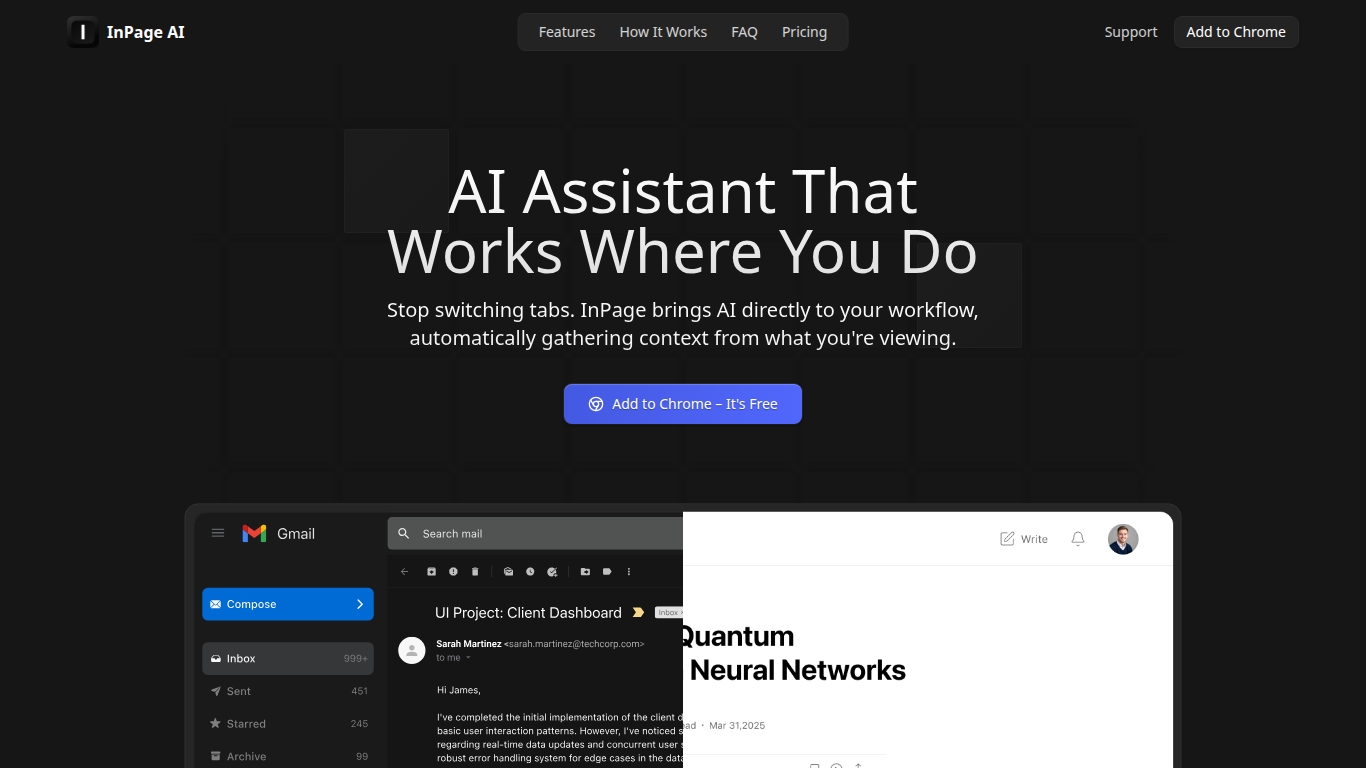
What is InPage AI?
InPage AI is a Chrome assistant that opens on whatever page you are already on. Press Alt+I and it reads the article, email thread, or doc in view, then drafts replies or summaries without copying text into another tab. It routes prompts to OpenAI, Anthropic, Gemini, Perplexity, xAI, and Meta AI models from one extension.
Browser chat sidebars still make you explain context from scratch. InPage AI pulls context from Gmail, Google Docs, GitHub, Twitter, and other sites automatically, with a Safe Preview Mode that highlights suggestions before you apply them. Google Docs access uses the official API only after you grant permission.
Writers, developers, and anyone who lives in the browser will get the most from it. The free tier includes 50 prompts with no credit card, Professional is $9 per month for unlimited prompts, and a $90 lifetime plan covers future updates.
Skywork.ai Upvotes
InPage AI Upvotes
Skywork.ai Top Features
Turn a prompt into slides, docs, sheets, websites, or videos from one workspace
SkillHub ships ready-made skill packs for research, recruiting, marketing, and more
Knowledge Base stores uploads so notes and files feed context into every project
Scheduled tasks run on a timer or trigger, even when you are offline
Skywork Browser keeps cloud sessions encrypted across devices after one login
AI Developer mode builds apps and scripts alongside documents and slides
Sign in with Microsoft, GitHub, Apple, Facebook, or email
InPage AI Top Features
Alt+I keyboard shortcut opens AI help with the current page context already loaded
Supports OpenAI, Anthropic, Gemini, Perplexity, xAI, and Meta AI from one extension
Works in Gmail, Google Docs, GitHub, Twitter, and other sites without extra setup
Safe Preview Mode highlights AI suggestions before you apply them to a text field
Free plan includes 50 AI prompts with writing assistance and webpage summarization
Professional plan ($9/mo) adds unlimited prompts, faster responses, and priority support
Lifetime plan ($90 one-time) includes all Professional features plus future updates
Skywork.ai Category
- Assistant
InPage AI Category
- Assistant
Skywork.ai Pricing Type
- Freemium
InPage AI Pricing Type
- Freemium