InPage AI vs Decision Note
In the clash of InPage AI vs Decision Note, which AI Assistant tool emerges victorious? We assess reviews, pricing, alternatives, features, upvotes, and more.
When we put InPage AI and Decision Note head to head, which one emerges as the victor?
Let's take a closer look at InPage AI and Decision Note, both of which are AI-driven assistant tools, and see what sets them apart. Interestingly, both tools have managed to secure the same number of upvotes. Join the aitools.fyi users in deciding the winner by casting your vote.
Feeling rebellious? Cast your vote and shake things up!
InPage AI

What is InPage AI?
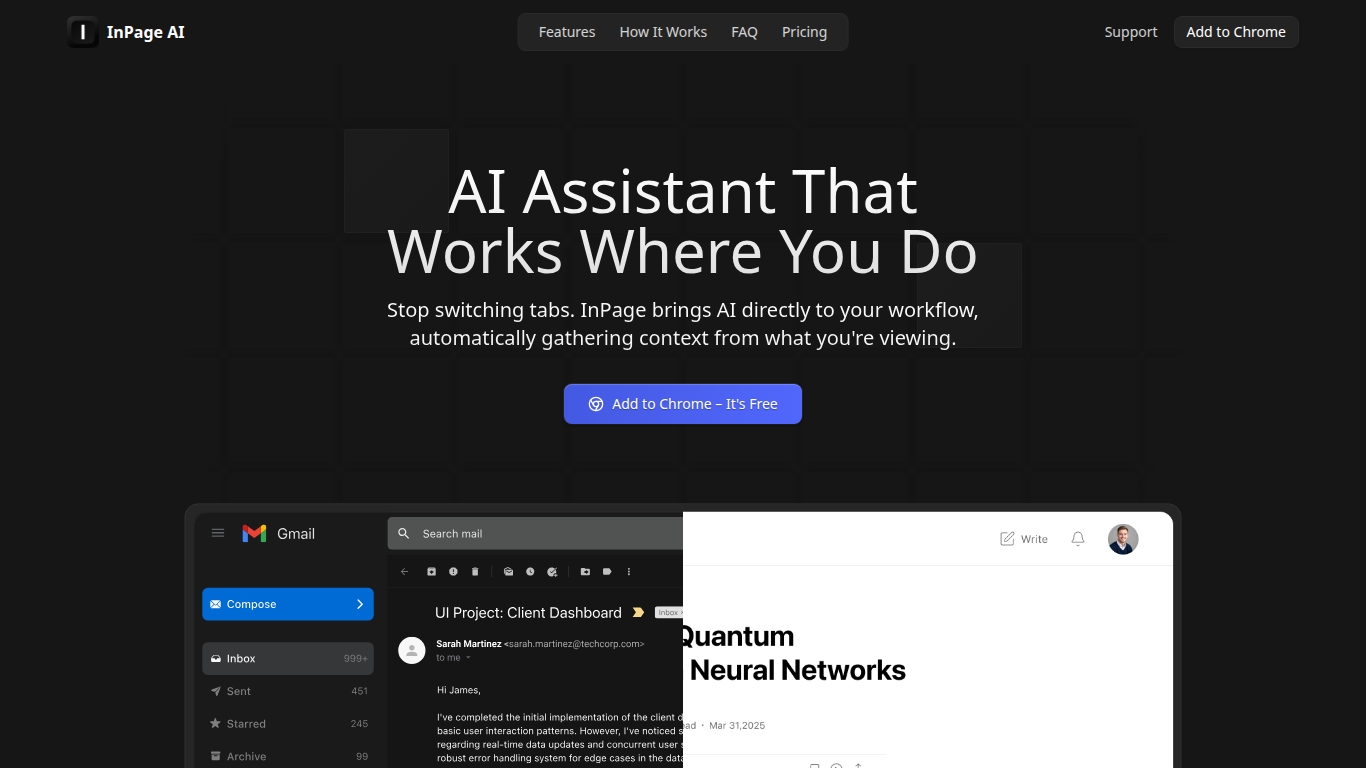
InPage AI is a Chrome assistant that opens on whatever page you are already on. Press Alt+I and it reads the article, email thread, or doc in view, then drafts replies or summaries without copying text into another tab. It routes prompts to OpenAI, Anthropic, Gemini, Perplexity, xAI, and Meta AI models from one extension.
Browser chat sidebars still make you explain context from scratch. InPage AI pulls context from Gmail, Google Docs, GitHub, Twitter, and other sites automatically, with a Safe Preview Mode that highlights suggestions before you apply them. Google Docs access uses the official API only after you grant permission.
Writers, developers, and anyone who lives in the browser will get the most from it. The free tier includes 50 prompts with no credit card, Professional is $9 per month for unlimited prompts, and a $90 lifetime plan covers future updates.
Decision Note
What is Decision Note?
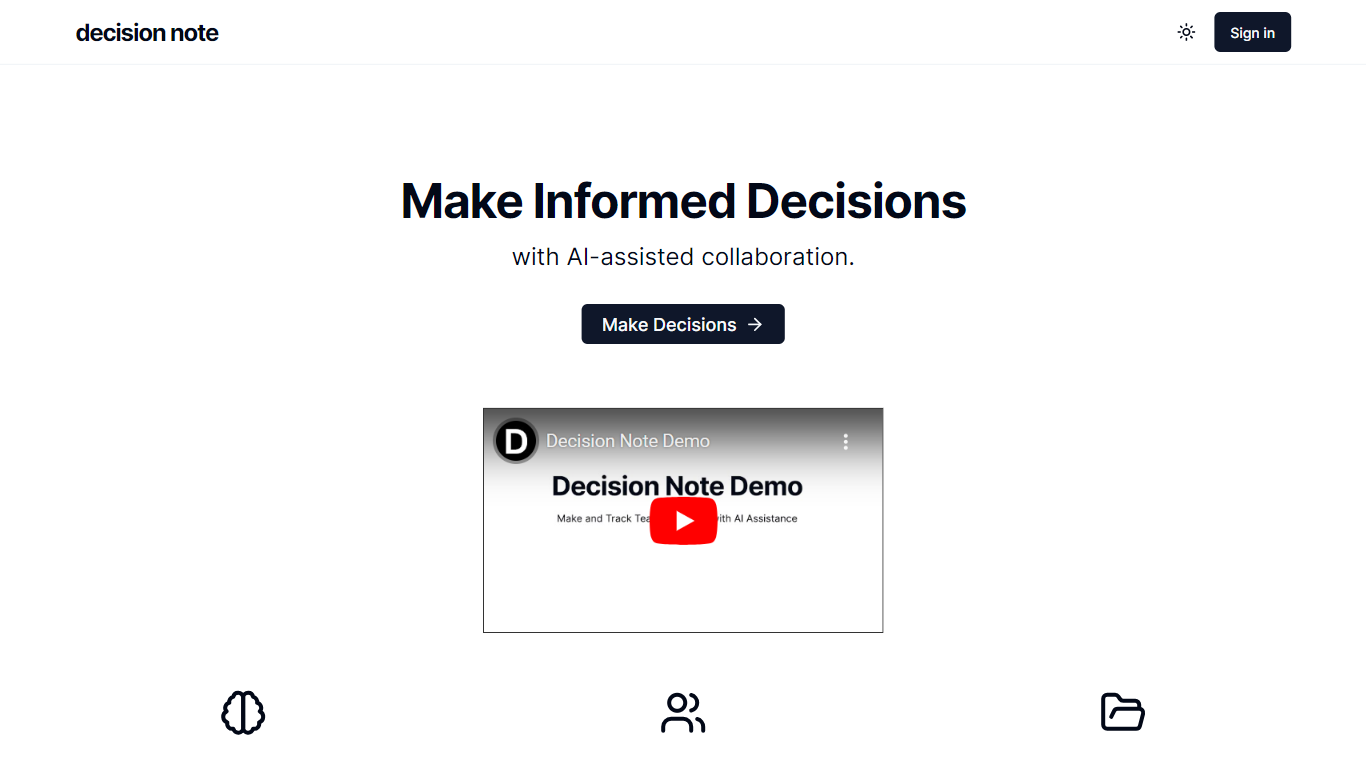
Enhance your team's decision-making processes with the power of AI-assisted collaboration using Decision Note. Our innovative platform empowers teams to make informed decisions by integrating AI that offers vital considerations and suggests the best possible solution for any challenge. Facilitate a more transparent decision-making environment with our real-time team polling and in-depth pro/con analysis features. Furthermore, the robust decision archiving system ensures that every decision and its outcome are recorded, laying the groundwork for enhanced future decision-making strategies. Trust Decision Note to streamline your team's collaborative efforts and drive towards better, data-driven outcomes.
InPage AI Upvotes
Decision Note Upvotes
InPage AI Top Features
Alt+I keyboard shortcut opens AI help with the current page context already loaded
Supports OpenAI, Anthropic, Gemini, Perplexity, xAI, and Meta AI from one extension
Works in Gmail, Google Docs, GitHub, Twitter, and other sites without extra setup
Safe Preview Mode highlights AI suggestions before you apply them to a text field
Free plan includes 50 AI prompts with writing assistance and webpage summarization
Professional plan ($9/mo) adds unlimited prompts, faster responses, and priority support
Lifetime plan ($90 one-time) includes all Professional features plus future updates
Decision Note Top Features
Key Decision Considerations: AI analyzes and presents critical decision factors.
Best Option Recommendations: AI suggests the most suitable choices for decisions.
Real-Time Polling: Teams can poll instantly to gauge opinions.
Pro/Con Analysis: Transparent analysis communicates the advantages and disadvantages of options.
Decision Archiving: Store past decisions and track their outcomes for future reference.
InPage AI Category
- Assistant
Decision Note Category
- Assistant
InPage AI Pricing Type
- Freemium
Decision Note Pricing Type
- Freemium