InPage AI vs Keep It Shot
In the face-off between InPage AI vs Keep It Shot, which AI Assistant tool takes the crown? We scrutinize features, alternatives, upvotes, reviews, pricing, and more.
In a face-off between InPage AI and Keep It Shot, which one takes the crown?
If we were to analyze InPage AI and Keep It Shot, both of which are AI-powered assistant tools, what would we find? Keep It Shot is the clear winner in terms of upvotes. Keep It Shot has been upvoted 7 times by aitools.fyi users, and InPage AI has been upvoted 6 times.
Don't agree with the result? Cast your vote and be a part of the decision-making process!
InPage AI

What is InPage AI?
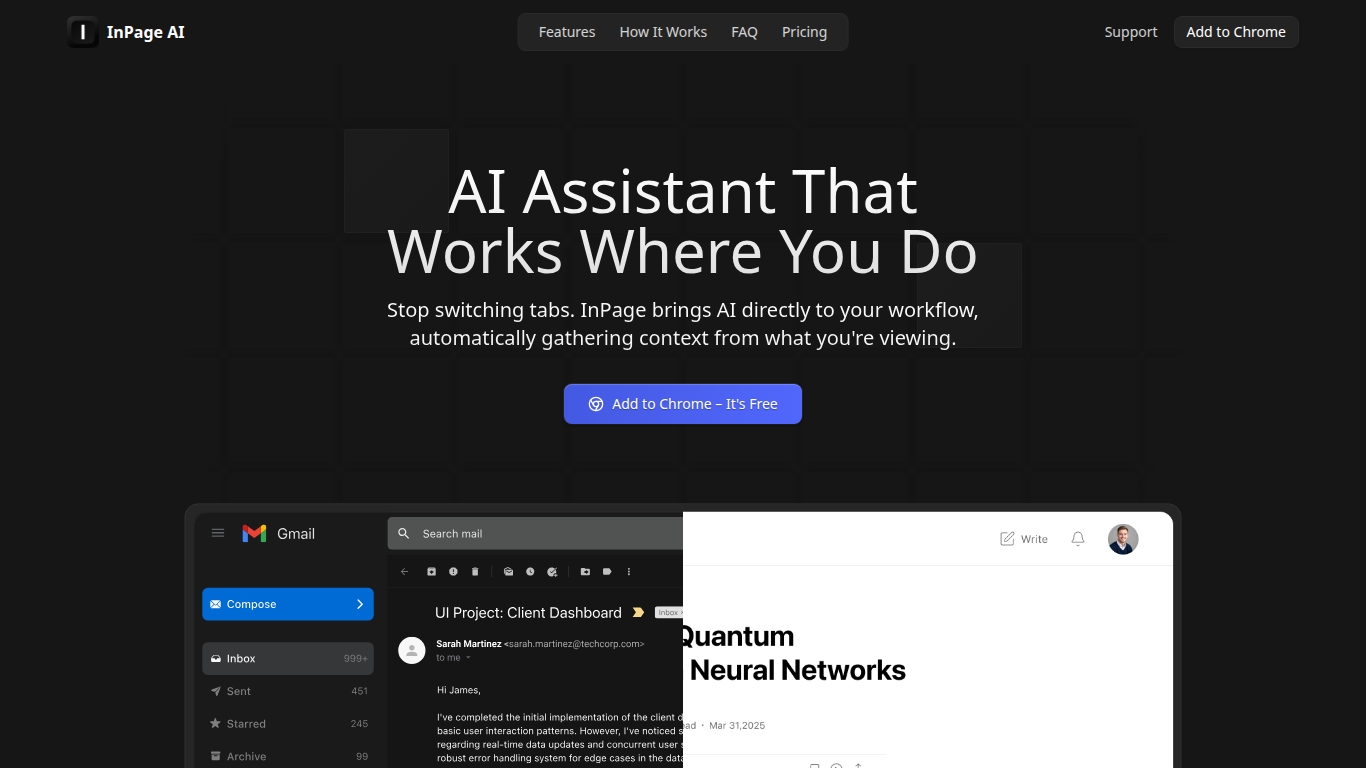
InPage AI is a Chrome assistant that opens on whatever page you are already on. Press Alt+I and it reads the article, email thread, or doc in view, then drafts replies or summaries without copying text into another tab. It routes prompts to OpenAI, Anthropic, Gemini, Perplexity, xAI, and Meta AI models from one extension.
Browser chat sidebars still make you explain context from scratch. InPage AI pulls context from Gmail, Google Docs, GitHub, Twitter, and other sites automatically, with a Safe Preview Mode that highlights suggestions before you apply them. Google Docs access uses the official API only after you grant permission.
Writers, developers, and anyone who lives in the browser will get the most from it. The free tier includes 50 prompts with no credit card, Professional is $9 per month for unlimited prompts, and a $90 lifetime plan covers future updates.
Keep It Shot
What is Keep It Shot?
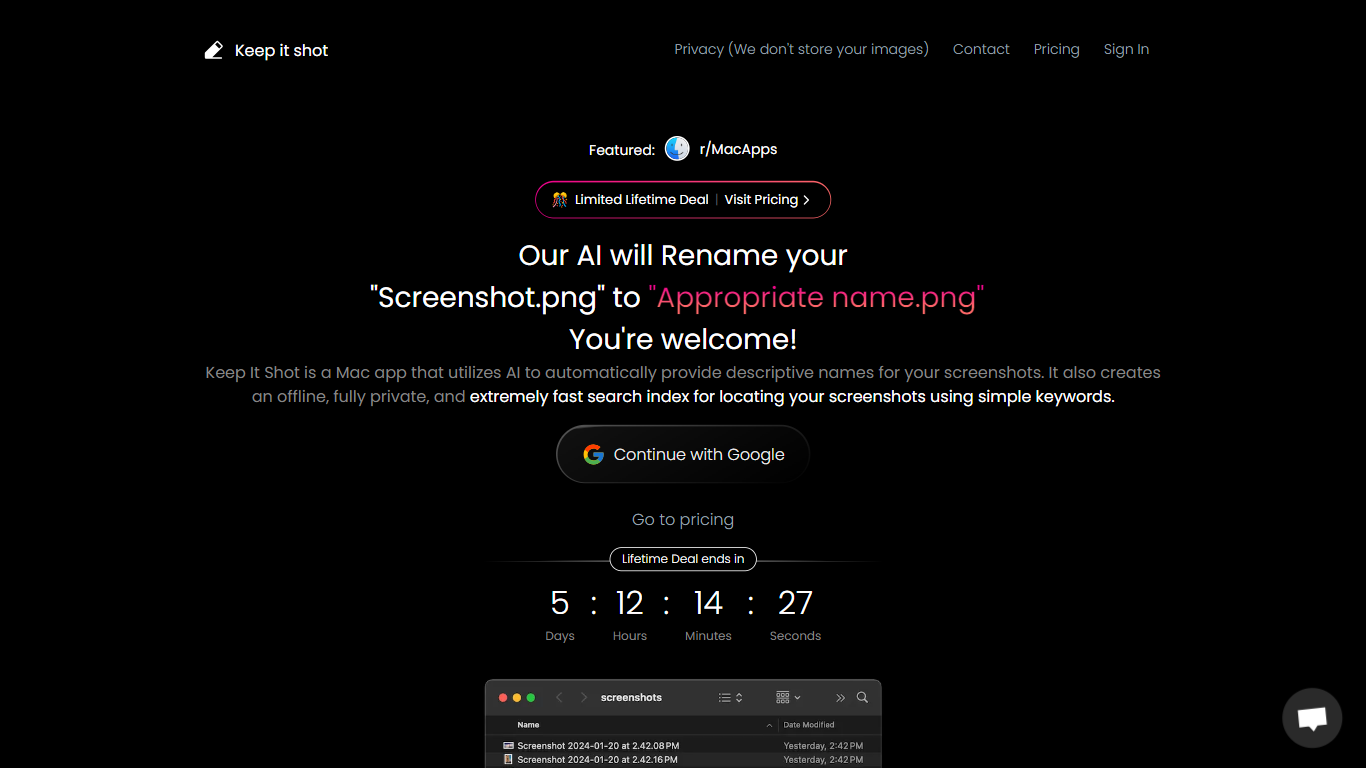
Keep It Shot is an innovative Mac application designed to enhance the way users manage their screenshots. It leverages AI technology to auto-generate descriptive names for screenshots, allowing for quick and easy identification. Moreover, it offers a powerful offline search feature, making it swift to locate specific screenshots using simple keywords. The application ensures complete privacy by not uploading any images to the cloud. It's optimized for speed and simplicity, allowing users to efficiently rename large batches of screenshots with minimal effort. Keep It Shot simplifies screenshot management, transforming it from a cluttered collection into a highly organized and accessible library.
InPage AI Upvotes
Keep It Shot Upvotes
InPage AI Top Features
Alt+I keyboard shortcut opens AI help with the current page context already loaded
Supports OpenAI, Anthropic, Gemini, Perplexity, xAI, and Meta AI from one extension
Works in Gmail, Google Docs, GitHub, Twitter, and other sites without extra setup
Safe Preview Mode highlights AI suggestions before you apply them to a text field
Free plan includes 50 AI prompts with writing assistance and webpage summarization
Professional plan ($9/mo) adds unlimited prompts, faster responses, and priority support
Lifetime plan ($90 one-time) includes all Professional features plus future updates
Keep It Shot Top Features
Automated Descriptive Naming: Automatically provides descriptive names for screenshots using AI.
Offline and Private Search Index: Creates a fast local search index for screenshots using keywords, with complete privacy.
Bulk Rename in Two Clicks: Quickly rename large batches of screenshots with a progress bar to track changes.
Tailored Renaming Preferences: Customize naming conventions and automate renaming for new screenshots.
Easy Reversion: Single-click option to revert any changes and go back to the original screenshot names.
InPage AI Category
- Assistant
Keep It Shot Category
- Assistant
InPage AI Pricing Type
- Freemium
Keep It Shot Pricing Type
- Freemium