InPage AI vs ridvay
Explore the showdown between InPage AI vs ridvay and find out which AI Assistant tool wins. We analyze upvotes, features, reviews, pricing, alternatives, and more.
When comparing InPage AI and ridvay, which one rises above the other?
When we contrast InPage AI with ridvay, both of which are exceptional AI-operated assistant tools, and place them side by side, we can spot several crucial similarities and divergences. The community has spoken, ridvay leads with more upvotes. ridvay has been upvoted 7 times by aitools.fyi users, and InPage AI has been upvoted 6 times.
You don't agree with the result? Cast your vote to help us decide!
InPage AI

What is InPage AI?
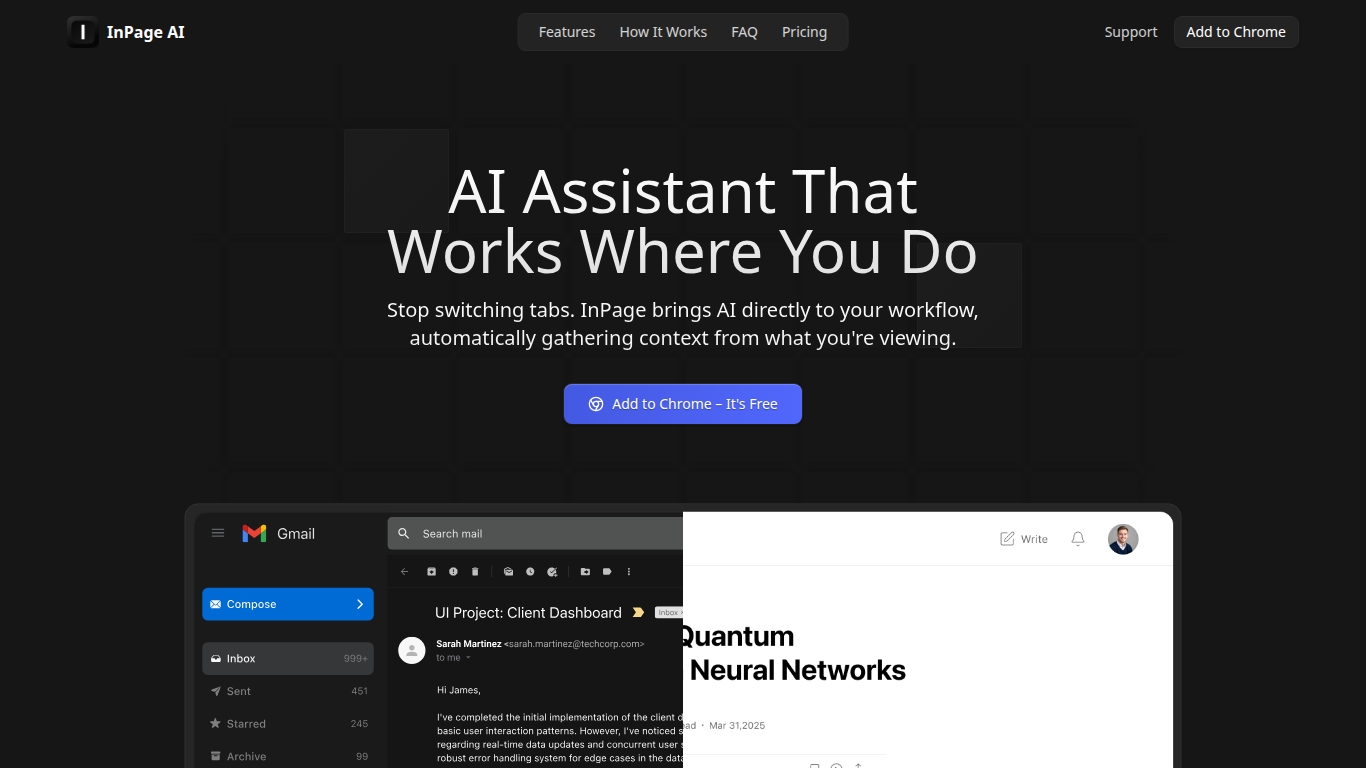
InPage AI is a Chrome assistant that opens on whatever page you are already on. Press Alt+I and it reads the article, email thread, or doc in view, then drafts replies or summaries without copying text into another tab. It routes prompts to OpenAI, Anthropic, Gemini, Perplexity, xAI, and Meta AI models from one extension.
Browser chat sidebars still make you explain context from scratch. InPage AI pulls context from Gmail, Google Docs, GitHub, Twitter, and other sites automatically, with a Safe Preview Mode that highlights suggestions before you apply them. Google Docs access uses the official API only after you grant permission.
Writers, developers, and anyone who lives in the browser will get the most from it. The free tier includes 50 prompts with no credit card, Professional is $9 per month for unlimited prompts, and a $90 lifetime plan covers future updates.
ridvay

What is ridvay?
Ridvay is an all-in-one creative workspace that turns plain text into editable designs, diagrams, images, and chat responses. Its Studio product generates posters, social posts, slides, thumbnails, and other layouts from a single sentence, with real fonts and layered objects you can move or restyle instead of flat image exports.
Beyond design, Ridvay includes an AI diagram generator for flowcharts, UML, sequence, ER, architecture, and C4 diagrams, plus AI image tools and a multi-model chat hub. Designs export to PNG, SVG, PDF, or PPTX, and slides can go straight to PowerPoint.
It fits marketers, founders, and solo creators who need quick visual assets without opening a full design suite. Ridvay SIA, based in Latvia, operates the platform with a free starting tier and credit-based billing for heavier AI usage.
InPage AI Upvotes
ridvay Upvotes
InPage AI Top Features
Alt+I keyboard shortcut opens AI help with the current page context already loaded
Supports OpenAI, Anthropic, Gemini, Perplexity, xAI, and Meta AI from one extension
Works in Gmail, Google Docs, GitHub, Twitter, and other sites without extra setup
Safe Preview Mode highlights AI suggestions before you apply them to a text field
Free plan includes 50 AI prompts with writing assistance and webpage summarization
Professional plan ($9/mo) adds unlimited prompts, faster responses, and priority support
Lifetime plan ($90 one-time) includes all Professional features plus future updates
ridvay Top Features
Ridvay Studio turns a sentence into editable posters, social posts, slides, and thumbnails with real Google Fonts
Every generated design uses layered objects you can move, restyle, or refine through chat before export
AI diagram generator builds flowcharts, UML, sequence, ER, architecture, and C4 diagrams from plain English
Export finished work as PNG, SVG, PDF, or PPTX, with presentation decks ready for PowerPoint
AI Chat hub and image tools sit alongside design and diagram features in one account
InPage AI Category
- Assistant
ridvay Category
- Assistant
InPage AI Pricing Type
- Freemium
ridvay Pricing Type
- Freemium