insMind vs Pixlr
Explore the showdown between insMind vs Pixlr and find out which AI Image Generation tool wins. We analyze upvotes, features, reviews, pricing, alternatives, and more.
When comparing insMind and Pixlr, which one rises above the other?
When we contrast insMind with Pixlr, both of which are exceptional AI-operated image generation tools, and place them side by side, we can spot several crucial similarities and divergences. Pixlr is the clear winner in terms of upvotes. Pixlr has received 10 upvotes from aitools.fyi users, while insMind has received 6 upvotes.
You don't agree with the result? Cast your vote to help us decide!
insMind

What is insMind?
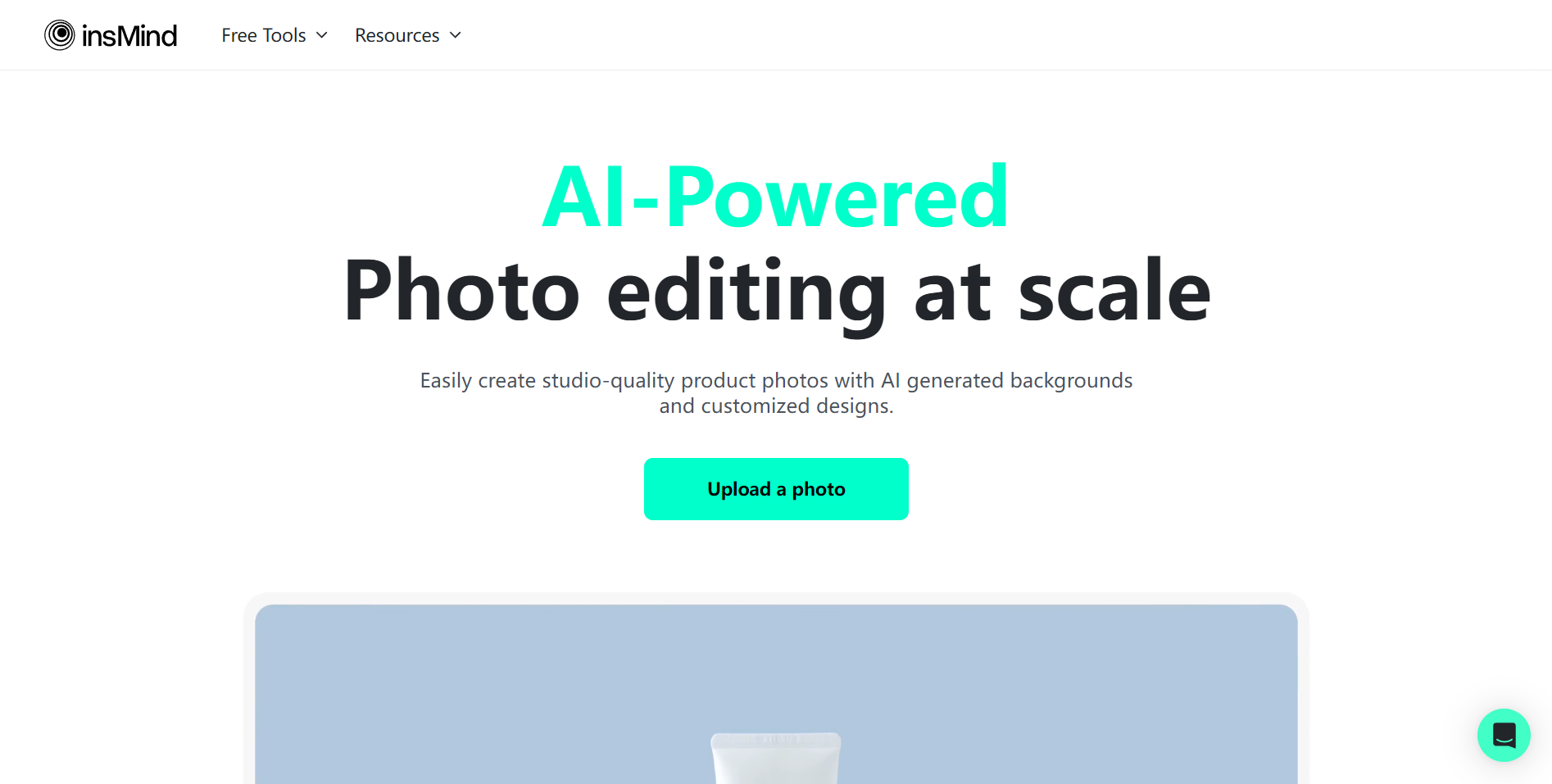
insMind is a browser-based visual studio where you generate images, edit photos, and produce short videos without switching between separate apps. Open the site, pick a tool, and work from text prompts or uploaded files in one workspace built for everyday creators and product teams.
The platform bundles generation, retouching, and motion into a single flow. You can remove backgrounds, expand canvases, apply stylistic filters, animate stills into clips, or run text-to-video with models like Kling and Google Veo. Video effect templates and batch editing help when you need volume, not one-off experiments.
Founded in 2024 with a focus on product imagery, insMind targets e-commerce sellers, marketers, content creators, and designers who want listing-ready photos and social clips without a full studio setup. The company reports more than one million active users and millions of images and videos created on the platform.
Pixlr
What is Pixlr?
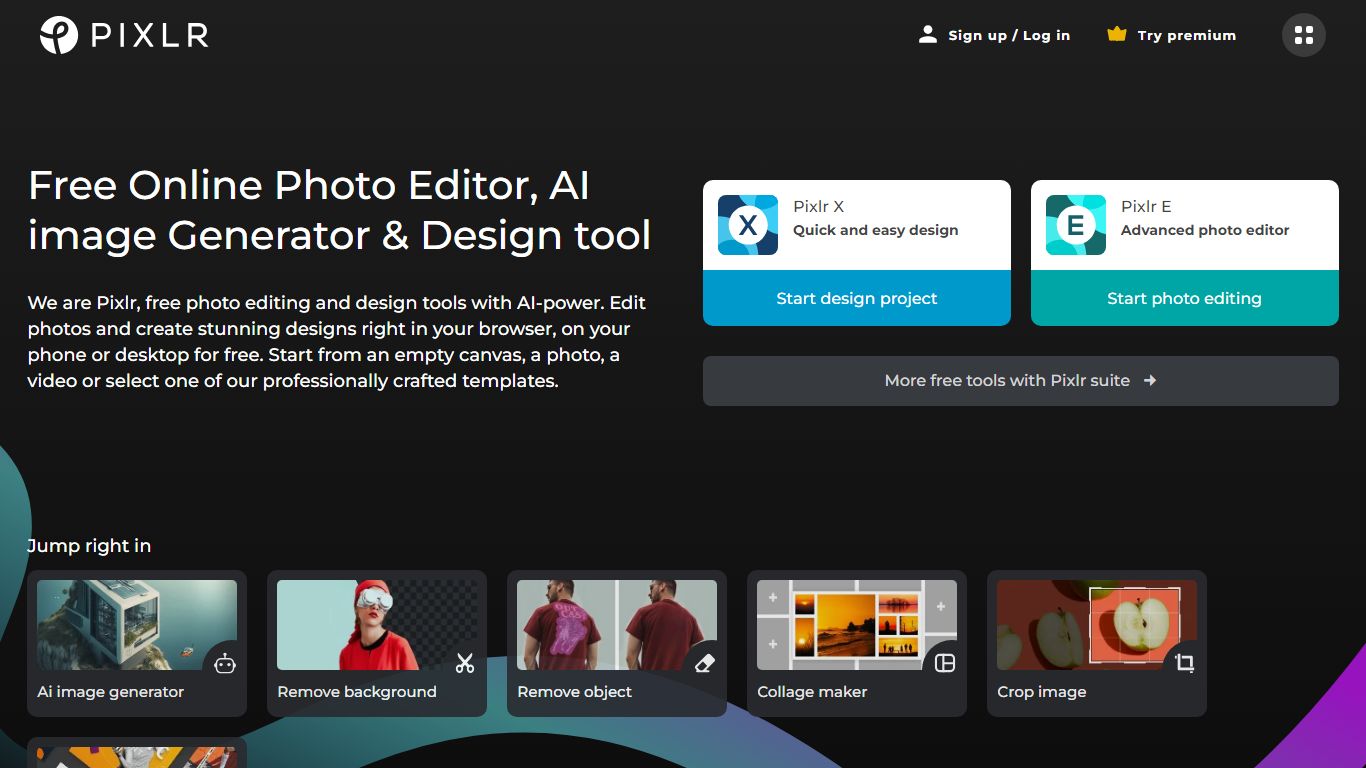
Free Online Photo Editor, AI image Generator & Design tool
We are Pixlr, free photo editing and design tools with AI-power. Edit photos and create stunning designs right in your browser, on your phone or desktop for free. Start from an empty canvas, a photo, a video or select one of our professionally crafted templates.
Photomash Studio by Pixlr:Create high quality visual assets with just one click, for free! The one-click visual creator Photomash Studio instantly removes backgrounds from your photos to create amazing profile pictures, product images, Youtube thumbnails and more..
Design templates:Start designing from professionally crafted templates! Create a YouTube banner, Instagram story, resume, brochure, business card, presentation or the perfect sales pitch with a growing library of thousands of stunning and free templates.
Animations:Animate any design in just a few clicks with Pixlr. Use professional-looking animation presets or get into the gritty timeline details and capture your audience in way that simple images just can't.
Remove background:Erase backgrounds in your photos with ease! Instant AI-powered background removal in a single click! So fast, too easy. Now you can remove backgrounds from portraits, selfies, profile pictures and more in mere seconds.
Collage maker:Need to assemble photos on the fly? Create photo collages free online with our built-in pre-made collage templates. Just select a layout, upload images and start editing.
Filters & Effects:Transform your photos into artistic visuals with a variety of creative photo filters. Achieve the desired photo effects effortlessly in easy clicks!
insMind Upvotes
Pixlr Upvotes
insMind Top Features
Text-to-image and text-to-video in one workspace with MP4 export
Automatic background removal that handles hair, fur, and product edges
100+ one-click video effect templates for social-ready clips
Video models include Kling 3.0, Google Veo 3.1, and Seedance 2.0
Batch photo editing plus AI expand, replace, and magic eraser tools
Native iOS and Android apps alongside the web editor
Pixlr Top Features
No top features listedinsMind Category
- Image Generation
Pixlr Category
- Image Generation
insMind Pricing Type
- Freemium
Pixlr Pricing Type
- Freemium