Interior Decorator AI vs Figflow
When comparing Interior Decorator AI vs Figflow , which AI Design tool shines brighter? We look at pricing, alternatives, upvotes, features, reviews, and more.
Between Interior Decorator AI and Figflow , which one is superior?
When we put Interior Decorator AI and Figflow side by side, both being AI-powered design tools, Both tools have received the same number of upvotes from aitools.fyi users. The power is in your hands! Cast your vote and have a say in deciding the winner.
Does the result make you go "hmm"? Cast your vote and turn that frown upside down!
Interior Decorator AI
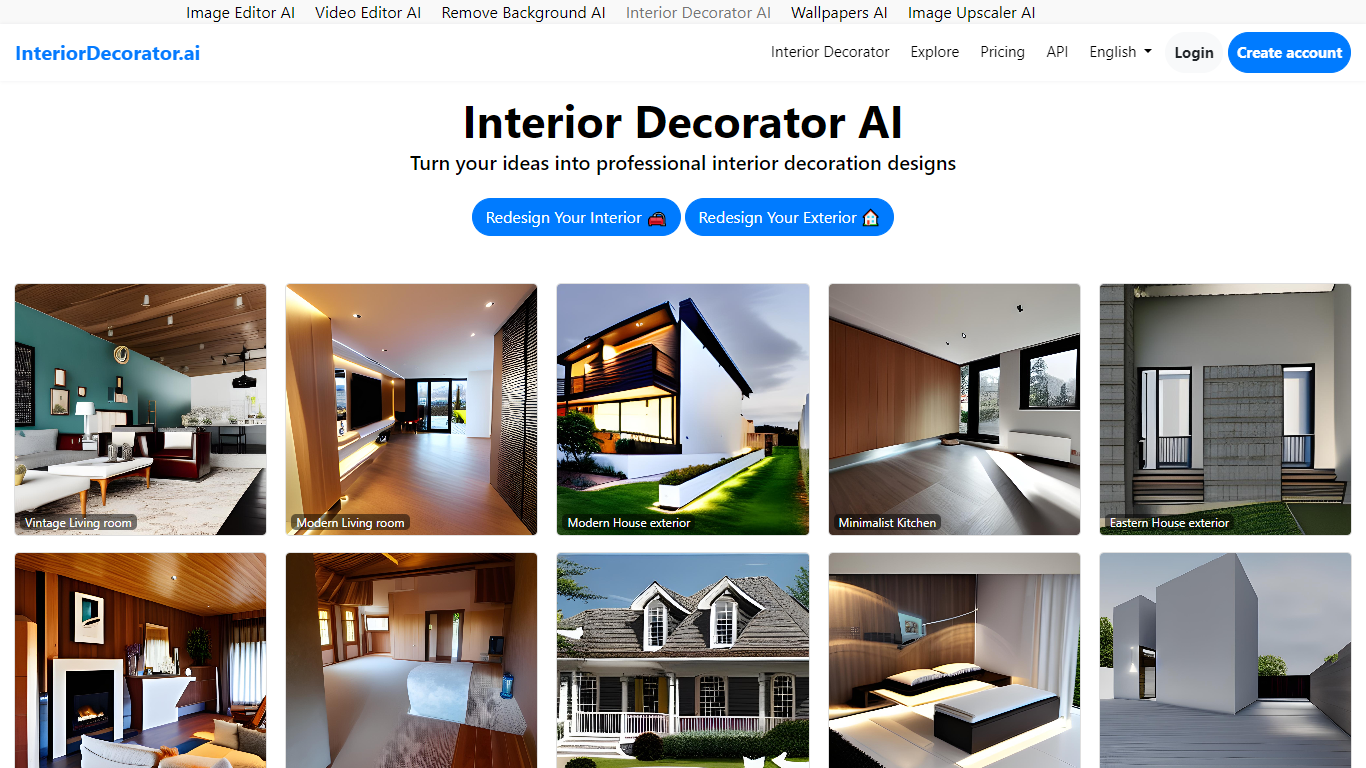

What is Interior Decorator AI?
Interior Decorator AI lets you upload a photo of any room or exterior and see it redesigned in a style you choose. Pick from 75+ design styles and 50+ room types, and the tool returns a photorealistic render in seconds. You can start on the homepage without creating an account.
Beyond basic room makeovers, the platform covers virtual staging for empty listings, sketch-to-render for floor plans and hand drawings, and dedicated flows for both interior and exterior spaces. Free renders may appear in the public gallery; Pro subscribers get private designs and faster processing.
The site is built for homeowners planning renovations, interior designers exploring concepts, and real estate agents who need listing visuals fast. A REST API at api.interiordecorator.ai lets developers integrate the same generation pipeline into their own apps.
Figflow
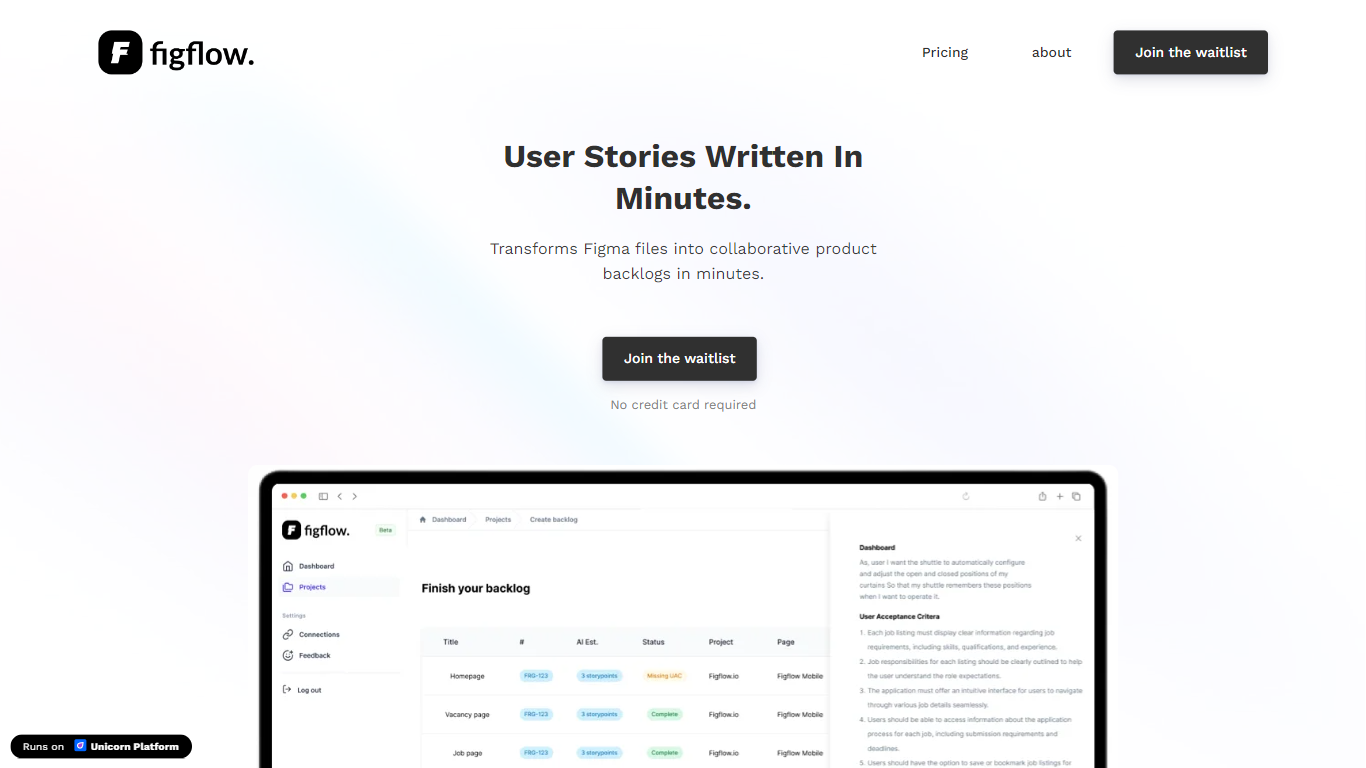
What is Figflow ?
Figflow turns Figma files into structured product backlogs with user stories, acceptance criteria, and story point estimates. You connect Figma through OAuth, upload frames, and Figflow drafts tickets from what is already on the canvas. It targets the handoff gap between design files and sprint-ready work.
Most backlog tools expect you to write stories from scratch. Figflow starts from your Figma screens, embeds design screenshots inside each story, and uses its AI assistant to shape voice and tone. The Professional plan at $9 per month removes the 250-interaction cap on the free Personal tier, which is the main reason teams outgrow the starter plan.
Product owners, product managers, and product designers use Figflow to cut manual story writing before refinement sessions. It fits teams that live in Figma and want a single workspace for multiple projects without exporting screens into a separate doc for every ticket.
Interior Decorator AI Upvotes
Figflow Upvotes
Interior Decorator AI Top Features
75+ design styles from Modern and Scandinavian to Bohemian and Japanese
50+ room types covering kitchens, patios, hotel lobbies, and more
Virtual staging fills empty rooms with furniture for real estate listings
Sketch-to-render turns hand-drawn floor plans into photorealistic visuals
REST API with Python, PHP, JavaScript, and C# code samples
No signup required to start designing on the free tier
Figflow Top Features
OAuth Figma integration pulls projects without manual file exports
Personal plan includes 250 free AI interactions before paid upgrade
Professional plan at $9 per month unlocks unlimited AI interactions and projects
AI assistant drafts acceptance criteria from design frames and user stories
Design screenshots attach directly to user stories instead of separate exports
Supports 10 languages including English, Dutch, French, German, Spanish, and Japanese
Interior Decorator AI Category
- Design
Figflow Category
- Design
Interior Decorator AI Pricing Type
- Freemium
Figflow Pricing Type
- Freemium