Clico (formerly Invoko) vs Martin
In the clash of Clico (formerly Invoko) vs Martin, which AI Assistant tool emerges victorious? We assess reviews, pricing, alternatives, features, upvotes, and more.
When we put Clico (formerly Invoko) and Martin head to head, which one emerges as the victor?
Let's take a closer look at Clico (formerly Invoko) and Martin, both of which are AI-driven assistant tools, and see what sets them apart. Both tools have received the same number of upvotes from aitools.fyi users. Be a part of the decision-making process. Your vote could determine the winner.
Not your cup of tea? Upvote your preferred tool and stir things up!
Clico (formerly Invoko)
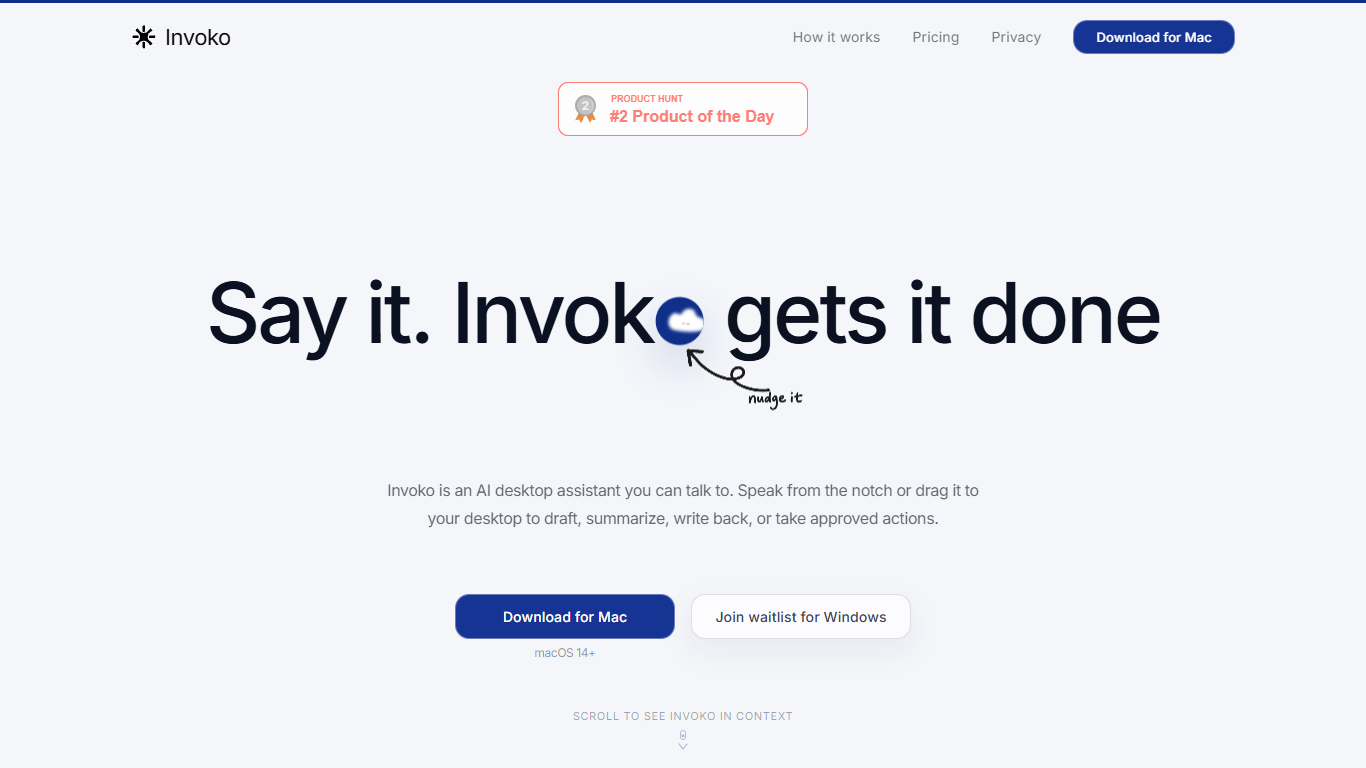

What is Clico (formerly Invoko)?
Clico is a screen-context assistant for Mac, Chrome, and the web. You pick the page, app, file, or selection in front of you, and Clico answers or drafts from that context without copying text into a separate chat window. Hold Fn to ask by voice, double-tap Command for suggestions on what's open, or use the web workspace for longer browser tasks.
Most AI assistants start blank and make you rebuild context by hand. Clico inverts that: the screen you choose is the prompt. It can carry steps across apps but asks before it writes, sends, creates, or clicks, which matters when you're working inside email threads, spreadsheets, or docs where a wrong send is costly.
The product fits knowledge workers who live in tabs and hate tab-hopping: drafting replies from open threads, summarizing dense pages, cleaning selected spreadsheet data, or finding the next step in a multi-app workflow. Free, Pro, and Max plans differ mainly by monthly credit limits shared across Mac, Chrome, and web.
Martin
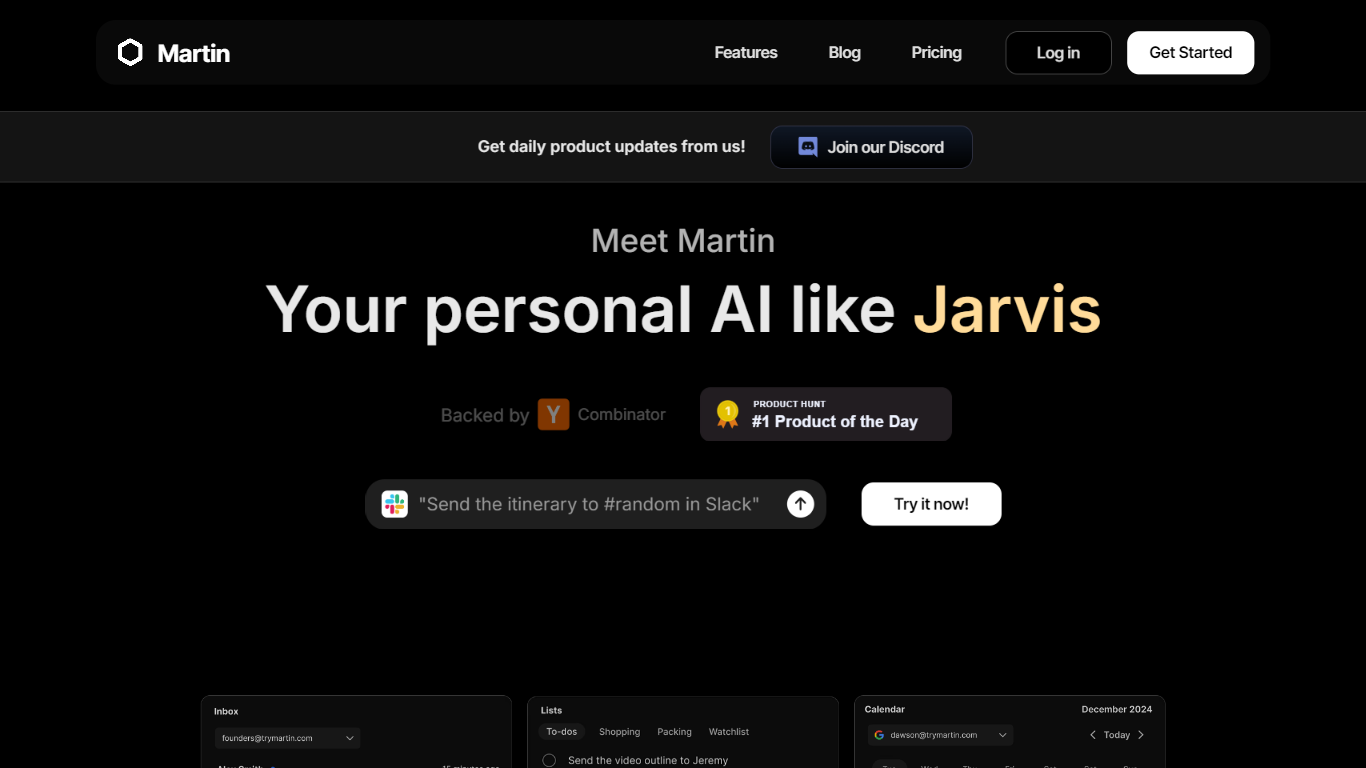
What is Martin?
Martin is a personal assistant you reach by phone call, text, email, or Slack. It manages your calendar, inbox, reminders, and everyday tasks through conversation instead of clicking through separate productivity apps.
The product is built around the idea of a Jarvis-style helper that plugs into tools you already use. Gmail and Outlook inboxes, Google and Outlook calendars, SMS, WhatsApp, and Slack workspaces can be connected so Martin can search mail, draft replies, schedule events, and set reminders on request.
CC to Schedule is a standout workflow: copy [email protected] on an email thread and ask Martin to propose meeting times from your calendar. Pro subscribers also get morning email drafts, wake-up calls with weather and your daily schedule, and priority access to advanced models.
Martin runs as a web app and an iOS app with voice mode, push notifications, and shortcuts. DCWU, Inc. builds it as a Y Combinator company and announced a $2M seed round in January 2025.
Clico (formerly Invoko) Upvotes
Martin Upvotes
Clico (formerly Invoko) Top Features
Hold Fn to ask about the screen in front of you without copying context into another chat
Double-tap Command for next-step suggestions on the open app, page, or selection
Free plan includes 200 credits per month across Mac, Chrome, and web with no card required
Pro plan at $19.90 per month raises the shared allowance to 2,000 credits per month
Max plan at $49.90 per month includes 5,000 credits per month for heavier daily use
Asks for approval before writing, sending, creating, or clicking on your behalf
Martin Top Features
Cc [email protected] and Martin proposes meeting times from your calendar
Morning email drafts ready before you wake up on the Pro plan
Wake-up calls with weather, schedule, and news read aloud
Gmail and Outlook search, draft, send, label, and archive from any channel
Reach Martin by phone, SMS, WhatsApp, email, Slack, or the iOS app
Parses images and PDF, TXT, or CSV files across every interface
Clico (formerly Invoko) Category
- Assistant
Martin Category
- Assistant
Clico (formerly Invoko) Pricing Type
- Freemium
Martin Pricing Type
- Freemium