Image to Excel (formerly It Excel) vs AskExcel
In the clash of Image to Excel (formerly It Excel) vs AskExcel, which AI Excel tool emerges victorious? We assess reviews, pricing, alternatives, features, upvotes, and more.
When we put Image to Excel (formerly It Excel) and AskExcel head to head, which one emerges as the victor?
Let's take a closer look at Image to Excel (formerly It Excel) and AskExcel, both of which are AI-driven excel tools, and see what sets them apart. Neither tool takes the lead, as they both have the same upvote count. Every vote counts! Cast yours and contribute to the decision of the winner.
You don't agree with the result? Cast your vote to help us decide!
Image to Excel (formerly It Excel)

What is Image to Excel (formerly It Excel)?
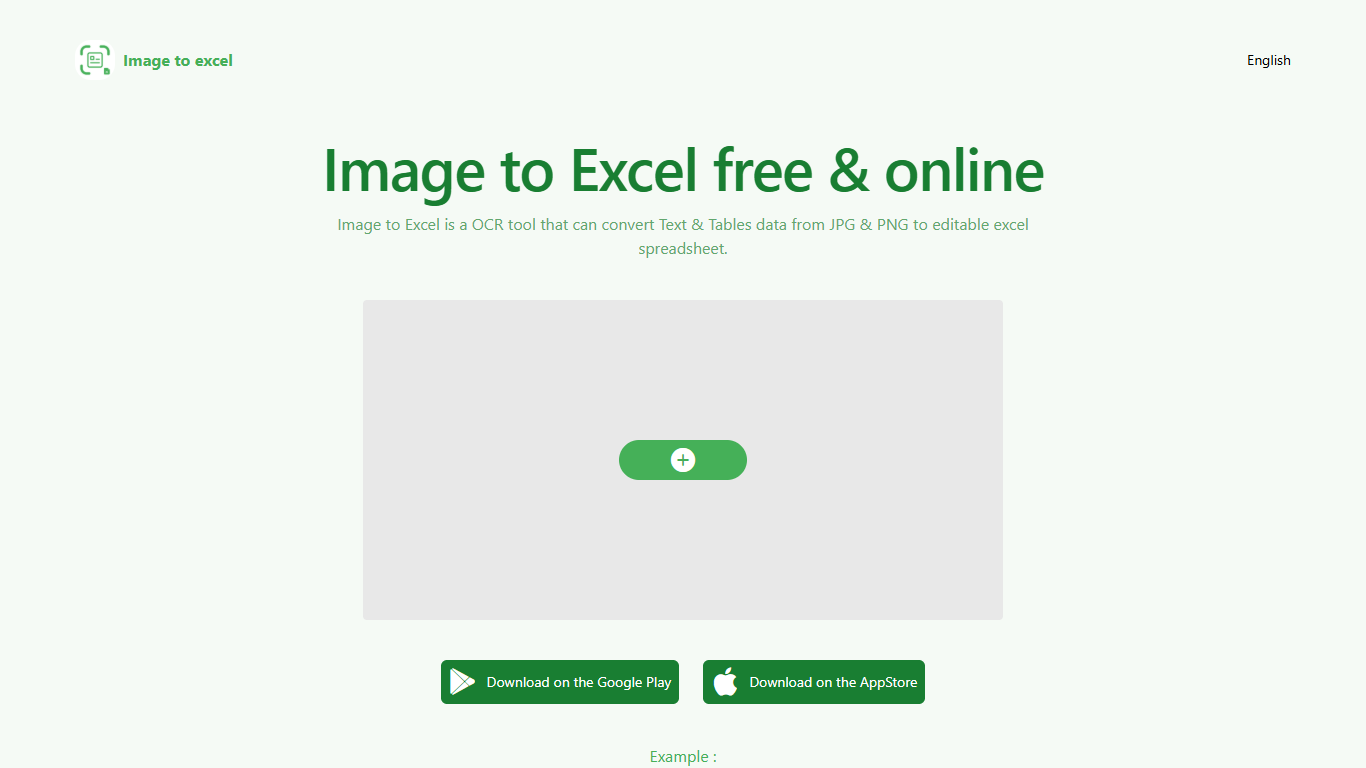
Upload a JPG or PNG and Image to Excel rebuilds the table rows and text inside as a downloadable .xlsx file. The web converter is free, needs no account, and returns results in a few seconds after you click Convert.
Unlike plain OCR tools that dump unstructured text, Image to Excel targets table grids and form layouts in photos. It handles English, Simplified Chinese, and Traditional Chinese, which covers a lot of scanned receipts, invoices, and paperwork that would otherwise need manual retyping.
You can use it in a browser or through dedicated iOS and Android apps. The interface is built around a single upload-and-convert flow, so the whole process takes a few clicks.
It is aimed at accountants, data entry staff, office admins, and anyone who regularly receives table data as screenshots or scanned images instead of native spreadsheet files.
AskExcel
What is AskExcel?
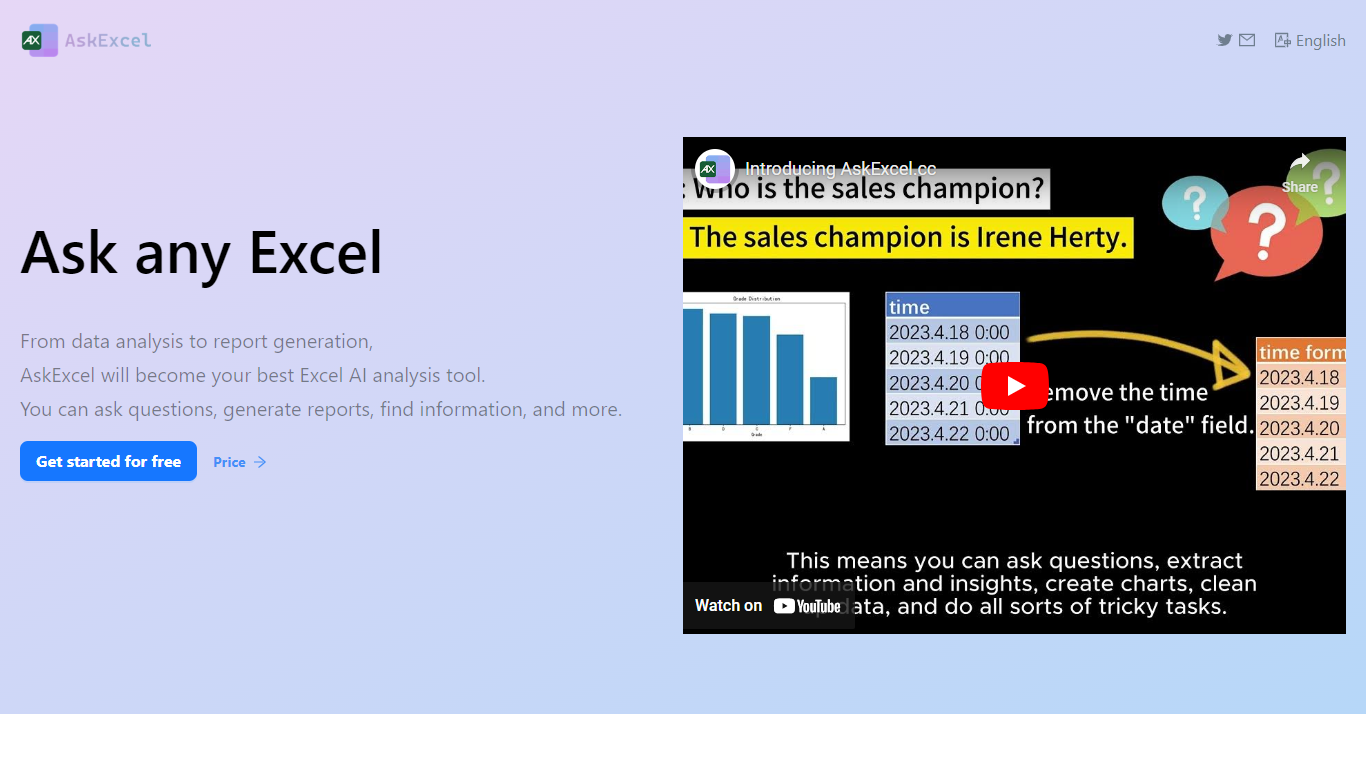
AskExcel is a web-based assistant for spreadsheet work. Upload a CSV or XLSX file, ask a question in plain English, and get formulas, charts, and data insights without digging through Excel menus. It fits analysts, finance teams, and anyone who lives in spreadsheets but would rather describe what they need than memorize function syntax.
The product handles analysis through natural language processing. Ask who topped sales in a dataset and it returns ranked results with a chart. Beyond Q&A, it supports correlation studies, exploratory analysis, KPI tracking, sentiment scoring, and text extraction from unstructured columns.
Spreadsheet-heavy roles get the most from it: sales analysts checking quota performance, operations managers watching KPIs, and small business owners who need answers from their data without hiring outside help. The app runs at app.askexcel.cc with a free tier and paid Plus plans for heavier workloads.
Image to Excel (formerly It Excel) Upvotes
AskExcel Upvotes
Image to Excel (formerly It Excel) Top Features
Upload a JPG or PNG and get a downloadable .xlsx file in seconds
Recognizes both table grids and standalone text blocks in photos
Reads English, Simplified Chinese, and Traditional Chinese in the same image
Runs in the browser plus native iOS and Android apps
Built-in sample images show expected input and output before you convert
AskExcel Top Features
Ask who topped sales or what trend stands out and get ranked answers with charts
Upload CSV or XLSX files up to 10MB on Free or 50MB on Plus
Correlation analysis surfaces relationships and patterns across your columns
Sentiment analysis tags text as positive, negative, or neutral for quick reads
Plus costs $7 per month or $70 per year for unlimited messages and premium AI models
Plus subscribers can download generated charts and output files
Image to Excel (formerly It Excel) Category
- Excel
AskExcel Category
- Excel
Image to Excel (formerly It Excel) Pricing Type
- Free
AskExcel Pricing Type
- Freemium