Journey vs ChatPDF
In the face-off between Journey vs ChatPDF, which AI PDF tool takes the crown? We scrutinize features, alternatives, upvotes, reviews, pricing, and more.
In a face-off between Journey and ChatPDF, which one takes the crown?
If we were to analyze Journey and ChatPDF, both of which are AI-powered pdf tools, what would we find? ChatPDF stands out as the clear frontrunner in terms of upvotes. ChatPDF has attracted 19 upvotes from aitools.fyi users, and Journey has attracted 6 upvotes.
Disagree with the result? Upvote your favorite tool and help it win!
Journey

What is Journey?
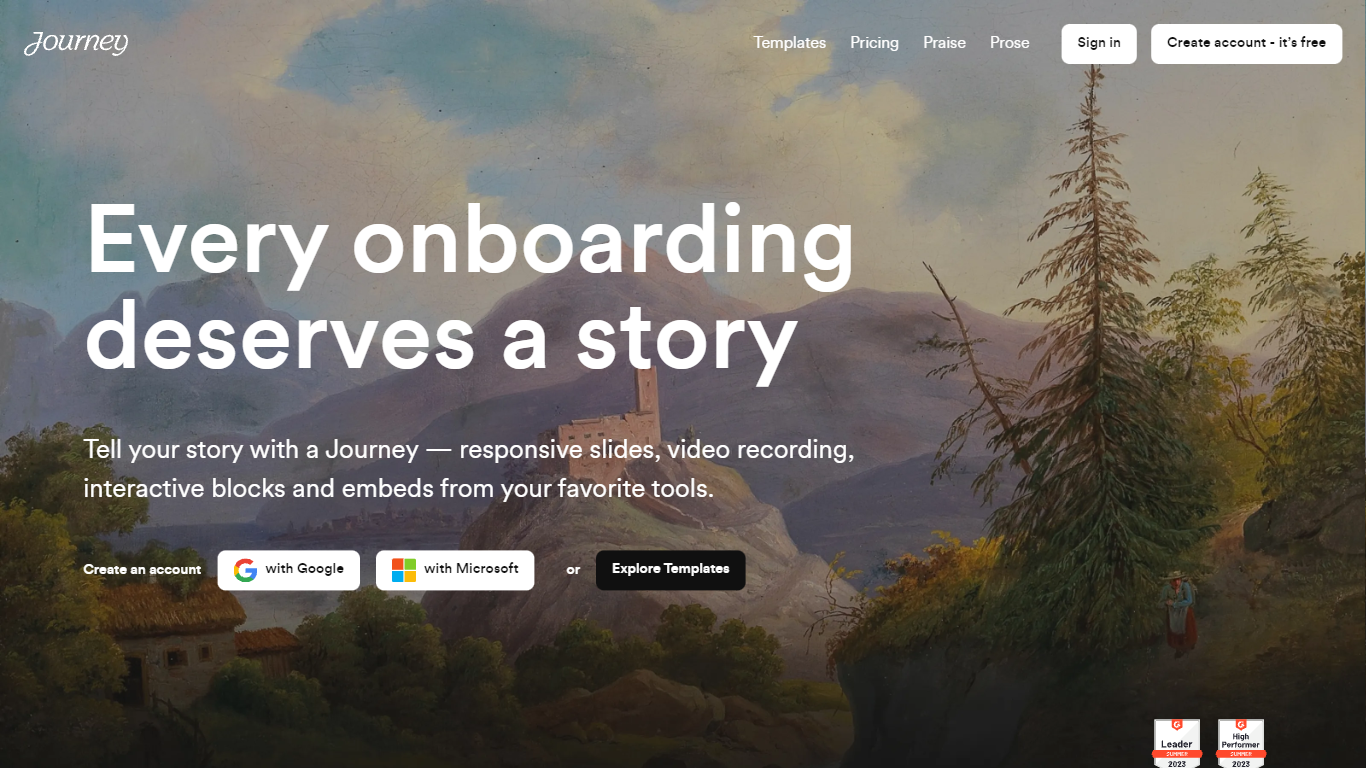
Journey is a powerful tool that helps you engage, close, and onboard customers in just one link. With Journey, you can create an account for free and access a variety of templates to tell your story in a unique and compelling way. Trusted by companies like Reddit, Gumroad, and AngelList, Journey offers a range of features such as responsive slides, video recording, interactive blocks, and embeds from your favorite tools. Whether you're creating a pitch deck or presenting important information, Journey will help you captivate your audience and leave a lasting impression. Start telling better stories with Journey today.
ChatPDF
What is ChatPDF?
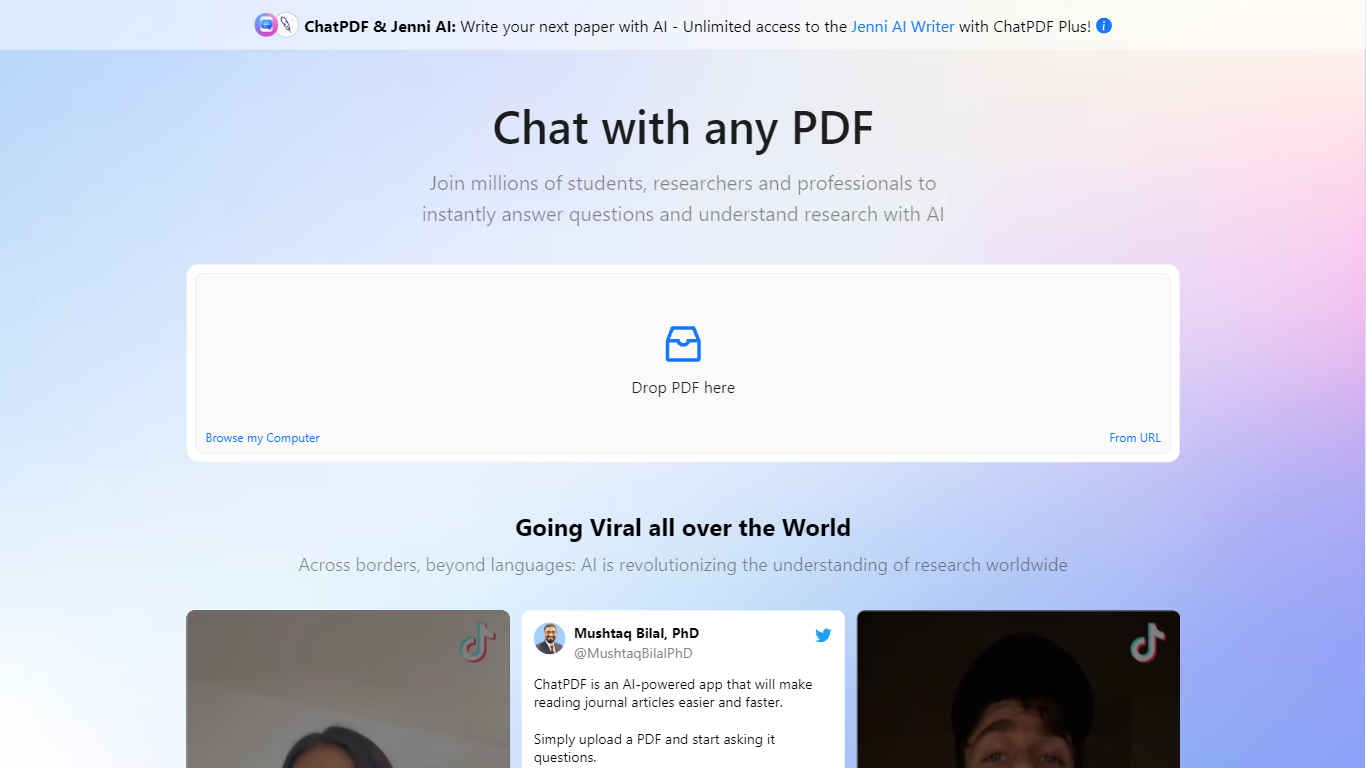
ChatPDF lets you upload a PDF and ask questions about it in plain language, the way you would with a chat assistant. It maps document content so answers point back to specific pages, which makes it useful when you are working through research papers, contracts, manuals, or long reports.
The product goes beyond a single PDF chat. You can summarize files, compare documents in one conversation, translate content, and work with Word, PowerPoint, Markdown, and text files in addition to PDFs. Built-in citations jump to the source passage, and a side-by-side layout keeps the chat next to the document.
ChatPDF also bundles research, writing, and detection tools on the same platform. AI Research helps you find academic papers, AI Detector checks whether text looks machine-written, and additional tools cover YouTube chats, flashcards, and slides. The service is used widely by students and researchers, with the site citing more than 10 million users.
Journey Upvotes
ChatPDF Upvotes
Journey Top Features
Automagical creation: Journey utilizes the power of AI to write your first draft saving you time and effort.
Personalized at scale: Journey allows you to insert the recipient's logo on the fly ensuring a personalized experience for each recipient.
Automagic branding: With Journey you can create branded themes to customize the look of your Journeys and maintain brand consistency.
Trove of blocks: Journey offers a wide range of blocks that you can easily add to your story including collaborative checklists tables of contents Gong embeds and dynamic logos.
Detailed insights: Track your Journey's performance and engagement with detailed insights allowing you to optimize your storytelling and improve your results.
ChatPDF Top Features
Ask questions about any uploaded PDF and get answers linked to the exact source page
Summarize full documents or chapters in seconds, including scanned PDFs
Chat across multiple files at once by organizing them into folders
Works with PDF, Word, PowerPoint, Markdown, and plain text uploads
Built-in AI Research finds academic papers and lets you chat with open-access PDFs
Side-by-side view keeps your document open next to the chat for quick verification
Routes queries between GPT-4o and GPT-4o-mini for a balance of speed and quality
Journey Category
- PDF
ChatPDF Category
- PDF
Journey Pricing Type
- Freemium
ChatPDF Pricing Type
- Freemium